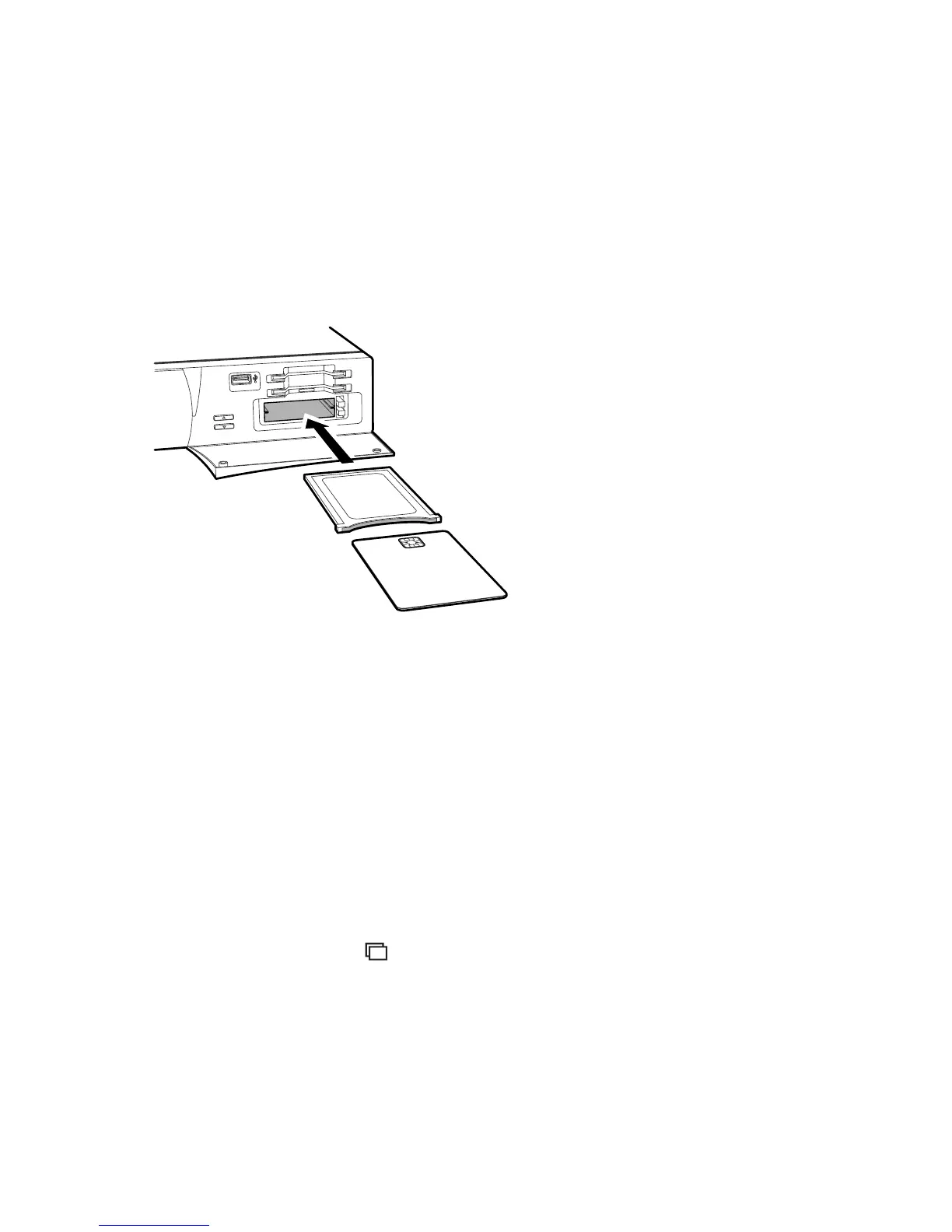
This receiver has four slots on the right front side. Open the flap by pulling
the right edge. The upper two slots accommodate Conax pay-TV cards, and
the lower two slots accommodate CA modules.
To watch Conax-scrambled pay channels, insert a Conax pay-TV card into
one of the upper two slots. To watch pay channels scrambled with non-
Conax, insert a pay-TV card into a CA module, and then insert the CA module
into one of the lower two slots.
To view the information about the pay-TV card, open the Settings > Utili-
ties > CAS menu. Select the slot in which the pay-TV card or CA module is
installed.
4.8 Watching Subchannels
Particular channels, such as sports channels or film channels, may have sub-
channels (multi-feed). For example, a film channel may use subchannels to
air a single film with regular minutes-long intervals at the same time.
The subchannel symbol highlighted on the programme information di-
alogue box indicates that the current channel has multiple subchannels.
Press the blue button, and a list appears showing available independent pro-
grammes. Select a programme to watch it.
30 4.8 W S



 To Next Page