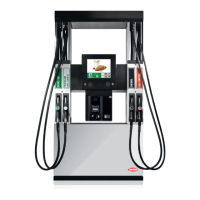
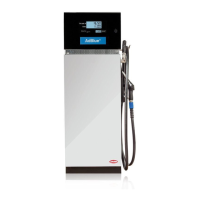
Packaging & Handling Quantium 110 & 210 Installation Manual
Page 4-4 Document Ref 947571-001 Rev 2
4.6 Access the Hydraulic Area
The following instructions detail the procedure to be followed for the removal of the
hydraulic access panel(s) to allow safe access to the dispenser hydraulics.
INSTRUCTIONS
1) Locate the key for the hydraulic access panel.
2) Unlock the hydraulic access panel.
3) Carefully lift out the panel.
Note - the panel is still attached by a retaining cord, earth and/
or electrical cables.
4) Disconnect the retaining cord, earth and/or electrical cables from
the panel door.
5) Lift up the panel to release from the drive pins in the base and
remove the hydraulic access panel completely.
6) Repeat for opposite side of dispenser as required.
7) Place the hydraulic access panel(s) in a safe position.
8) To re-fit the hydraulic access panels, follow the instructions in
reverse.
4.7 Access the Calculator Head
The following instructions detail the procedure to be
followed for the safe access to the calculator head.
INSTRUCTIONS
1) Locate the key for the calculator head door.
2) Unlock the calculator head door on the relevant side of the
dispenser and carefully open it.
Note : the door is still attached by electrical and/or earth cables.
3) Secure the calculator head door in the open position.
4) Repeat for opposite side of dispenser as required.
5) To close and lock the calculator head door, follow
the instructions in reverse.
Note : ensure the electrical and/or earth cables
remain inside when closing the calculator head
door.



 To Next Page