16
STARTUP AND SETTING OF Ez Capture for DC-4
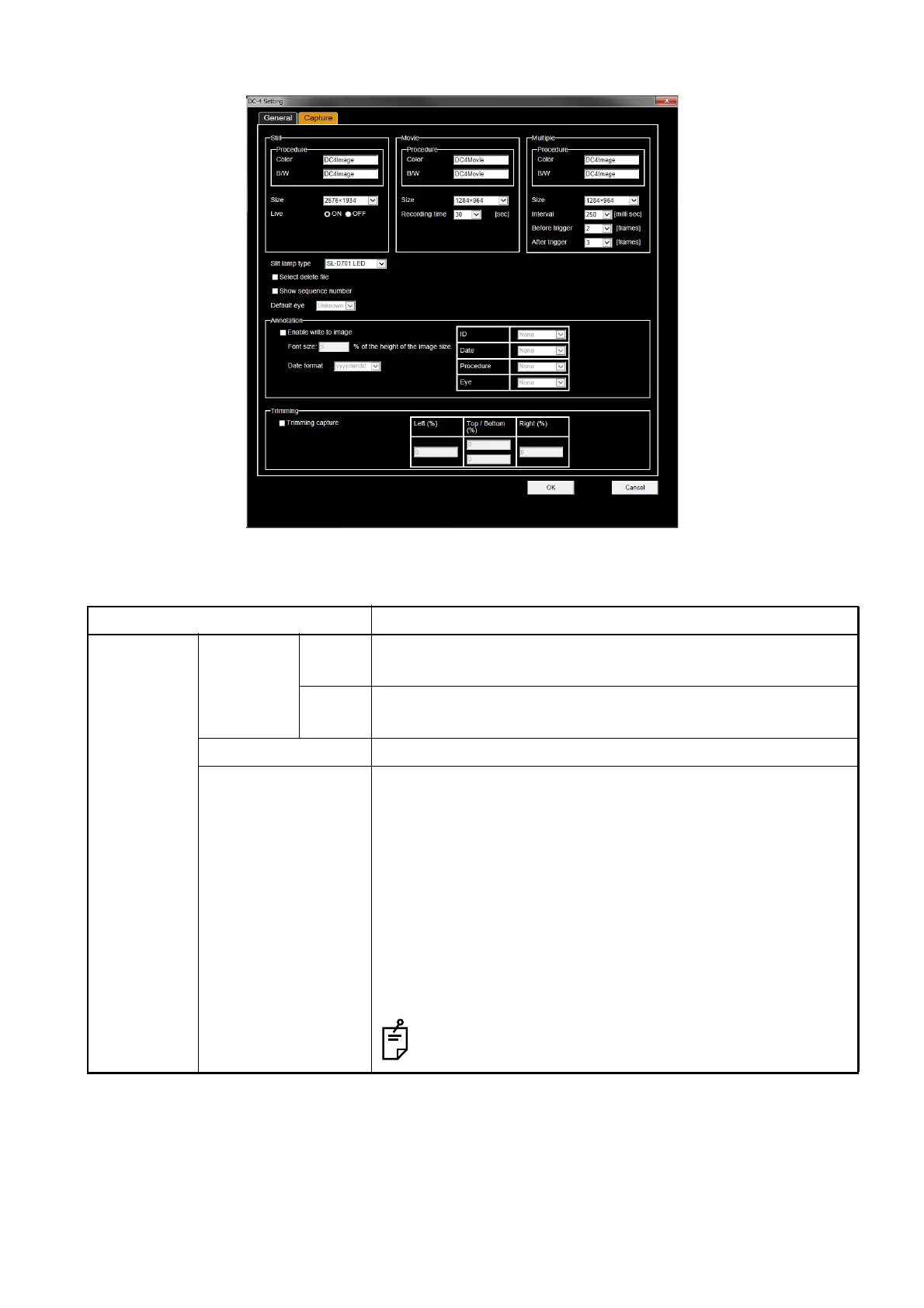
On the [Capture] tab of "DC-4 Setting page", you can set the following items.
Setting item Description
Still Procedure Color Sets the procedure name for the color photographed image in
"Still" mode.
B/W Sets the procedure name for the monochrome photographed
image in "Still" mode.
Size Sets the resolution for the photographed image in "Still" mode.
Live Sets the display of a live image in "Still" mode.
ON:
Displays a live image in "Still" mode.
In the first photographing process, a live image is displayed.
When photographing once more while the live image is being
displayed, the still image photography is performed.
OFF:
Does not display a live image in "Still" mode.
In the first photographing process, the system does not dis-
play a live image but performs the still image photography.
In "Movie" and "Multiple" modes, a live image is dis-
played by first photographing.
[Capture] tab on the "DC-4 Setting" page












 To Next Page