21. SURFACE AREA CALCULATION
132
PROCEDURESurface area calculation by observing points
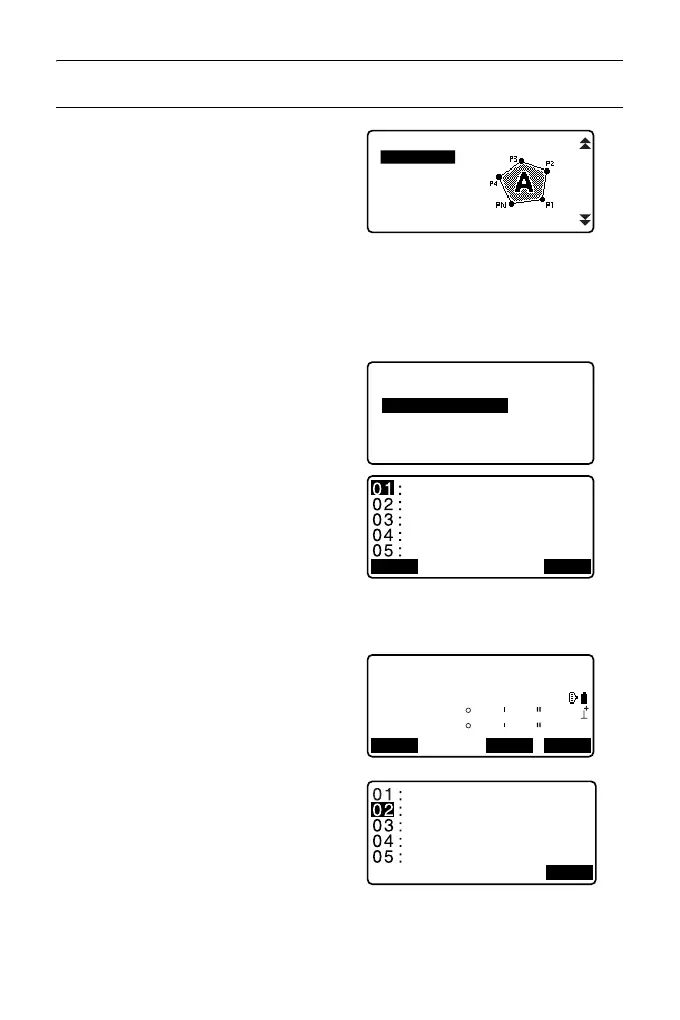
1. In the second OBS mode screen,
press [MENU], then select "Area
calc.".
2. Enter the instrument station data.
"12.1 Entering Instrument
Station Data and Azimuth
Angle""
3. Select "Area calculation" in <Area
calculation>.
4. Sight the first point on the line
enclosing the area, and press
[OBS].
• The tilt screen is displayed if the
instrument is out of level.
Level the instrument.
"7.2 Levelling"
5. Press [MEAS] to begin
observation.
The measured values are
displayed.
6. Press [OK] to enter the value of
the first point in “01”.
•Press [REC] in the second
screen of step 5 to record code,
target height, and point name.
The point name recorded here
will be displayed in "01".
REM
Area calc.
S-O Line
P-Project
PT to Line
S-O Arc
Area calculation
Area calculation
Occ.Orien.
N
E
Z
12.345
137.186
1.234
0
ZA
HA-R
90
109
01
32
25
00
REC MEAS OK



 To Next Page