137
22. INTERSECTIONS
• When the cursor is on "Azmth1"
or "Azmth2", [COORD] is
displayed. Press [COORD] to
set the azimuth angle for each
point by inputting coordinates.
•Press [MEAS] to observe the
selected point.
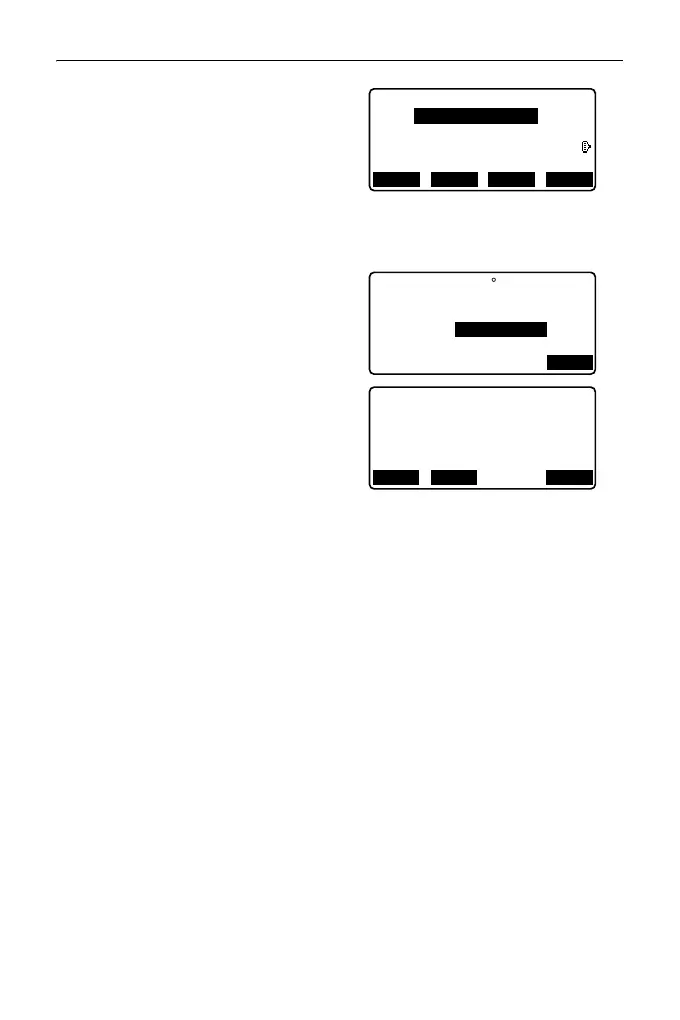
5. Press [OK]. The coordinate value
of the intersection point is
calculated and displayed
.
• When there are 2 intersections,
[OTHER] is displayed.
" 2 Intersections"
•Press [S-O] to move to setting-
out measurement of the required
point.
"14. SETTING-OUT
MEASUREMENT"
6. Press {ESC}. Continue the
measurement (repeat steps from
2).
• It is also possible to perform intersection measurement by pressing [INTSCT]
when allocated to the OBS mode screen.
Allocating [INTSCT]: "31.3 Allocating Key Functions"
1st PT
Ep:
Np:
Zp:
0.000
0.000
<Null>
RECLOAD MEAS NEXT
Azmth1
H.dist1
Azmth2
H.dist2
OK
: <Null>
: <Null>
: 50.000m
: 45 00’00"
Intersection1
E
N
Z
176.458
176.458
<Null>
REC
OTHER
S-O



 To Next Page