D4008 – EN EZ 2810 Operators Manual 17
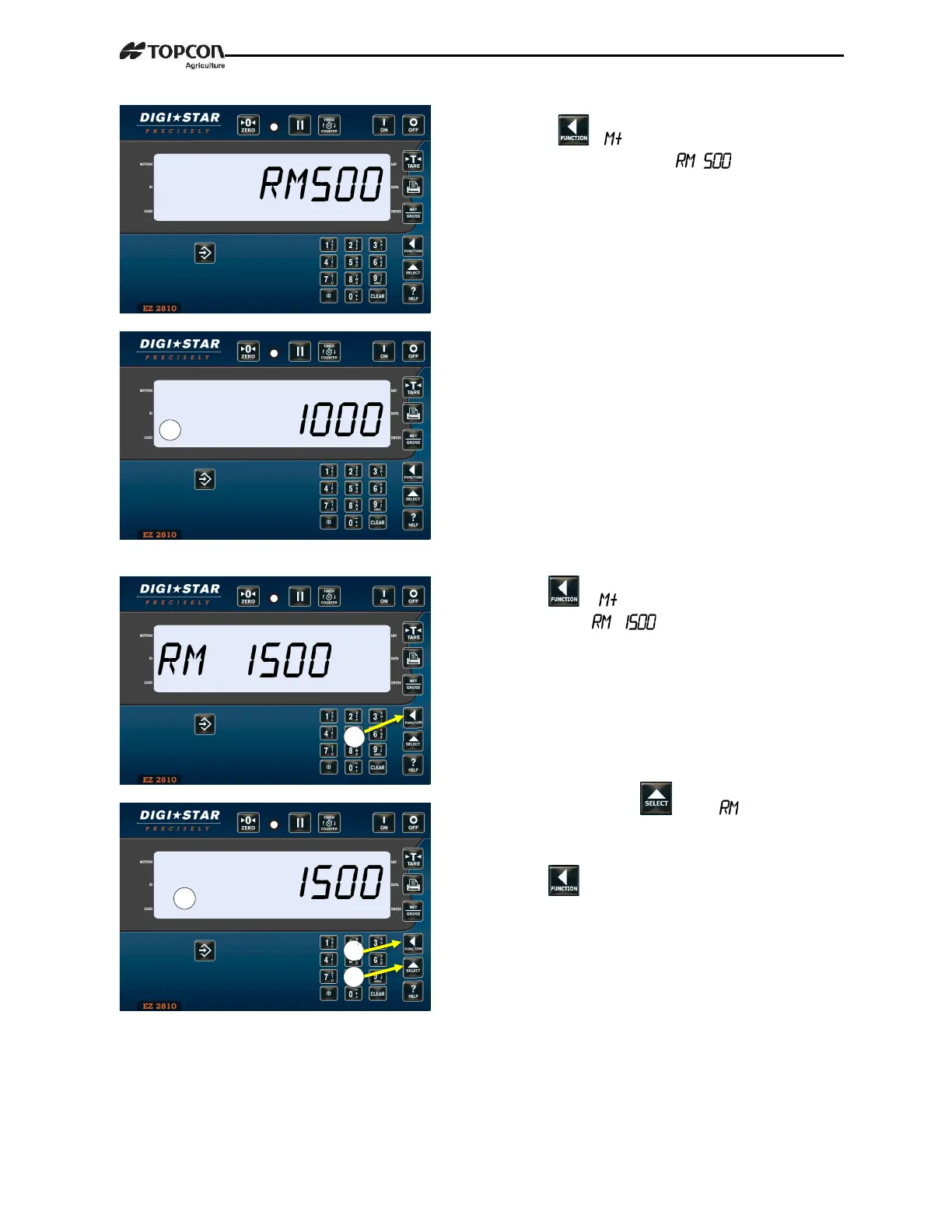
3. Press .
will briefly be
displayed, followed by . This will
add 500 lbs. to indicator memory and
return to gross weighing mode.
4.
Put another weight on the scale.
Example: 1000 pounds.
5. Press .
will briefly be displayed,
followed by . This will add
another 1000 lbs. to indicator memory
and return to gross weighing mode.
6. Repeatedly press until
is
displayed.
7. Press .
8. Total both weights, 1500 pounds will be
displayed, indicator switches to gross
weight mode.



 To Next Page