D4008 – EN EZ 2810 Operators Manual 28
SECTION 4 – SETUP / CALIBRATION
4.1.0 Viewing and Changing Setup & Calibration Numbers
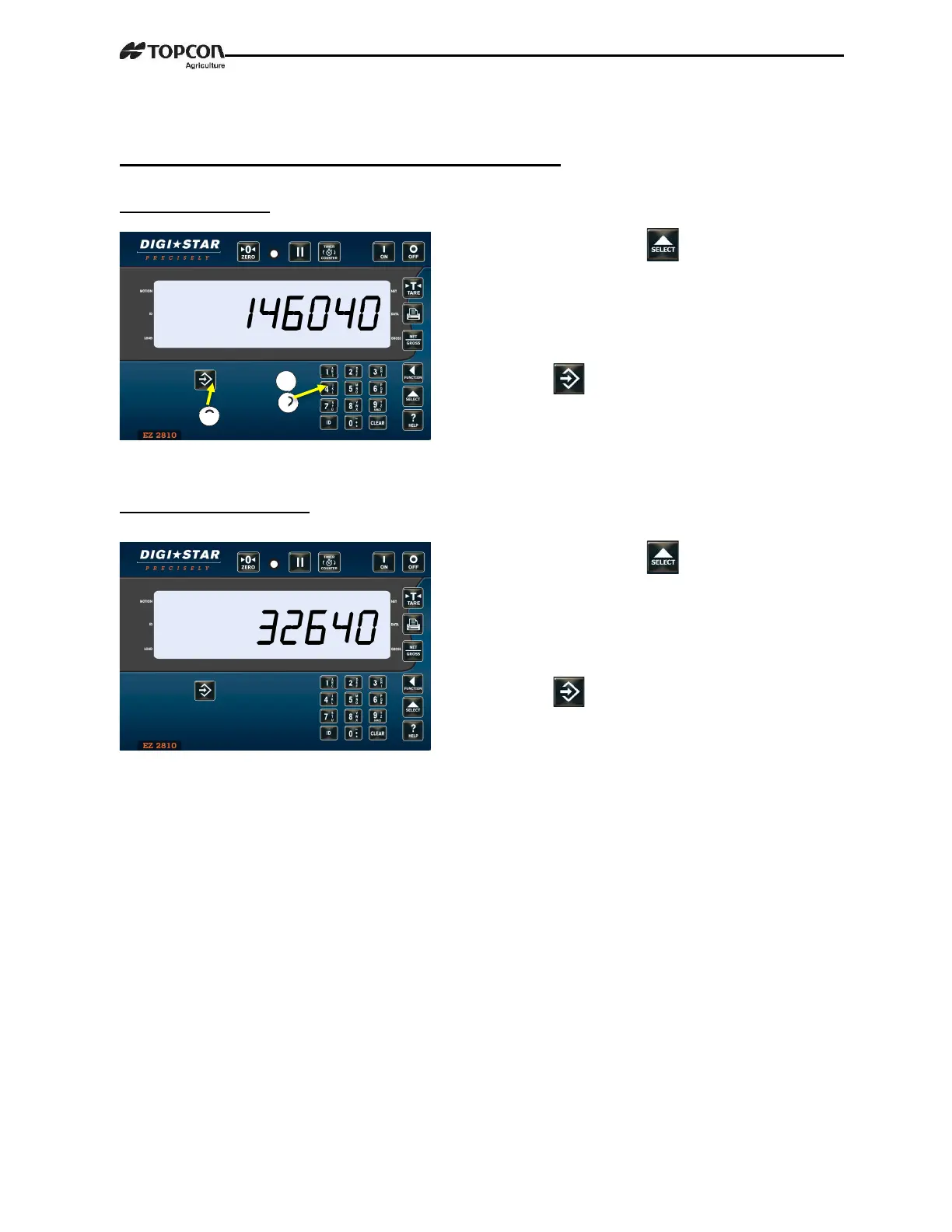
4.1.1 Setup Number
4.1.2 Calibration Number
1. Enter 8711, press
2. Indicator shows SETUP briefly then
shows a 6-digit number on LCD. This is
the current Setup Number. Enter new
number if required.
3. Press
1. Enter 8712, press
2. Indicator shows SETUP briefly then
shows a 6-digit number on LCD. This is
the current Calibration Number. Enter
new number if required.
3. Press



 To Next Page