D4008 – EN EZ 2810 Operators Manual 40
SECTION 8 — Troubleshooting
8.1.0 Flow Chart
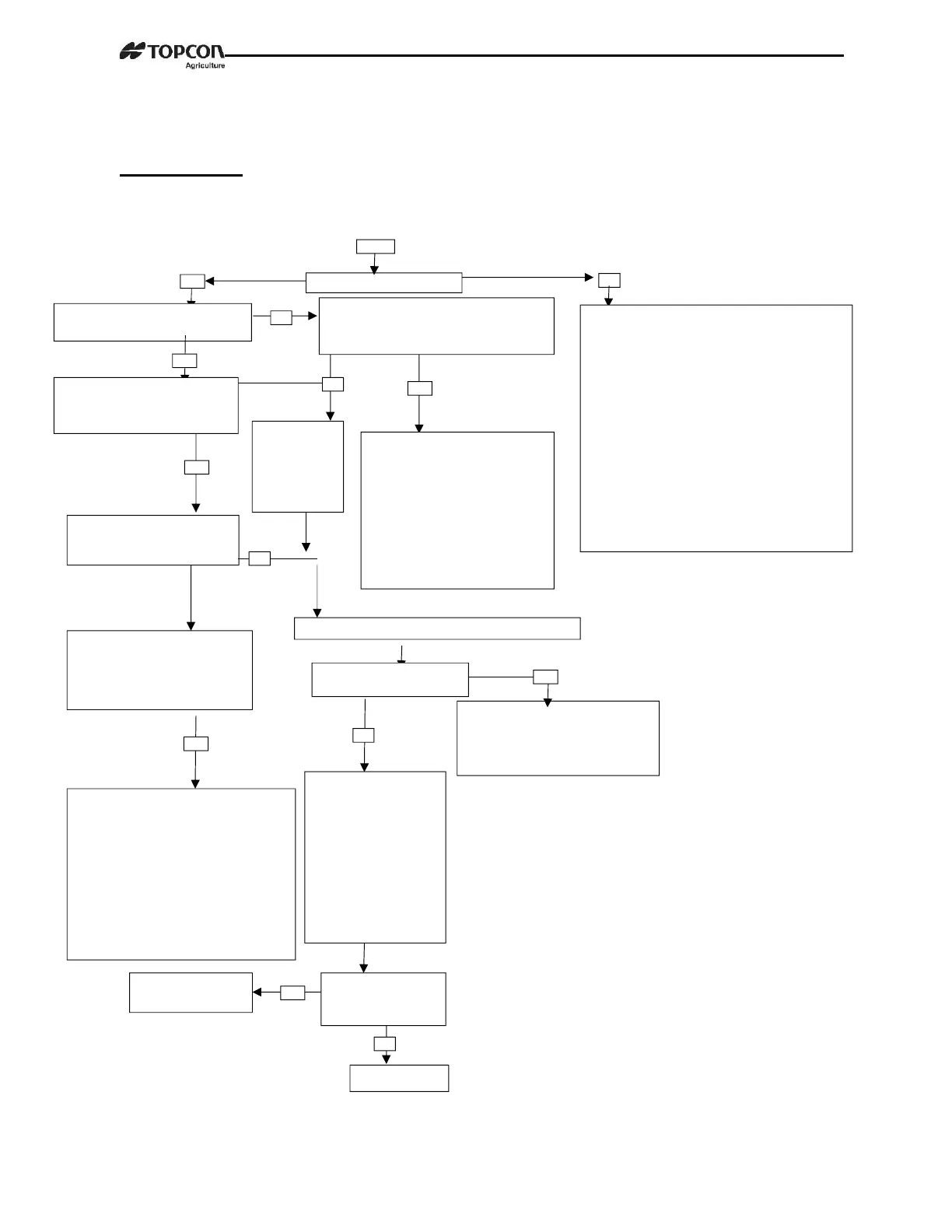
FLOW CHART
Check all J-
Box and Load
Cell cables for
cuts or
pinched/flat
Does the indicator come on?
Is the reading on the Indicator
stable?
Put your weight on each load
cell. Does the indicator
respond to your weight?
If your display is unstable, or flashes
“±RANGE” disconnect the j-box cord
from Indicator. Is display still unstable?
Your Indicator is probably
defective. Try another Indicator
to verify. Note: Be aware of
electrical interference that might
affect Indicator, such as mobile
phones, CB radios, radio
towers, electrical motors, etc.
Make sure Load Cell cables are
not attache
reservoir.
Are the readings all
positive? If not Load Cell is
upside down.
Poor Connection: Take them apart and
clean connections. (Rust or paint should be
wire brushed.) Then reconnect and tighten
securely.
Bad Battery: Replace battery (weak battery
may test good if tested with no load on
battery)
Bad Power Cord: Make sure red wire is
connected to (+) positive side and black wire
is connected to (-) negative side. When using
a multimeter to check for voltage, measure
between pin 1 (pos) and pin 2 (neg). Meter
should read between 10.5 and 14.5 volts DC
if using a tractor power cord, black wire is
positive and white wire is negative.
Bad Indicator: Try another Indic
Does the scale weigh you
approx. the same over all Load
Cells? (Weight will not be
accurate)
Remove the cover from your J-Box
Is there moisture inside
the box?
Dry out your J-Box (use a
hairdryer). Check cable strain
reliefs for tightness. Cables have
drip loops. Is lid gasket
Look for loose
connections. Watch
your Indicator display
while moving the wires
and pressing on the
circuit board inside the
J-Box. You will see if
there is a loose
connection or bad
solder joint.
Your Indicator is probably not set-up
and calibrated correctly. Check the
decal on the bottom of Indicator. It
shows what type of Load Cells the
Indicator was calibrated to. By
pressing the on key while the Indicator
is already on, you will get the
Indicator’s “Set-up” and “Cal”
numbers. See if they compare to the
set-
up and calibration numbers on the
Indicator. Contact Dealer for further
Fix or replace the
J-Box
Did the J-Box have
a bad connection or
loose wire?
See next Page



 To Next Page