40
PREPARATIONS
PRINTING THE CYLINDRICITY MARK
The cylindricity mark may be printed out. Before shipment it is set to “YES” (print cylindricity
mark).
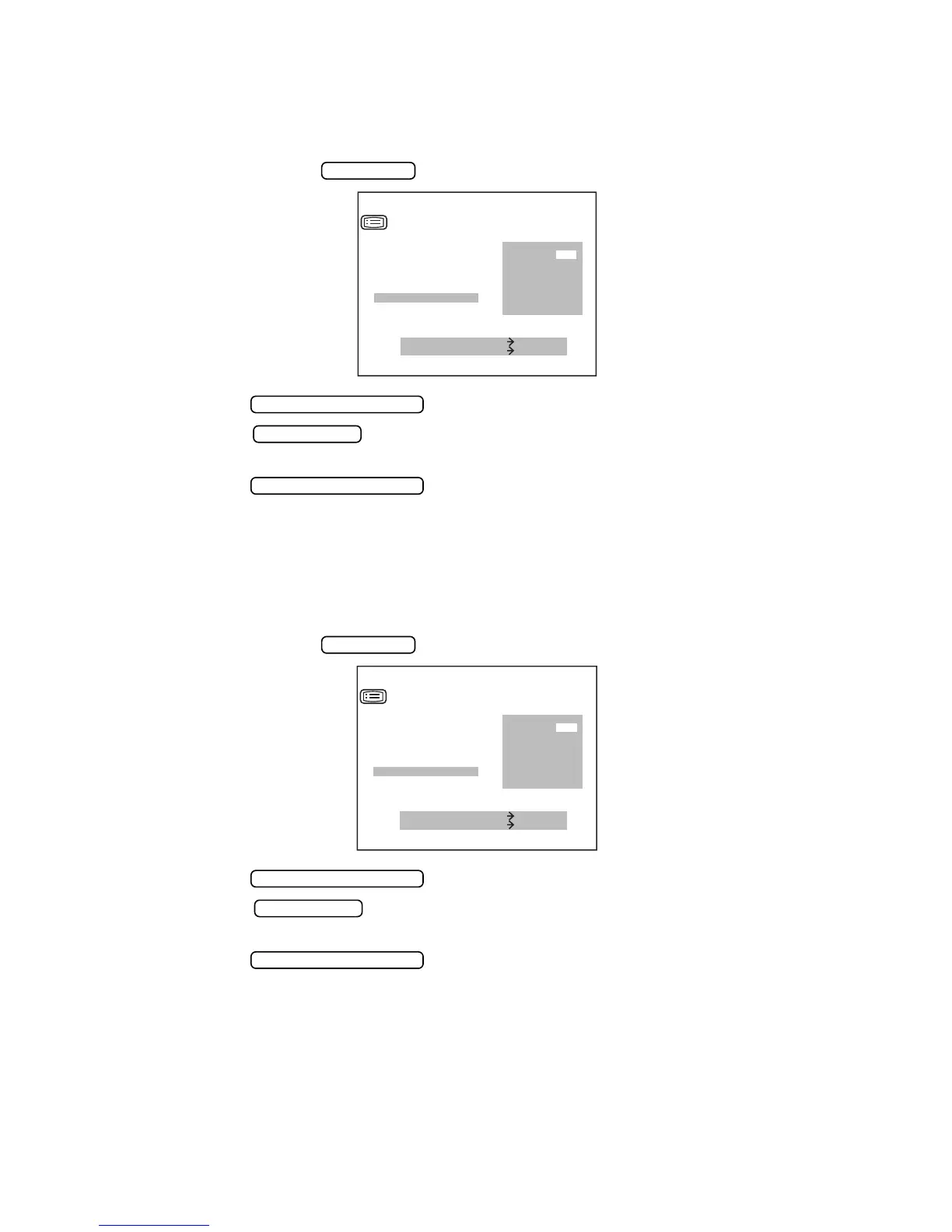
1 On the “PRINT OUT SCREEN”, move the cursor to “PRINT TYPE”, and with “CSTM”
selected, press the and get the “CSTM PRINT SCREEN”.
2 Press the and move the cursor to “CYL PRINT”.
3 Press the and select “YES” (print cylindricity mark), or “NO” (do not print
cylindricity mark).
4 Press the , and the cursor moves to the next item.
PRINTING THE TOPCON MARK
The TOPCON mark may be printed out. Before shipment it is set to “YES” (print TOPCON
mark).
1 On the “PRINT OUT SCREEN”, move the cursor to “PRINT TYPE”, and with “CSTM”
selected, press the and get the “CSTM PRINT SCREEN”.
2 Press the and move the cursor to “TOPCON PRINT”.
3 Press the and select “YES” (print TOPCON mark), or “NO” (do not print
TOPCON mark).
4 Press the , and the cursor moves to the next item.
IOL SWITCH
MEASURE SWITCH ITEM
PRINT SWITCH SELECT
CSTM PRINT
KRT CYL PRINT
PD PRINT
NAME PRINT
DATE PRINT
VD PRINT
CYL PRINT
YES
NO
MEASUREMENT SWITCH
PRINT SWITCH
MEASUREMENT SWITCH
IOL SWITCH
MEASURE SWITCH ITEM
PRINT SWITCH SELECT
PD PRINT
NAME PRINT
DATE PRINT
VD PRINT
CYL PRINT
TOPCON PRINT
CSTM PRINT
YES
NO
MEASUREMENT SWITCH
PRINT SWITCH
MEASUREMENT SWITCH



 To Next Page