73
INDIVIDUAL OPERATIONS
MEASUREMENT OF HARD CONTACT LENS
1 Make sure the unit is in the corneal curvature measurement (R/K or KRT) mode. If not,
choose the R/K or KRT mode by the .
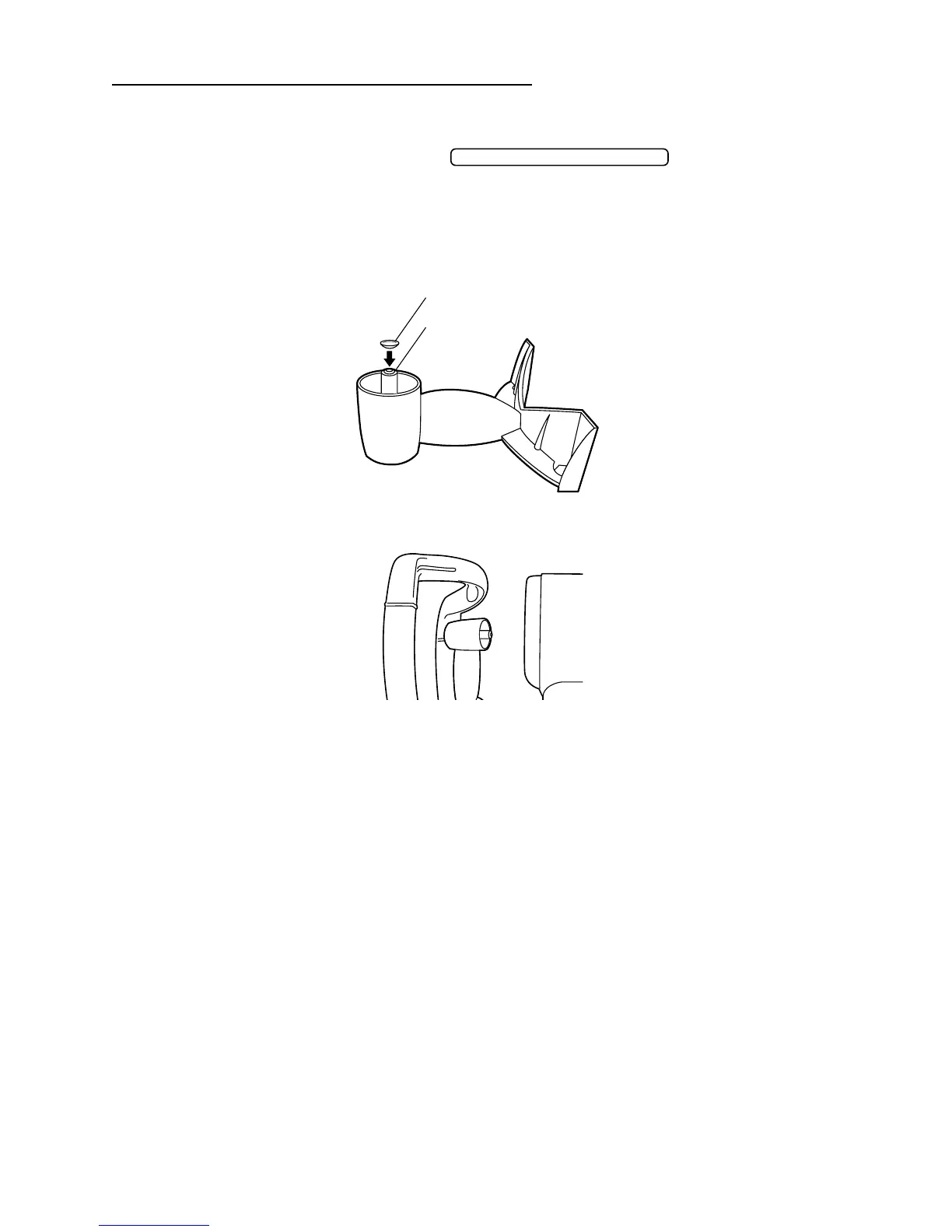
2 Fill the concave part at the top of contact lens holder of model eye with water, and paste
the contact lens.
• The contact lens adheres by surface tension.
• Take care not to allow bubbles in between.
• Also take care and keep the measured lens surface free of water drops.
3 Insert the model eye into chinrest tissue pins.
4 Do measurement in like manner as the corneal curvature measurement.
• When measuring the base (concave) curve of contact lens, the axial angle is reversed
from the normal (convex) corneal curvature measurement.
MEASUREMENT MODE SWITCH
contact lens holder
contact lens



 To Next Page