82
MAINTENANCE
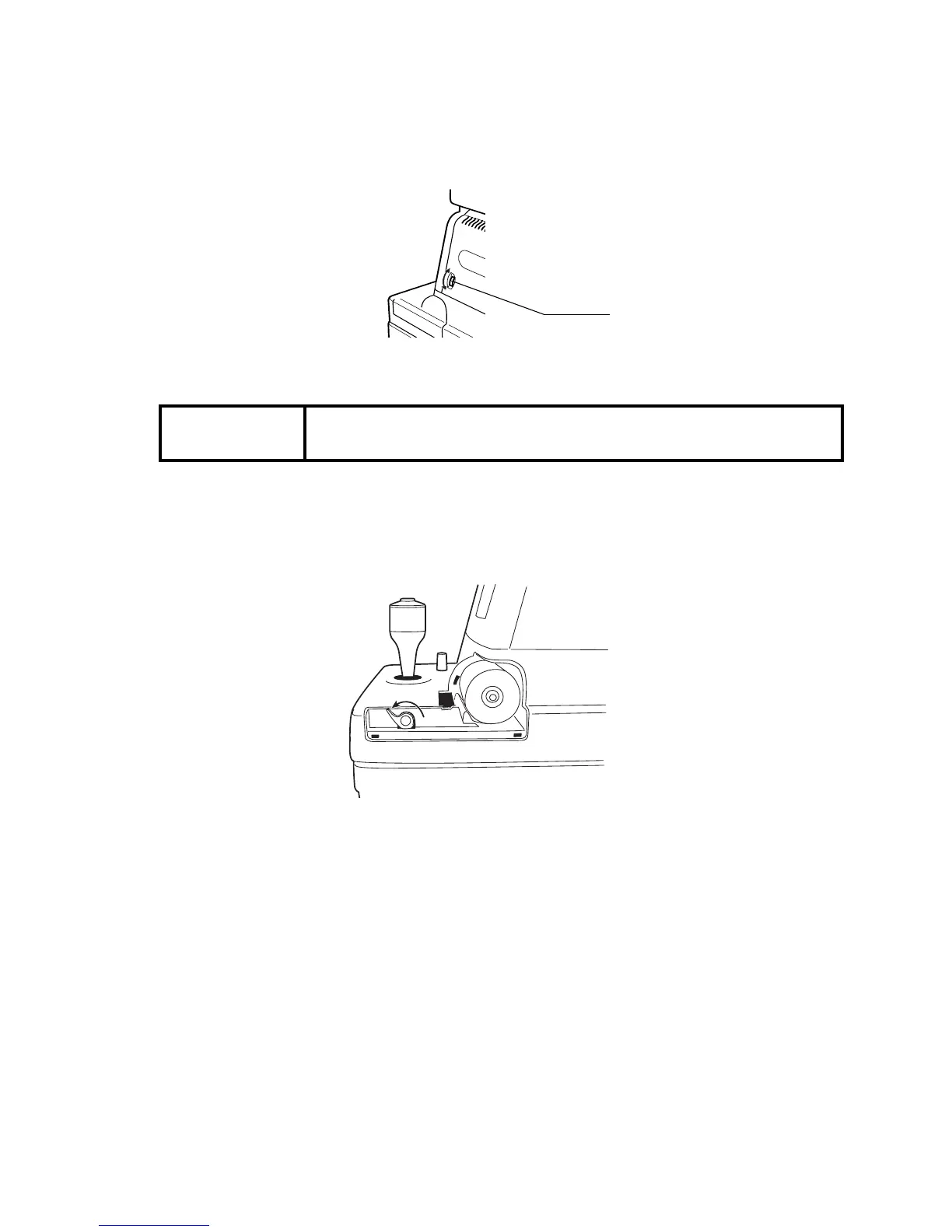
ADJUSTING THE MONITOR SCREEN
• Though this instrument is properly adjusted before shipment, sometimes screen adjustment
is required due to vibrations during transportation.
• To adjust contrast and brightness, turn volumes fully clockwise, viewed from the operator
side, and then adjust each properly.
PRINTER PAPER JAM
1
Remove the printer cover, and take out the jammed paper pieces with the paper retainer
lever fully released.
2
The paper retainer lever can be set in 2 steps. If a paper jam occurs, fully rotate the paper
retainer lever to the illustrated position.
NOTICE
• If the printer paper is jammed in the printer, printing cannot be
done, and continued use may cause troubles.
RK
AUTO
KERATO-
REFRACTOMETER
.
8
8
0
0
BRIGHT



 To Next Page