Settings
Changing Parameters using TRU
21
SRL-35 Operator’s Manual P/N: 1003224-01
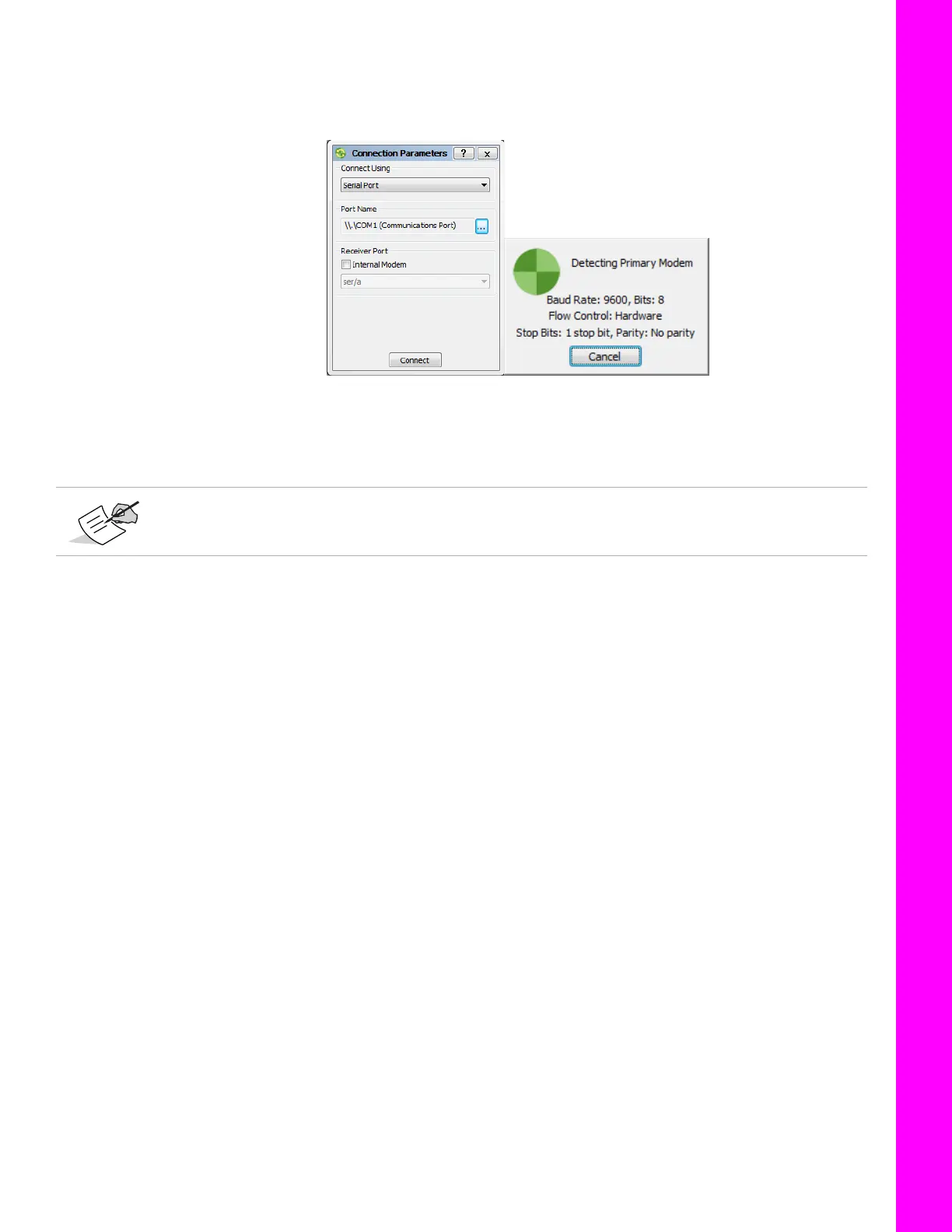
4. Connect to Modem Manager: Device Connect.
Make sure to uncheck Internal Modem under Receiver Port on the Connection Parameters
screen.
Figure 4: Connect to Device
5. TRU automatically tries to connect to the SRL-35 radio by detecting default settings for serial
port.
6. Once connected in Modem Managing mode, configure the radio modem by using the Settings
and Functions tabs.
Serial port parameters of the program as follows: 9600 bits/s, 8 data bits, none parity, 1
stop bit, (default in Programming Mode).



 To Next Page