Appendix C
58
SRL-35 Operator’s Manual P/N: 1003224-01
Appendix C
Changing Parameters Using a Terminal Device
Changing the Settings
1. Connect cables (RS-232 cable to PC COM-port, power supply cable to power supply).
2. Switch on the PC and run TRU on the PC.
3. Set the serial port parameters of the program as follows: 9600 bits/s, 8 data bits, none parity, 1 stop
bit, which is always the default in Programming Mode).
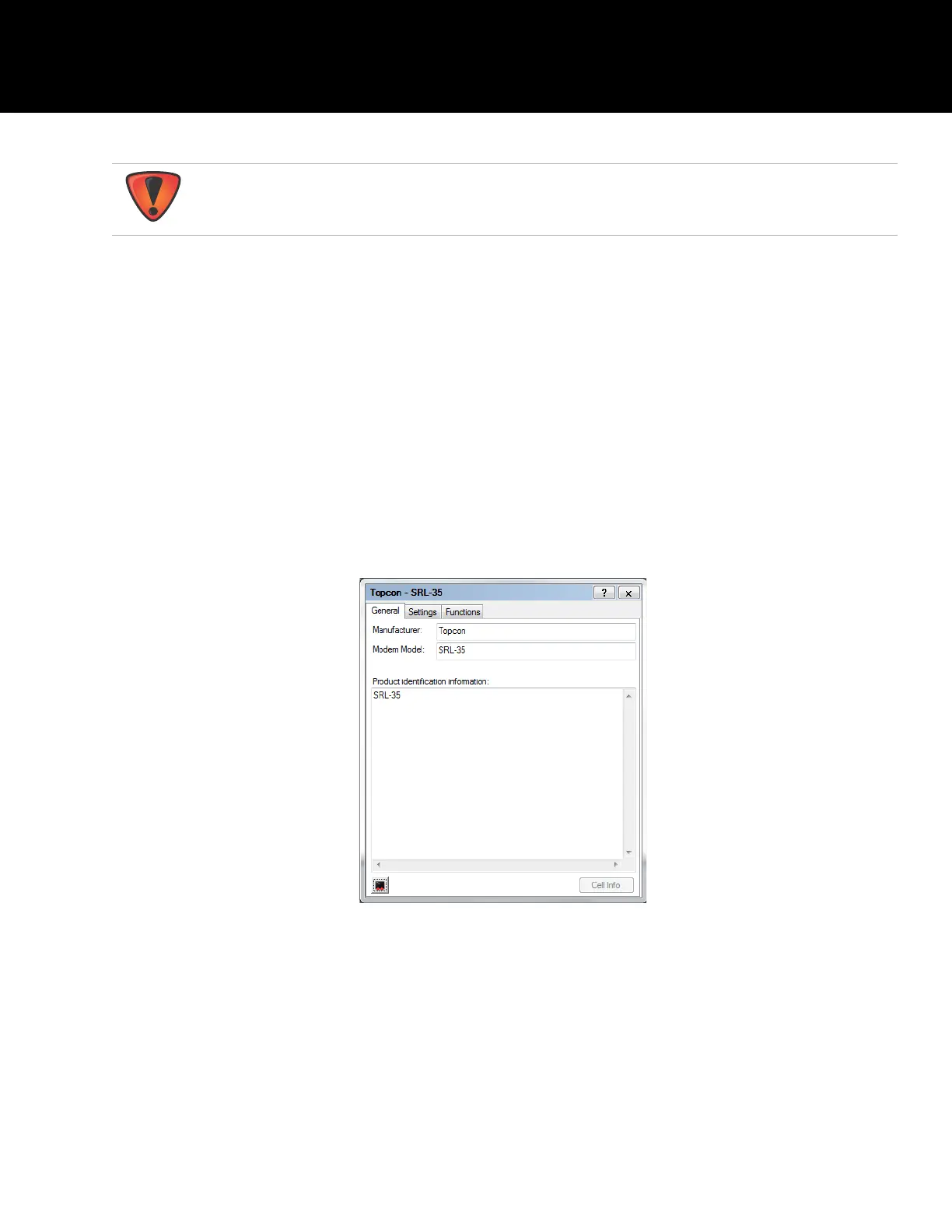
4. Connect in Modem Managing mode in TRU and once connected click on Terminal Mode icon located
on the left bottom corner.
Figure 19: TRU Modem Managing Terminal Mode
It is highly recommended to use TRU or SRL-35 display to change the radio settings.
Changing parameters using SL Commands and Terminal mode is only suggested for
advanced users.



 To Next Page