Settings
Changing Parameters using TRU
23
SRL-35 Operator’s Manual P/N: 1003224-01
Loading Frequencies/Channels
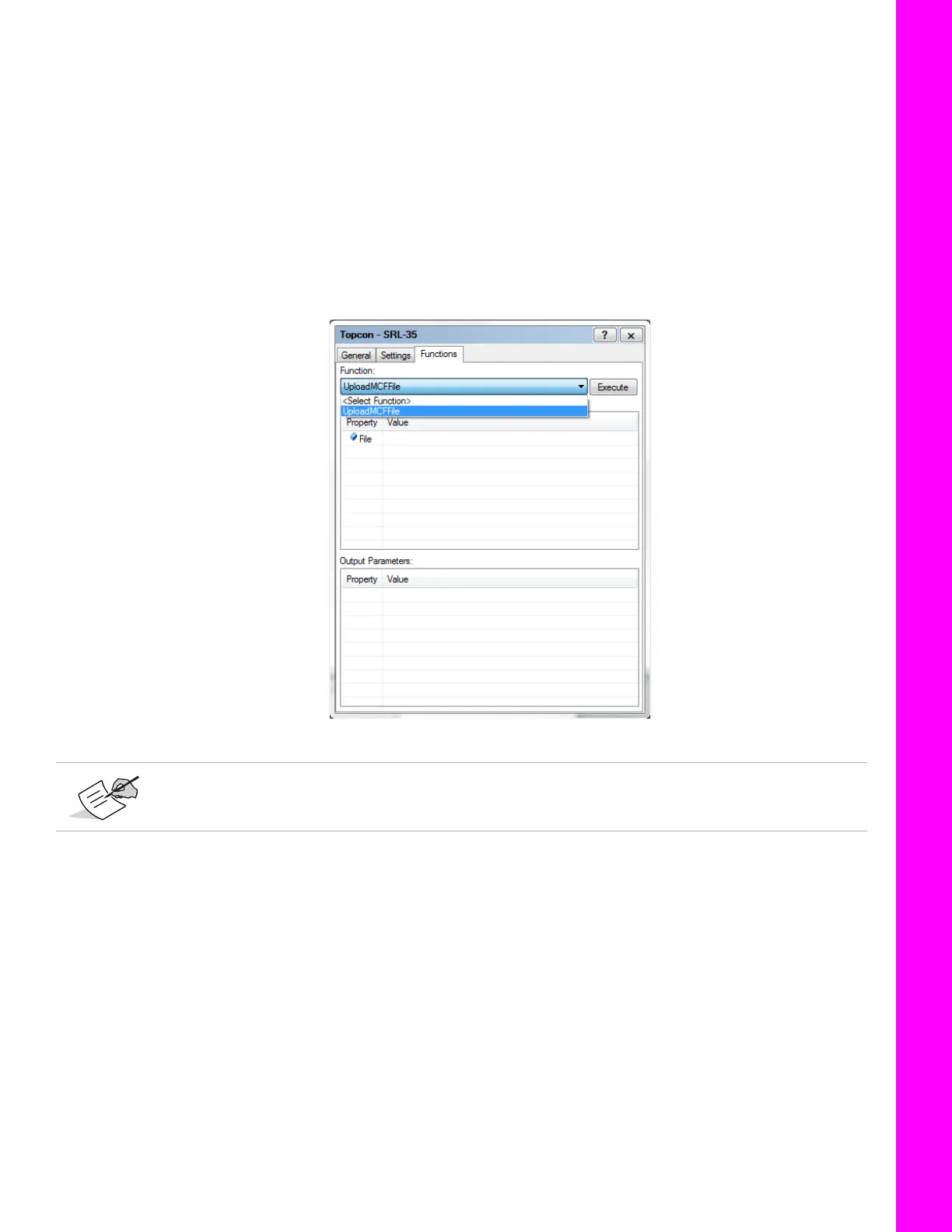
Channels/frequencies on the SRL-35 radio can be loaded using the
Functions
tab. You will need to inform
your local dealer about licensed frequencies and dealer will supply you .mcf file (channel file for SRL-35
radio). Licensed frequencies are obtained by your local radio regulatory authority.
Once you have MCF file from your dealer, you can load the channel table in your radio using following steps.
1. Select the UploadMCFFile function.
2. Click on Value to select the .mcf file obtained from your local dealer.
3. Click on Execute to load the .mcf file on the radio. A Success message appears on the screen
when .mcf file loading completes.
Figure 6: Functions Tab
Note for Dealers: The Advanced version of TRU is only available for dealers and enables
creating MCF files for customers.



 To Next Page