Settings
Changing Parameters using TRU
24
SRL-35 Operator’s Manual P/N: 1003224-01
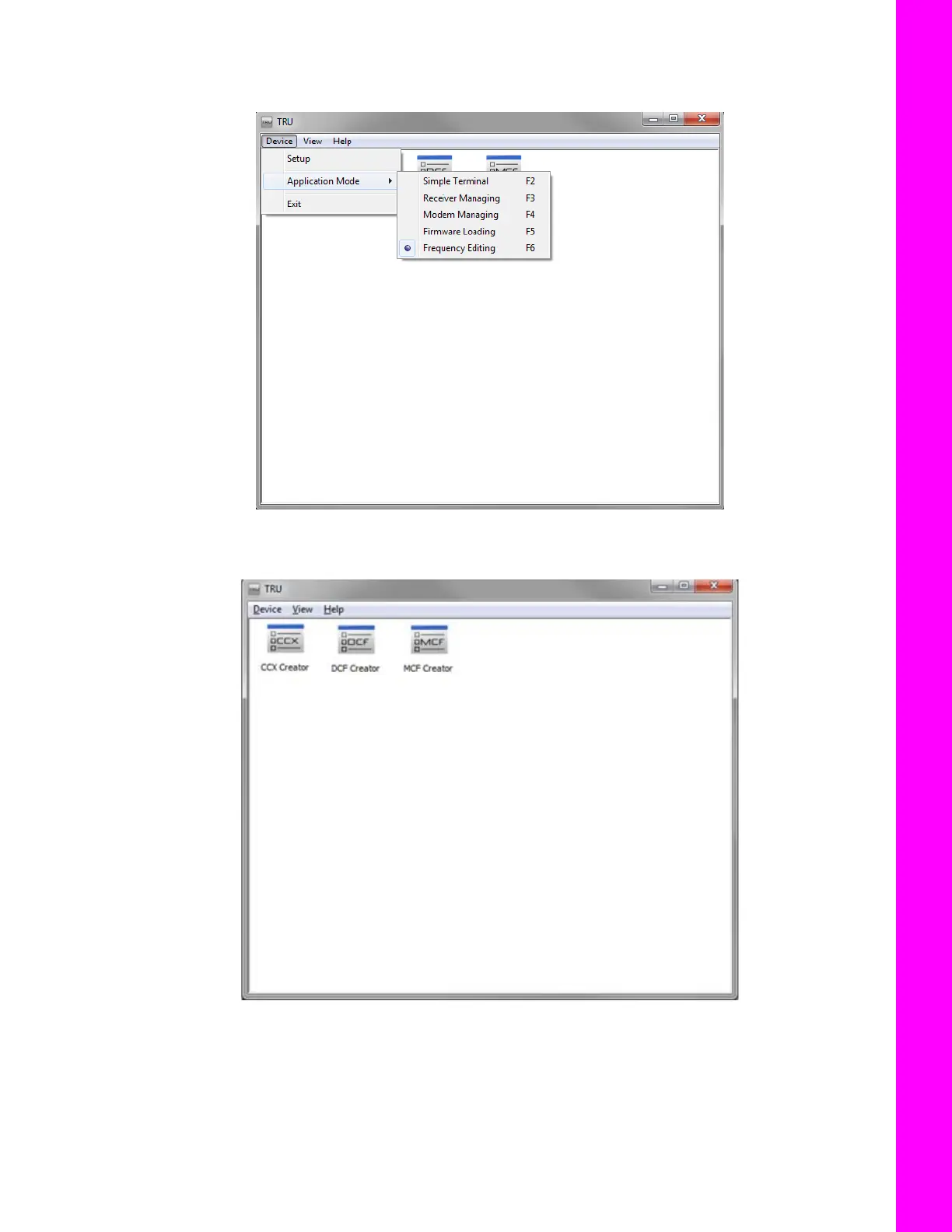
4. Use the Frequency Editing mode available in the advanced version of TRU. You are not required
to connect to the radio to create MCF file (or any other configuration file).
Figure 7: Choose Frequency Editing ModeClick the MCF Creator icon to create MCF Files for user distribution.
Figure 8: MCF Creator Icon
5. When MCF Creator dialog appears, click Add to add a frequency (along with channel number,
spacing, and max power).



 To Next Page