Settings
20
SRL-35 Operator’s Manual P/N: 1003224-01
Settings
You can easily change the configuration of the SRL-35. By simply connecting MODE pin of the data connector
to ground (GND) the radio modem switches into Programming Mode. Serial PORT 1 is used whenever the radio
modem is in the Programming Mode. The serial port settings are 9600 bps, N, 8,1 (data transfer speed 9600
bps, none parity, character length 8 bits and one (1) stop bit).
The SRL-35 contains push buttons and a LCD Display, which can be used to modify configuration settings
without the help of an external terminal device. The radio modem switches into Programming Mode by
pressing the
SETUP
button (
■
).
Programming Mode
The settings of the SRL-35 are fully configurable in Programming Mode by using Topcon Receiver Utility (TRU)
and the Data Cable
(NARS-ST for 8-pin connector).
In the Programming Mode, the radio modem is forced to use serial
PORT1
, with settings 9600 bps, N, 8,1 (data
transfer speed 9600 bps, none parity, 8 data bits and 1 stop bit).
Changing Parameters using TRU
Topcon Receiver Utility (TRU) can be utilized to change parameters on the radio to configure it as per your job
requirements. This section introduces basics of configuring the external SRL-35 radio using TRU. Refer to TRU
reference manual for details on TRU application, available modes and details on the settings.
Connecting in Modem Managing Mode
1. Connect cables (RS-232 cable to PC COM-port, power supply cable to power supply).
2. Switch on the PC and run TRU on the PC.
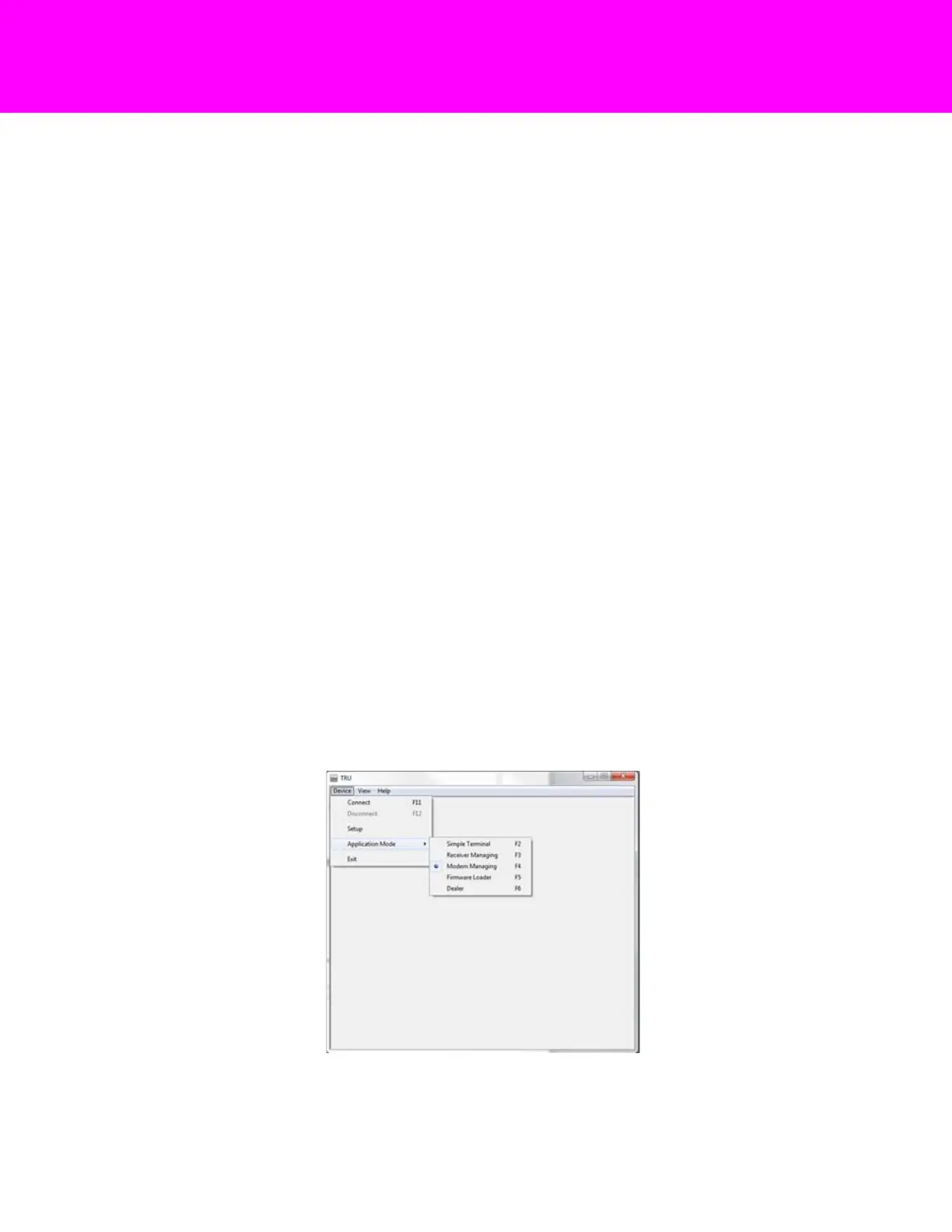
3. In TRU, select Device Application Mode and click on Modem Managing mode.
Figure 3: Select Modem Managing Mode



 To Next Page