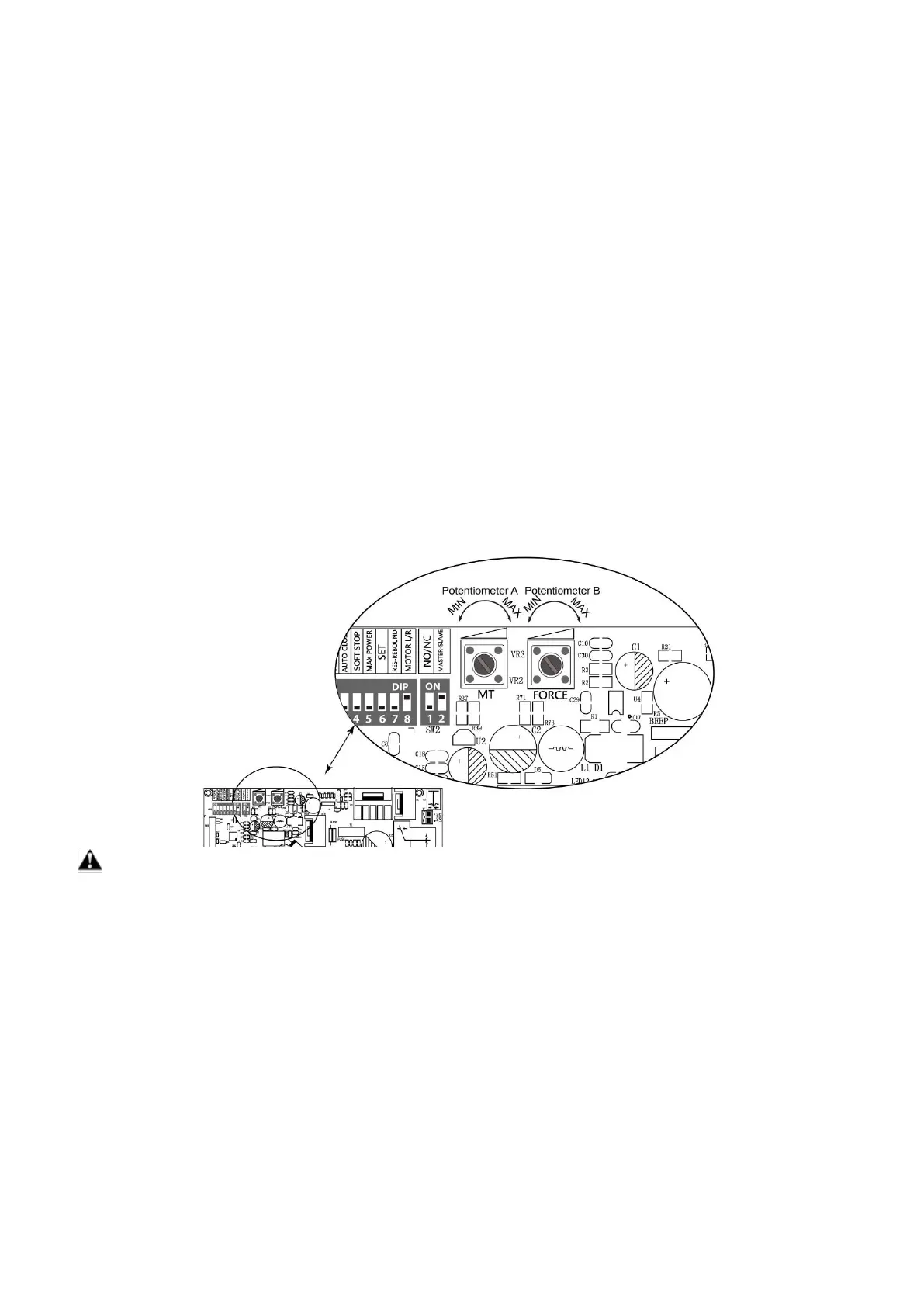
SW2:
DIP Switch #1: Type of the Limit Switch
ON – Normally closed limit switch
OFF –Normally open limit switch
The limit switch which installed in the gate opener at the factory is normally open switch so this DIP switch
shall be always set to OFF.
NOTE: DO NOT adjust this switch by yourself or the gate opener would not work properly.
DIP Switch #2: Configure the master/slave gate opener
For SINGLE GATE OPENER, the opener must be configured to the master gate opener, so the switch #2
must be set to ON.
For DUAL GATE OPENER, the one which you want to program the remote control to should be set the
switch #2 to ON as the master gate opener. Once you choose one gate opener as the master gate opener,
another one must be set the switch #2 to OFF as the slave gate opener.
Factory default setting of DIP switch #2 is ON.
2. Potentiometers
Potentiometer A is used to adjust the speed of soft stop. Turn clockwise to increase the speed, and turn it
counter-clockwise to decrease the speed.
Potentiometer B is used to adjust the open/close stall force of the gate opener. Turn clockwise to increase
the stall force, and turn it counter-clockwise to decrease the stall force.
WARNING: Photocell is highly recommended to be installed with the gate opener as entrapment
protection for safety when you set stall force to maximum.
How to Program or Erase the Remote
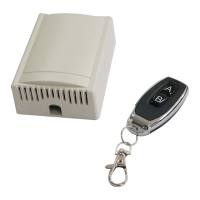
The remote MUST be programed to the opener BEFORE OPERATING. Please follow the steps to
program the remote.
Activate the opener only when gate is in full view, free of obstruction and properly adjusted. No
one should enter or leave gate area while gate is in motion. DO NOT ALLOW CHILDREN to
operate push button or remote. DO NOT ALLOW CHILDREN TO PLAY NEAR THE GATE.
If you purchase additional remote controls, the gate opener must be programmed to accept the
new remote code.
If you lose one of any remote control, please erase and reprogram all other remote controls to
have a new code for safety.


 To Next Page