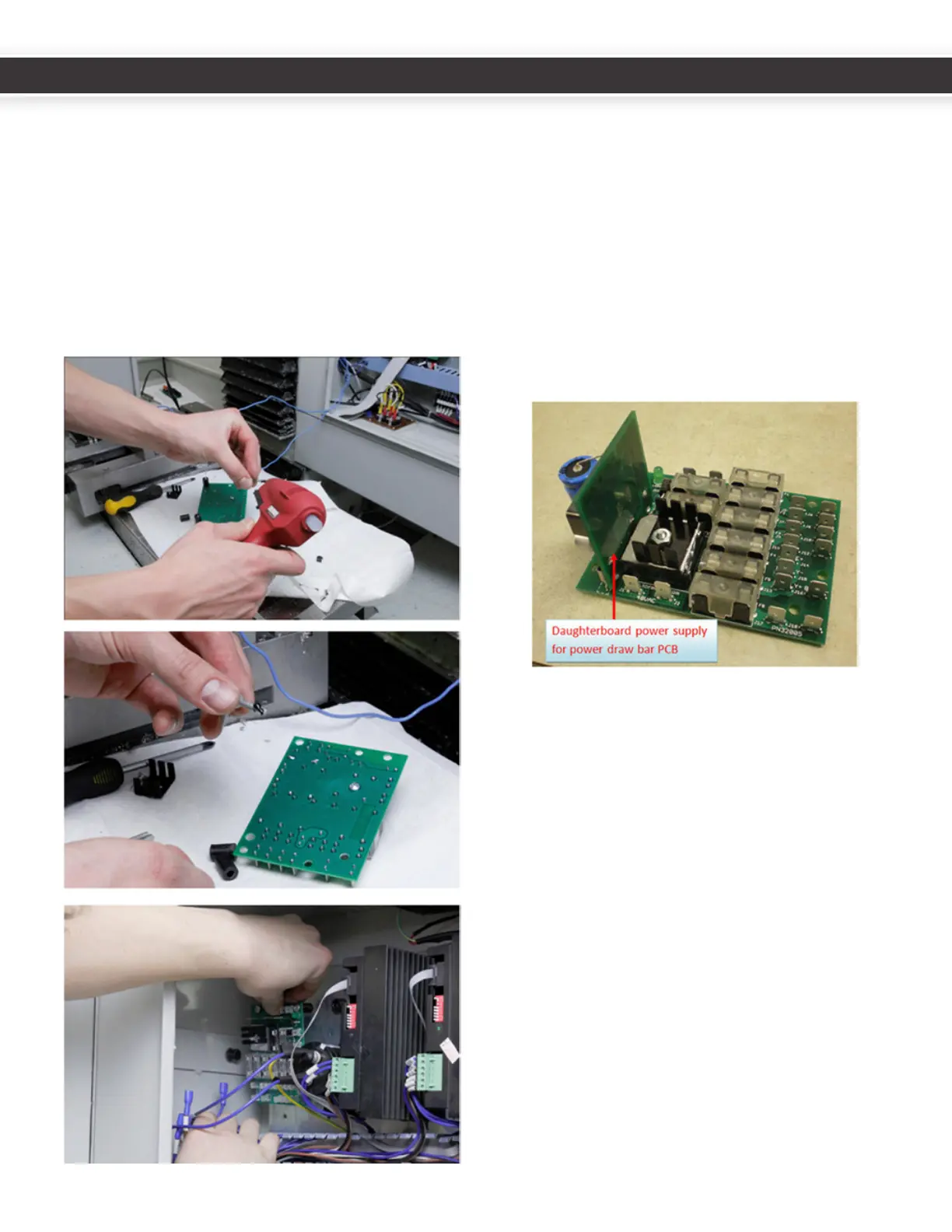
12. PCNC 1100 MACHINES SERIAL NUMBERS 1999 AND
LOWER: ReplacetheoldDCbusboard(PN30661)with
thenewbusboard(PN32005).Ensureallfusesare
presentontheDCBusBoardbeforeinstallaon(there
shouldbenoemptyfuses).WhenremovingtheoldDC
busboard,catchthestandosandsavethescrews.
Replacewiththenewboardonthesamestandos.
Itisextremelyhelpfultotackgluethestandosin
placebeforemounngtheboard.Aneasywaytodo
thisistoputadabofhotglueonthefastenersbefore
inserngthemthroughtheboardholesandstandos.
13.Double-checkthepolarityofthecapacitor,stepper
driver,andATCconneconsbeforepoweringupthe
machine.Reversingpolaritywilldestroythestepper
driversandATCcontrolboard.
14.Installthepowerdrawbardaughterboardpower
supply(PN31980)byslidingitontothespade
connectorsonthenewDCbusboard(PN32005).This
boardsuppliesthe12Vneededbythepowerdrawbar,
andwillallowyoutothrowawaythewallwartpower
supplythatcamewiththepowerdrawbar.
15.RoutetheRJ11VFDinterconnectcablealongthe
boomwiretraytotheVFD.RemovetheVFDcover
byunscrewingthePhillipsfasteneronthefaceofthe
coverplate.
10
11
UM10081_TTS_ATC_PCNC1100_1013A UM10081_TTS_ATC_PCNC1100_1013A



 To Next Page