26
Getting Started
Connecting to a power source
To connect AC power to the computer:
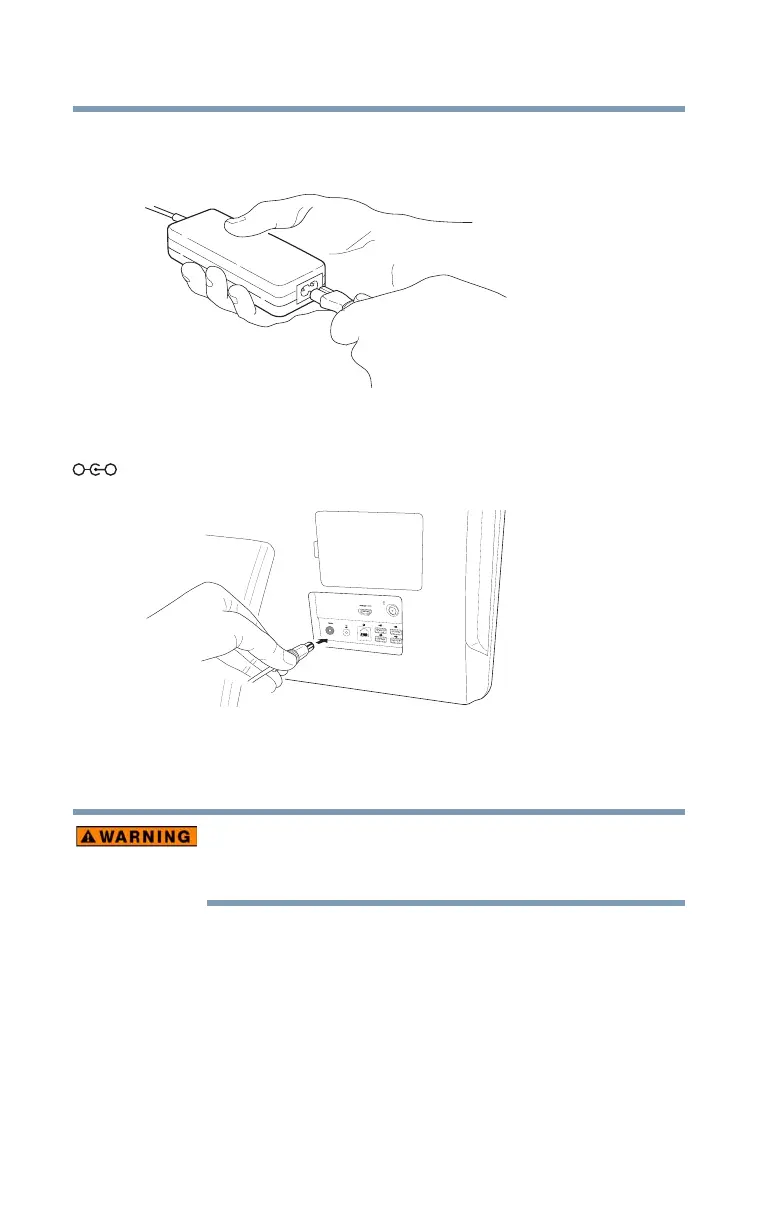
1 Connect the power cord/cable to the AC adaptor.
(Sample Illustration) Connecting the power cord/cable to the AC
adaptor
2 Plug the AC adaptor cord into the DC-IN on the back of the
computer.
(Sample Illustration) Connecting the AC adaptor cord to the
computer
3 Connect the power cord/cable to a live electrical outlet.
Never attempt to connect or disconnect a power plug with wet hands.
Failure to follow this instruction could result in an electric shock,
possibly resulting in serious injury.



 To Next Page
 Loading...








