tousek / E_PULL-T5-T8-T10_49002305 / 19. 12. 2013 - 11 -
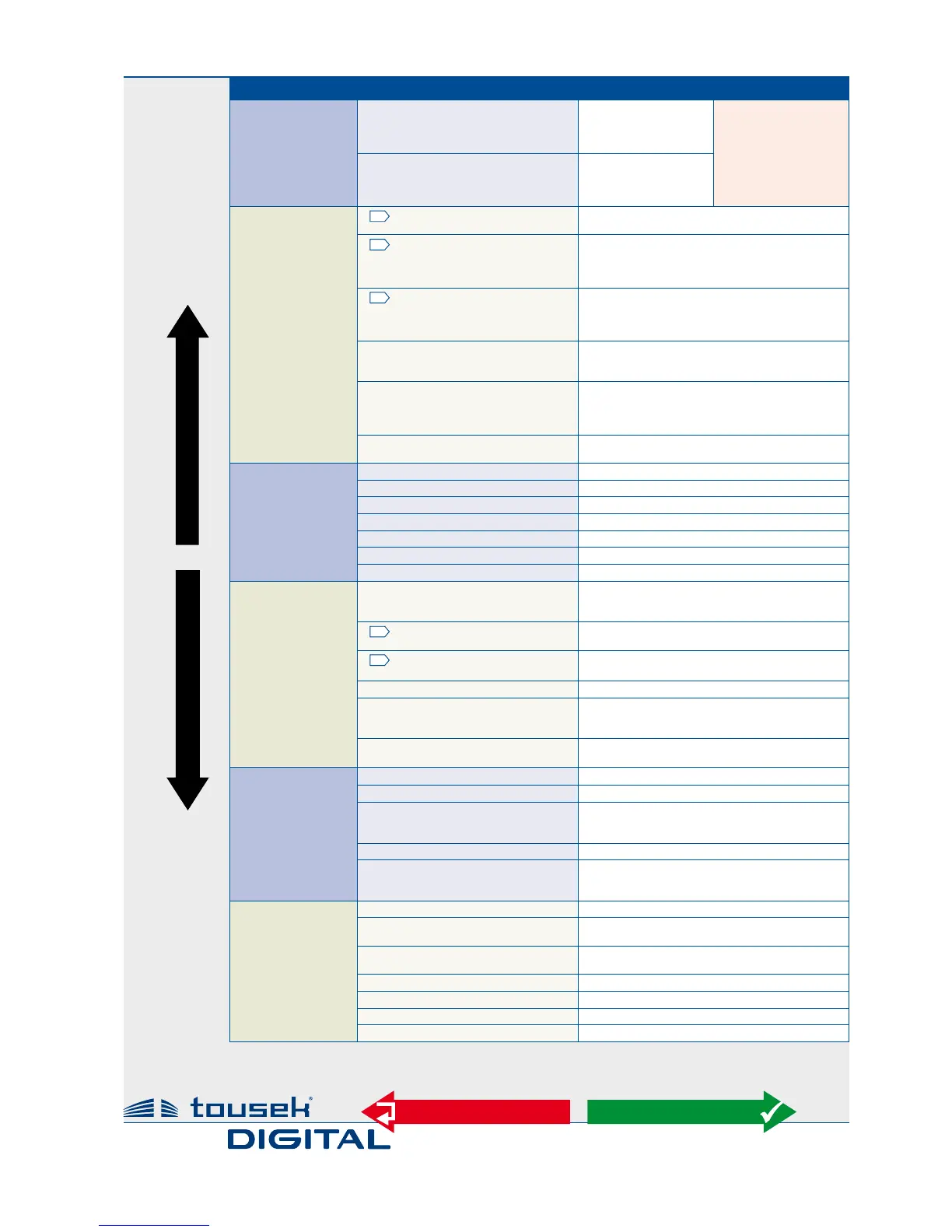
Main layer Sub layer Settings/adjustments
Button/switch
see page 12
impulse switch
OPEN/STOP/CLOSE
OPEN/CLOSE/OPEN
OPEN
DEAD MAN
*) if impulse button is
set to DEADMAN, then
the pedestrian and
close button are also
set automatically to
DEADMAN mode.
(not selectable under
„pedest.- button“)
pedestrian button
OPEN/STOP/CLOSE
OPEN/CLOSE/OPEN
OPEN
DEAD MAN
*)
Safety
see page 14
G
photocell
active
not active
G
Main safety sensing edge
active
not active
radio edge TX
TX 400
G
Side safety sensing edge
active
not active
radio edge TX
TX 400
photocell function
reverse when closing
stop, after release open
during closing stop, then close
photocell pause time
no inuence
abort pause time
re-start pause time
after opening close immediately
photocell test
active
not active
Motor
see page 18
max. force
25...100% [increment 5 ] = 70%
ARS-response time
0,15...0,95s [increment 0,05] = 0,50s
speed
65...100% [increment 5] = 100%
soft stop distance
0...2m [increment 0,1] = 0,5m
soft stop speed
30...60% [increment 5] = 50%
end position OPEN
0...-30 [increment 1] = -5
end position CLOSE
0...-30 [increment 1] = -5
Operating logic
see page 19
impulse button
Stop, start of pause
impulse elimination during opening
pause time extension
G
opening direction
<<<
–
left
–
>>> right
G
operating mode
impulse mode
automatic 1...255s [increment 5]
partial opening
10...100% [increment 1] = 30%
automatic mode
complete/partial opening
only complete opening
only partial opening
pause time logic
no inuence
constant open in automatic mode
Lights/Lamps
see page 20
prewarning OPEN
OFF, 1...30s = OFF
prewarning CLOSE
OFF, 1...30s = OFF
additional module
courtyard lamp/control lamp
gate status 1
gate status 2
courtyard lamp
1)
OFF, 5...950s = OFF
control lamp
1)
on at opening and closing
ashes slowly / illuminates / ashes faster
illuminates in opening position
Diagnosis
see page 22
status display
status display of all inputs
delete positions
NO
YES
factory setting
NO
YES
software version
show software version
serial number
show serial number
protocol
show protocol notes
status sensor
show sensor
1)
The menu points courtyard lamp and control lamp will only appear on display if in menu
„Additional module" courtyard lamp/control lamp is selected.
Menu structure Adjustments - overview
+
–
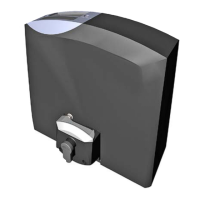
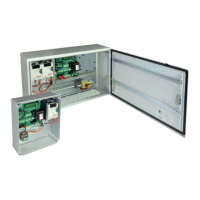
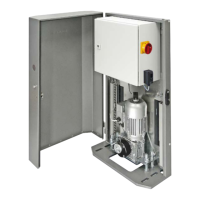
integr. control board for sliders PULL T5, -T8, -T10
ESC
ENTER
Note: some adjustments regarding function or operating logic can only be executed if gate is closed and if the display shows „ready“.



 To Next Page