- 26 - tousek / E_PULL-T5-T8-T10_49002305 / 19. 12. 2013
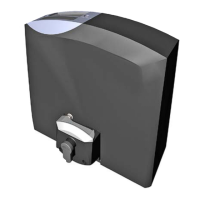
7. Putting into operation Sliding gate operator PULL T5, -T8, -T10
Important: preparation works
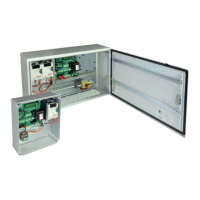
• Connect control panels, safety devices to the motor under the safety regulations in .
Attention: if no stop switch is connected then the terminals 31/37 have to be bridged.
• The mechanical limits have to be placed so that contact edges are not triggered, as this would lead to an error
message
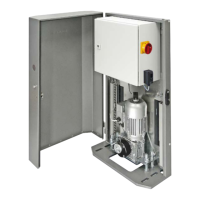
• Unlock emergency release of operator and set gate to half-opened position. Then lock the operator again.
• Then re-engage operator (correct connection necessary).
• During initial operation the choice of language is made rst, then in the “Basic settings” the adjustment of most impor-
tant operator settings and after the system test, the automatic detection of limit positions of gate is made.
Note: during operation with the basic setting for limit positions OPEN/CLOSE (=-5), the limit stops will not be reached
(only with adjustment = 0)
$$$$$$$$$$$$$$$$
$$$$$$$$$$$$$$$$
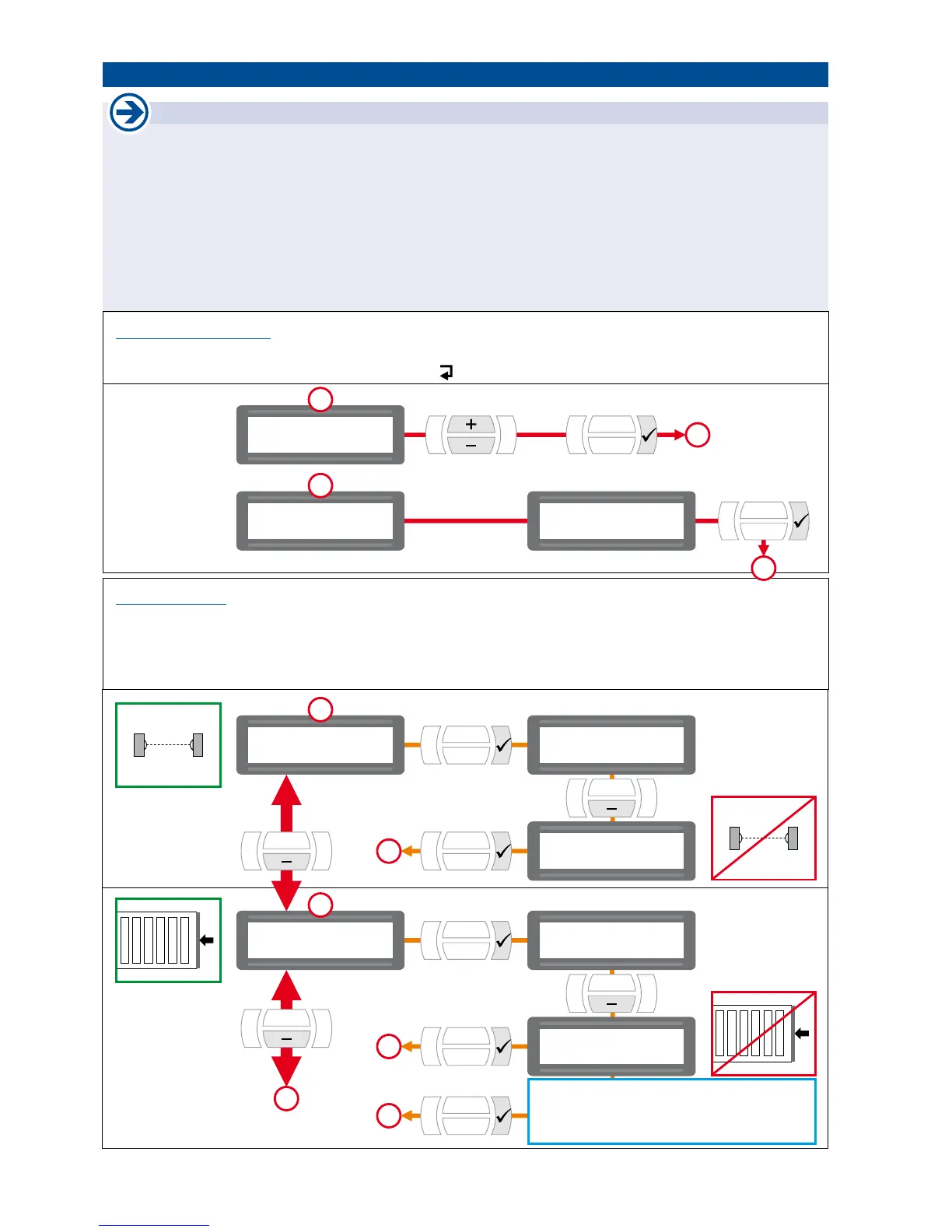
Language:
Deutsch
$$$$$$$$$$$$$$$$
$$$$$$$$$$$$$$$$
Tousek Digital
2
1
2
$$$$$$$$$$$$$$$$
$$$$$$$$$$$$$$$$
Basic settings
scroll conrm
conrmation
LANGUAGE SELECTION
• Can be selected during initial operation (hence after reset to factory settings).
• Can be also chosen by pressing the ESC button
( )
for 5s, from any position in menu.
BASIC SETTINGS
• For setting the most important adjustments for initial operation of motor.
• Can be selected during initial operation (hence when restoring the factory setting).
• All safety devices are activated when leaving factory (see menu page 11).
• The next programming adjustments are made in the main settings menu (see page 10, 11).
3
4
conrm
additional options (with „-“ button):
radio edge TX
TX 400
$$$$$$$$$$$$$$$$
$$$$$$$$$$$$$$$$
Photocell
$$$$$$$$$$$$$$$$
$$$$$$$$$$$$$$$$
Main safety edge
3
3
4
4
5
$$$$$$$$$$$$$$$$
$$$$$$$$$$$$$$$$
Photocell
active
$$$$$$$$$$$$$$$$
$$$$$$$$$$$$$$$$
Main safety edge
active
$$$$$$$$$$$$$$$$
$$$$$$$$$$$$$$$$
Photocell
not active
$$$$$$$$$$$$$$$$
$$$$$$$$$$$$$$$$
Main safety edge
not active
change ? YES
conrm
change ? YES
conrm



 To Next Page