33
Chapter 8
SMS
8. 1. View Messages
1. Visit http://tplinkmodem.net, and log in with the password or your TP-Link ID.
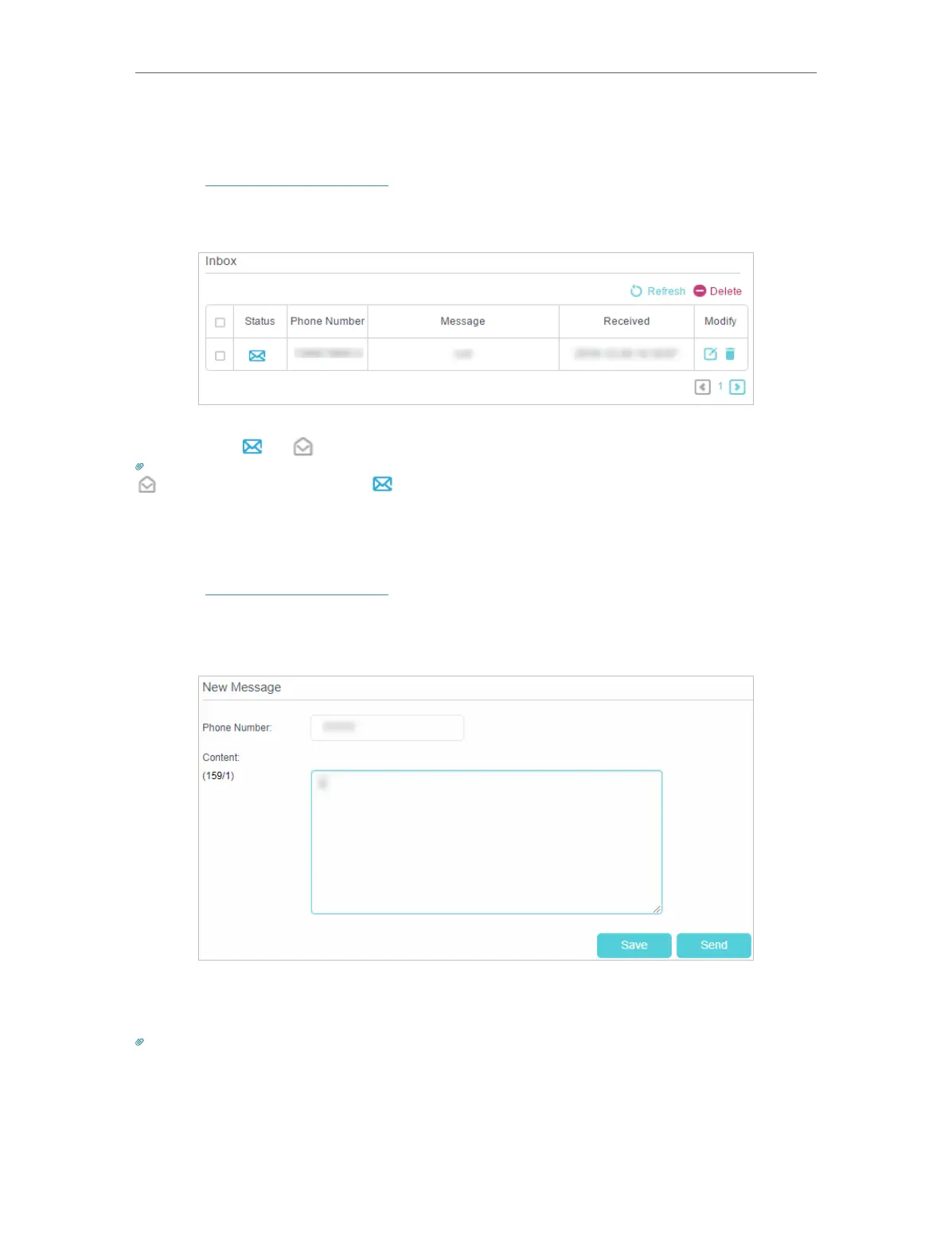
2. Go to Advanced > SMS > Inbox page.
3. Click the or icon to unfold and read the content of the message.
Tips:
indicates the message is read, while indicates the message is unread.
8. 2. Edit and Send a New Message
1. Visit http://tplinkmodem.net, and log in with the password or your TP-Link ID.
2. Go to Advanced > SMS > New Message page.
3. Enter the receiver’s phone number in the Phone Number field.
4. Enter your message in the Content field.
Tips:
You can enter up to 160 letters or numbers, and any exceeding characters will be sent in the next message. You can send
up to 5 messages each time.
5. Click Send to send the message or click Save to save the message to the Drafts.















 To Next Page