85
Chapter 12
Administrate Your Network
12. 13. Monitor the Internet Traffic Statistics
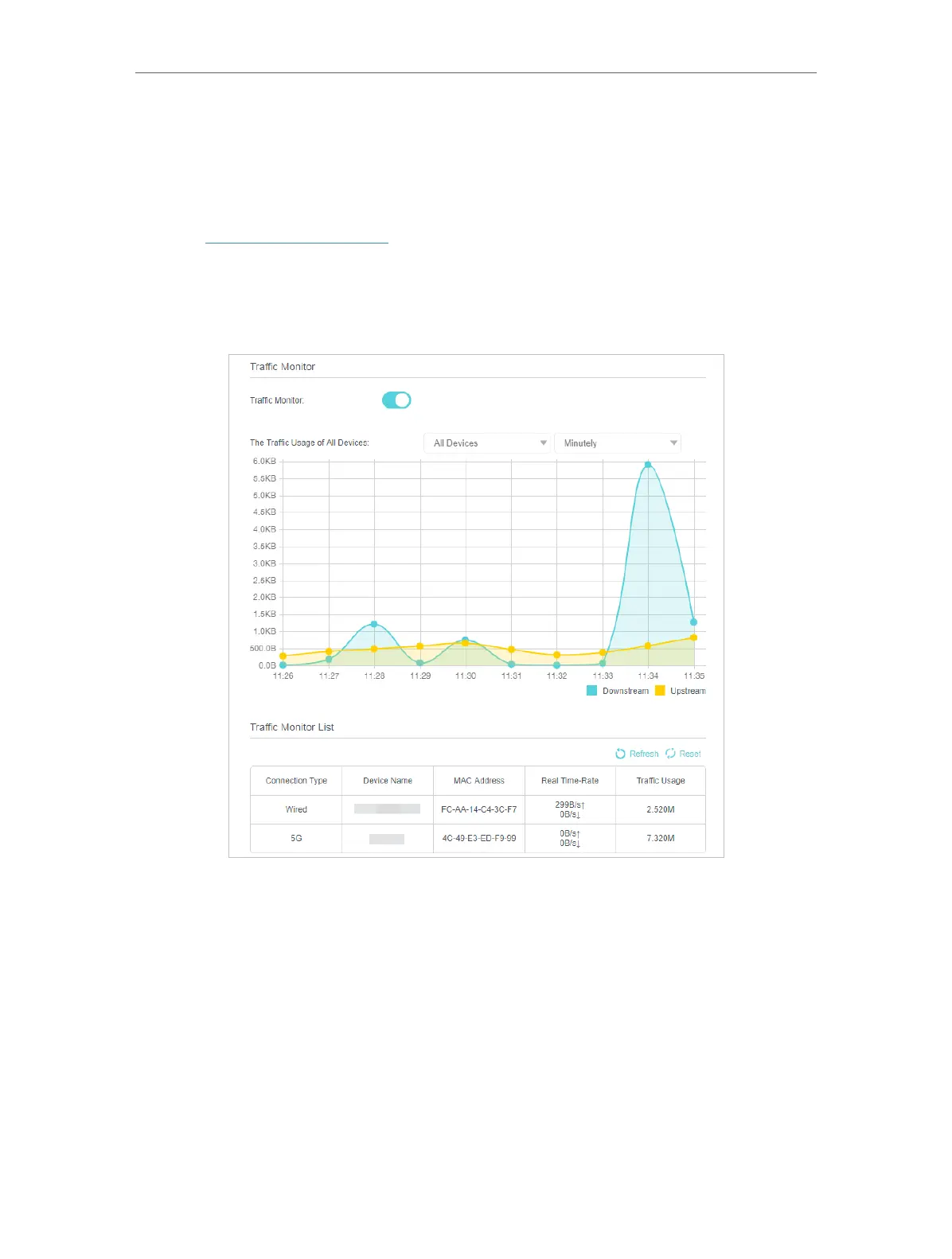
The Traffic Monitor page displays the network traffic of the LAN, WAN and WLAN sent
and received packets, allowing you to monitor the volume of internet traffic statistics.
1. Visit http://tplinkmodem.net, and log in with the password or your TP-Link ID.
2. Go to Advanced > System Tools > Traffic Monitor page.
3. Toggle on Traffic Monitor, and then you view the traffic usage of a device in the past
10 minutes or that of all devices in the past 10 minutes/24 hours/7 days.















 To Next Page