70
Chapter 11
Specify Your Network Settings
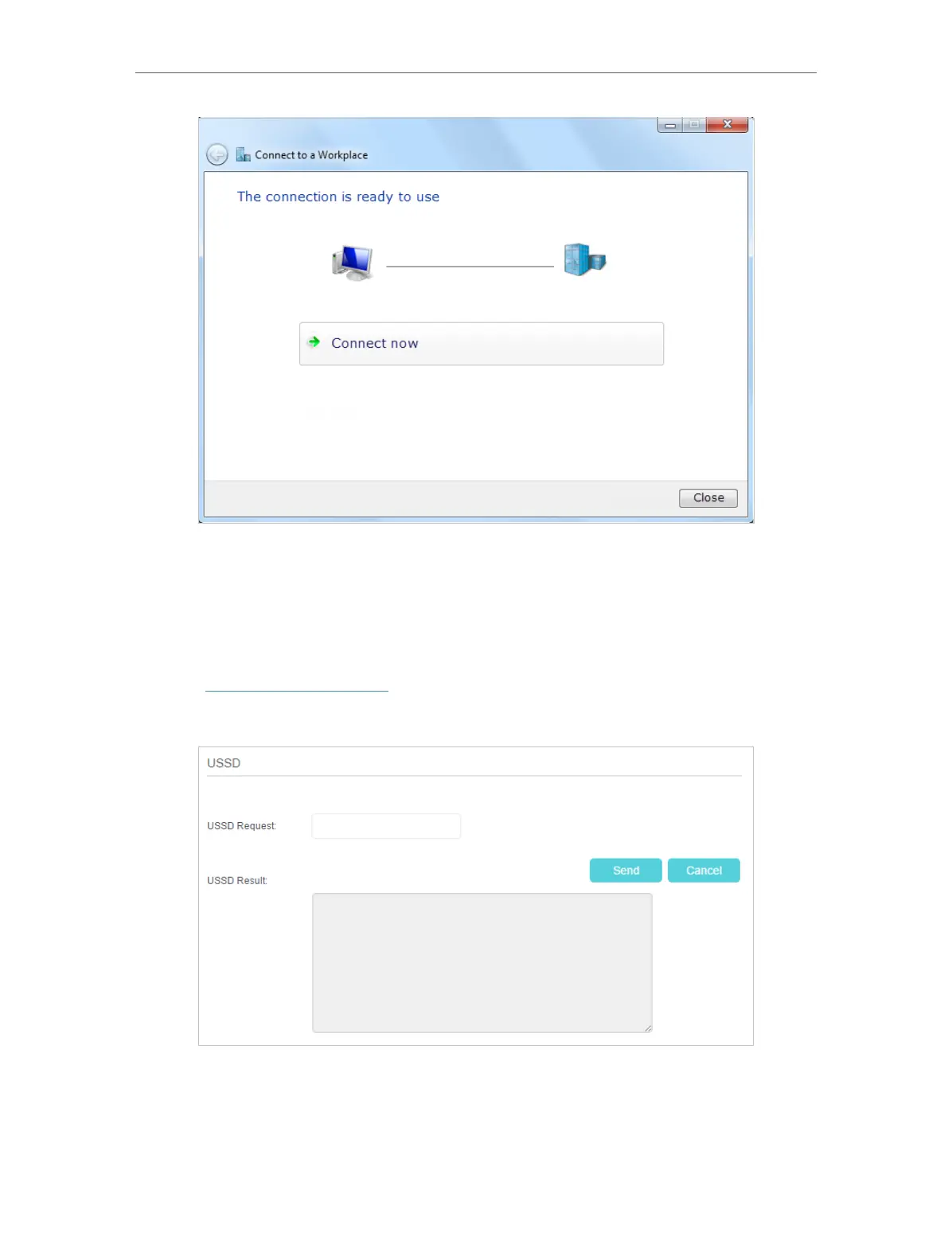
11. 9. USSD
USSD (Unstructured Supplementary Service Data) is used to communicate with the
service provider’s computer. You can query service data on this page.
Follow the steps below to get service data.
1. Visit http://tplinkmodem.net, and log in with the password or your TP-Link ID.
2. Go to Advanced > Network > USSD page.
3. Enter the USSD request and click Send. You will see the message returned from the
carrier in the USSD Result box.















 To Next Page