Note:
ÿThe mode switching function software is supported by subsequent upgrades, please refer to the actual software functions.
TL-ST5012 provides 1 Type-C Console port.
Layer 3 managed switch installation manual
Stacking mode: A certain port indicator light is solid green, indicating that the port number is the stacking ID of this device.
2. Mode switching button The
mode switching switch is used to switch the indication status of the indicator light and supports switching between port mode and
stacking mode. If it is currently in port mode, press the button to switch to stack mode; if it is currently in stack mode, press the button to switch to port
mode. If the button is not pressed for more than 45 seconds in any mode, it will automatically return to port mode.
Note:
Due to differences in compatibility and drivers of USB devices from different manufacturers, TP-LINK does not guarantee that USB devices from all
manufacturers can be used normally on the TL-ST5012. If a USB device cannot be used normally, it is not a switch failure. In this case, please try to use a
USB device from another manufacturer.
4 Console port The Console
port is used to connect to the serial port of a computer or other terminal to manage or configure the switch.
Port mode: The port indicator light identifies normal connection and speed status;
04
Supports 10Gbps rate adaptive function and automatic flip (Auto-MDI/MDIX) function. Each port corresponds to three Link/Act indicators. The left side
of the port is the 10Gbps indicator, and the two lights on the right correspond to the 2.5Gbps indicator (green) and the 1G/100Mbps indicator (yellow).
3 USB ports are
standard USB2.0 ports, supporting an upload and download rate of 480Mbps. Through this port, users can interact with the Flash file system on
the switch, such as uploading or downloading application files, configuration files, etc. TL-ST5012 supports switch USB deployment. For detailed
function introduction, please refer to the "User Manual".
Always on, the USB connection is normal.
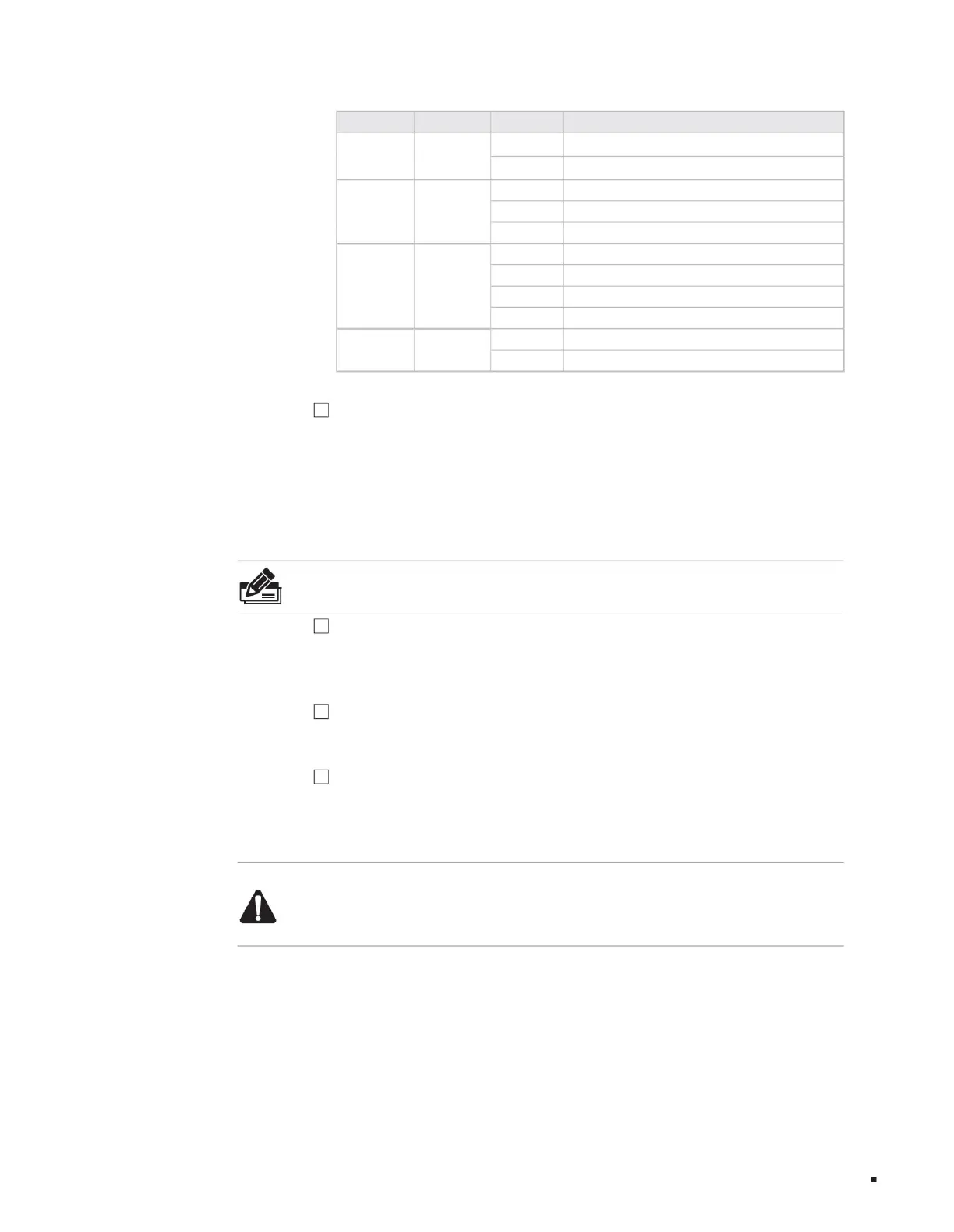
Off, the USB connection is abnormal or not connected. Table
1-2 Description of the working status of the indicator light.
5 10Gbps RJ45 ports
R1-R12
(port mode)
Turn off the port indicator to work in other modes
Off No device is connected to the port
Port indicator
Stack mode indicator
Flashing port is transmitting data
The green always-on port is normally connected to the device and works at 2.5Gbps
rate. The yellow always-on port is normally connected to the device and works at 1G/100Mbps rate.
L1-L12
(port mode)
The green port indicator is always on and works in stacking mode.
Port indicator
Flashing: The port is transmitting data.
Off: No device is connected to the port.
The port that is always green is connected to the device normally and works at a rate of 10Gbps.
USB port light
Indicator name working status working description
product description
Machine Translated by Google



 To Next Page