Before buying DRM (Digital Rights Management) protected music online, please be
advised that the MP850 only supports WMA-DRM10 file protection.
Play MP3, WMA and WMA-DRM10 Music
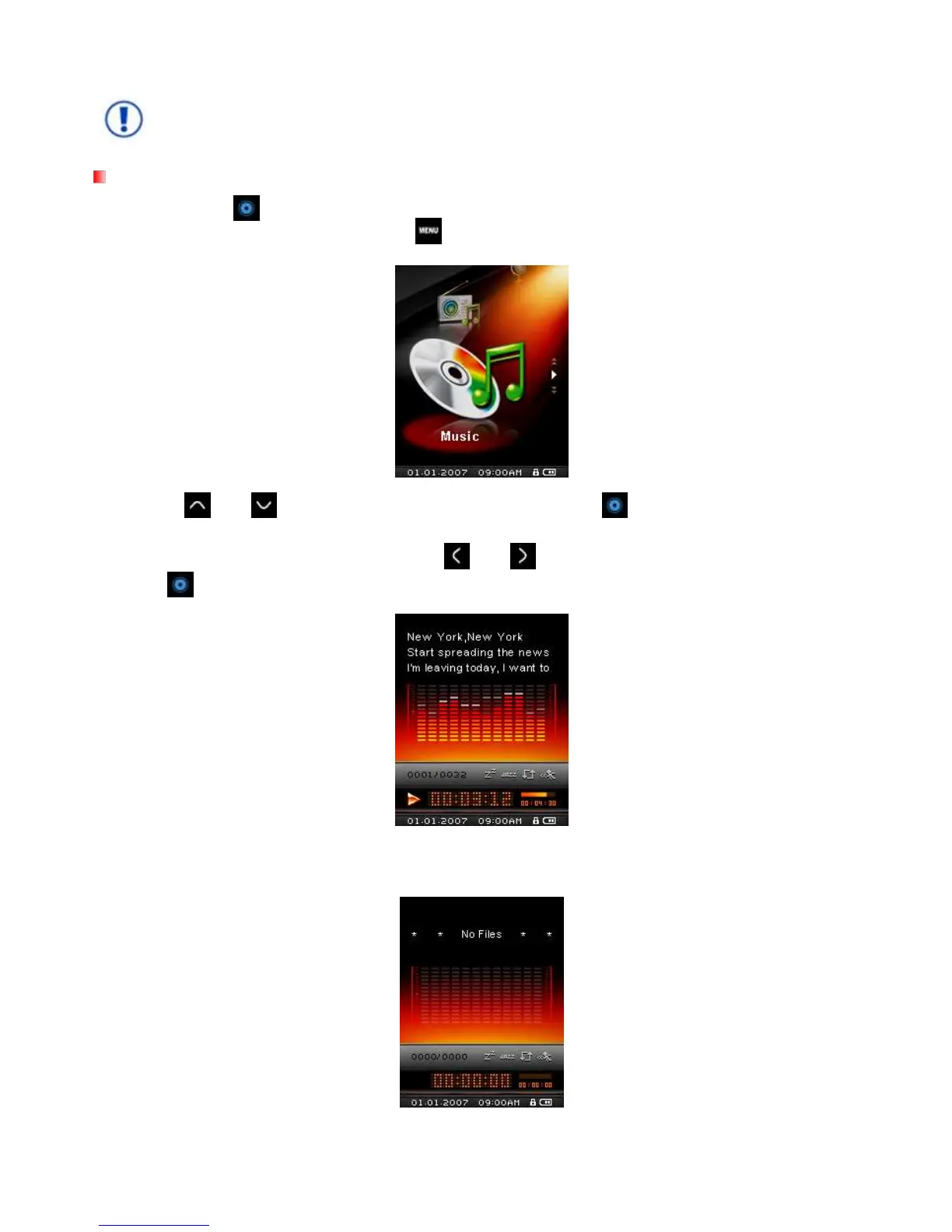
1. Press and hold to power ON the unit. The Main Menu will appear.
If the MP850 is already on, press the button to enter the Main Menu.
2. Use the
and buttons to select “Music” mode and press . The player will automatically find
available music files.
3. Select the song you want to listen to with the
and
buttons, or use the File Navigator.
4. Press to begin listening to a music file.
MP850 supports Mpeg I Layer 3 and WMA files compressed at between 32Kbps – 320Kbps.
If MP850 cannot find any MP3, WMA, or DRM10 files, a “No Files” message will be displayed.



 To Next Page