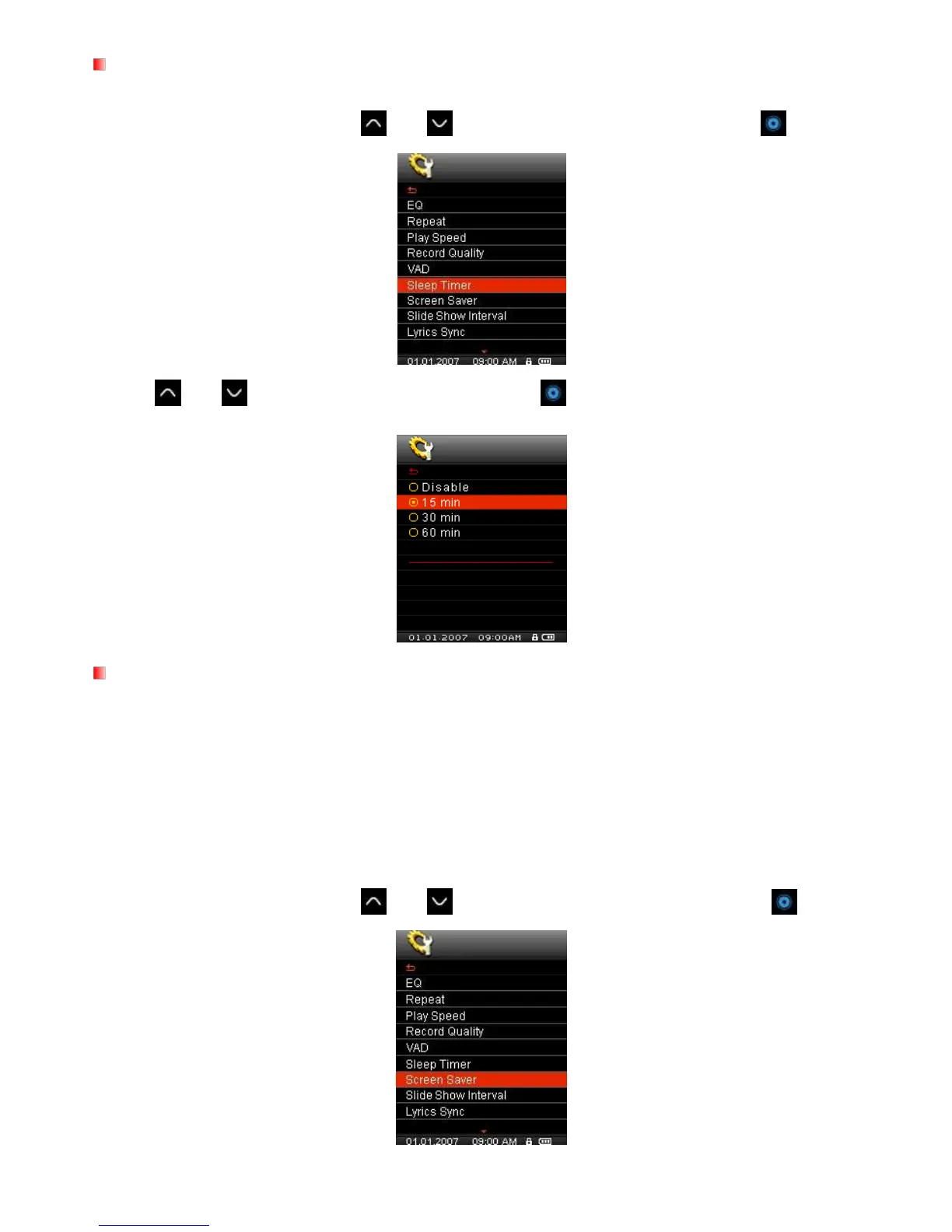
Sleep Timer
This function sets a time delay to automatically power OFF the MP850, regardless of playback status.
1. In the SETTINGS menu, Use the
and buttons to select “Sleep Timer” and press .
2. Use
and to select a Sleep Timer delay and press . You can choose from “15 Min”, “30 Min”,
“60 Min” or “Disable”. When the selected time is reached, the unit will automatically power OFF.
Screen Saver
This function lets you enable/disable the screen saver, choose which screen saver you want to be displayed,
and set the time delay for the screen saver to activate. Available screen savers are:
Song Title (Displays the title of the song currently being played)
Clock (Displays the current real time)
Blank (Displays a black screen to save battery life)
Slide Show (Displays a user-created picture slide show – See Slideshow Maker)
1. In the SETTINGS menu, Use the
and buttons to select “Screen Saver” and press .



 To Next Page