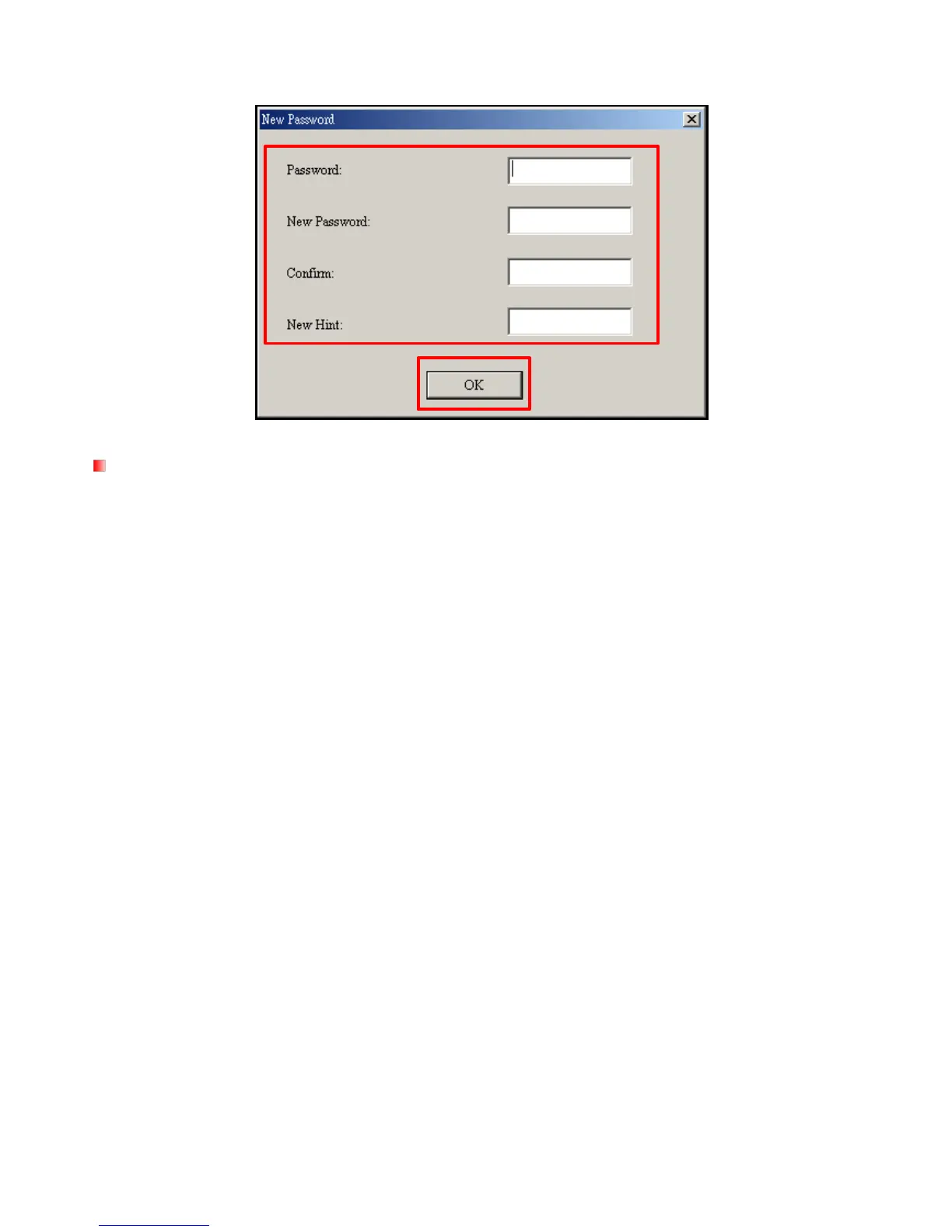
3. The New Password window will appear. Input your current Password and New Password, then confirm
the new password. Use the “New Hint” field to give yourself a hint in case you forget your new password.
Figure 35: Change Password
Forgotten Passwords
If you forget your password, use the password hint to help you remember your password. If you are still
unable to remember your password, you will have to use the Partition function to reset the Public and Private
areas. THIS WILL ERASE ALL DATA ON THE MP850. Although the data in the Private area will be lost, you
can back up all data on the Public area before using the Partition function.



 To Next Page