Driver Installation︱
Driver Installation for Windows
Me, 2000, XP and Vista
No drivers are required. These Windows
®
Operating Systems have built-in drivers to support the MP850.
Plug your MP850 into an available USB port and Windows
®
will install the necessary files. A “Removable
Disk” drive with a newly assigned drive letter will appear in the My Computer window.
Driver Installation for Mac
OS 10.0, or Later
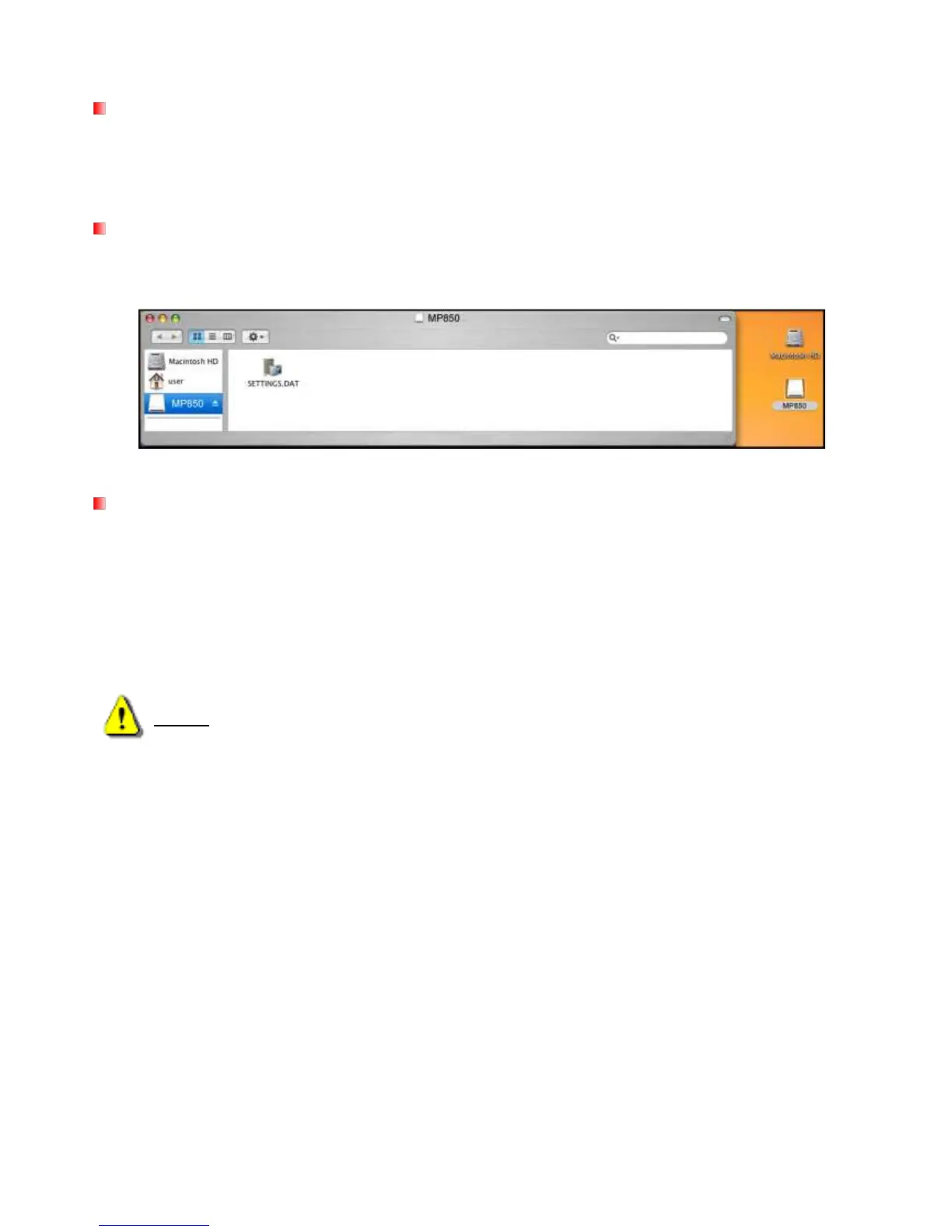
No drivers are required. Plug your MP850 into an available USB port and your computer will automatically
detect it.
Figure 3: Mac Driver Installation
Driver Installation for Linux
Kernel 2.4, or Later
No drivers are required. Plug your MP850 into a USB port and mount it.
1. Create a directory for the MP850.
Example: mkdir /mnt /MP850
2. Mount the MP850.
Example: mount –a –t msdos /dev/sda1 /mnt /MP850



 To Next Page