Reading E-books and Text files
1. Press the
button to enter the Main Menu.
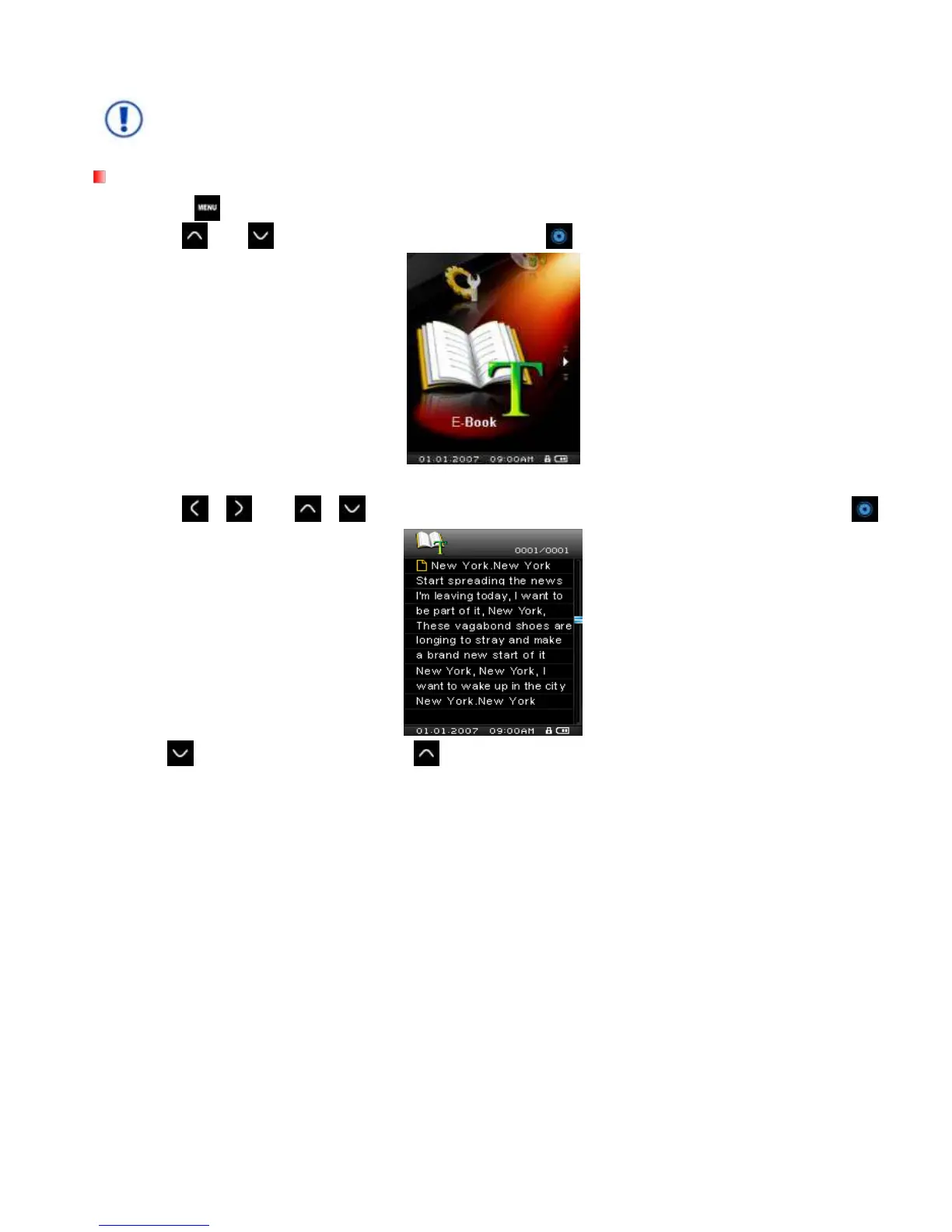
2. Use the
and buttons to select “E-book” and press .
3. The File Navigator will open, and a list of available .TXT files will be shown.
4. Use the /
and /
buttons to navigate to the file or E-book you want to read and press .
5. Press to go to the next page. Press
to go back one page.
MP850 only supports “.txt” format text files.



 To Next Page