Record Quality
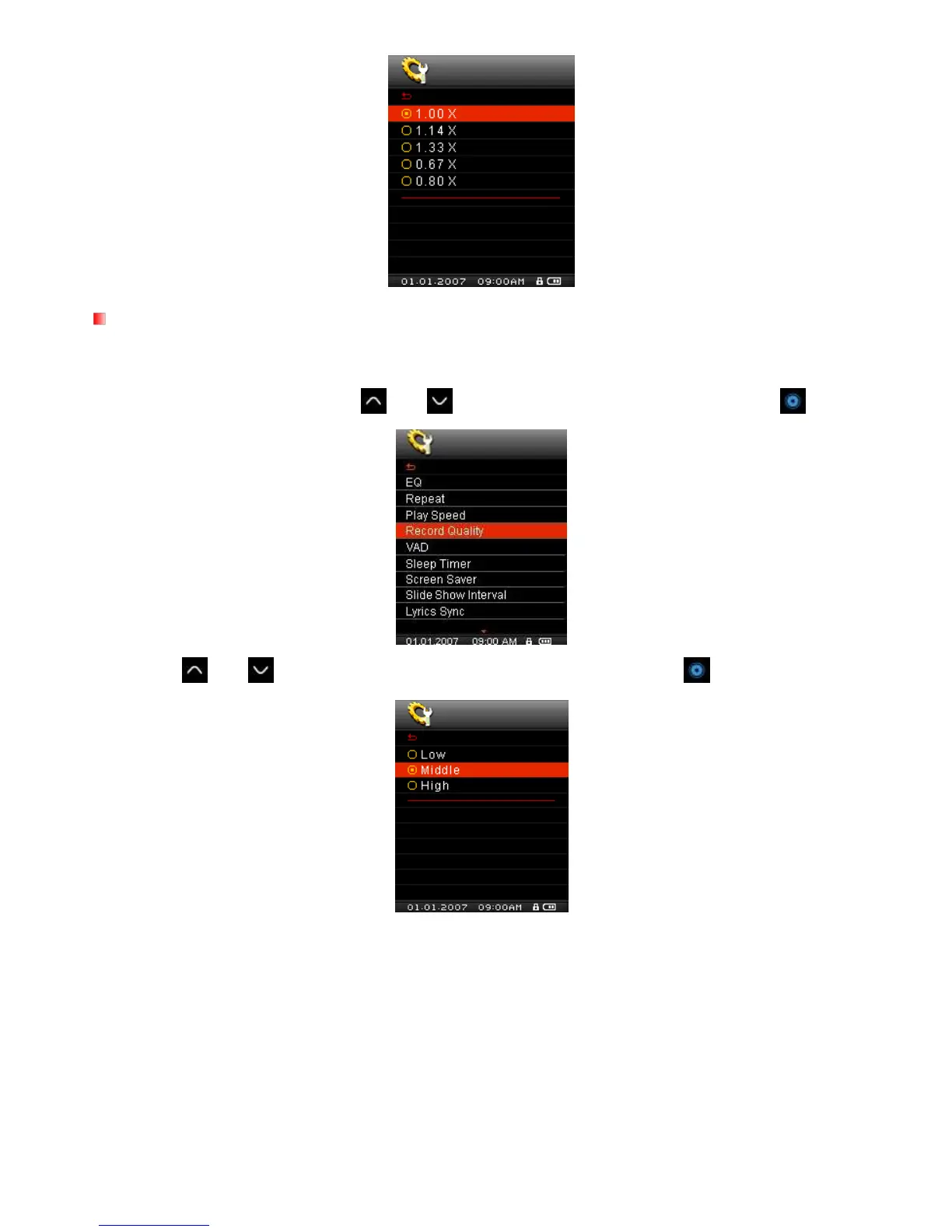
The quality of an audio recording can be set to Low (8,000Hz), Middle (16,000Hz), or High (32,000Hz).
Higher recording quality settings require more memory space to save the recorded WAV files.
1. In the SETTINGS menu, Use the
and buttons to select “Record Quality” and press .
2. Use the and
buttons to select Low, Middle, or High quality and press
to confirm.



 To Next Page