Adjusting the Volume
1. Press once or press and hold
or until you reach the desired volume level.
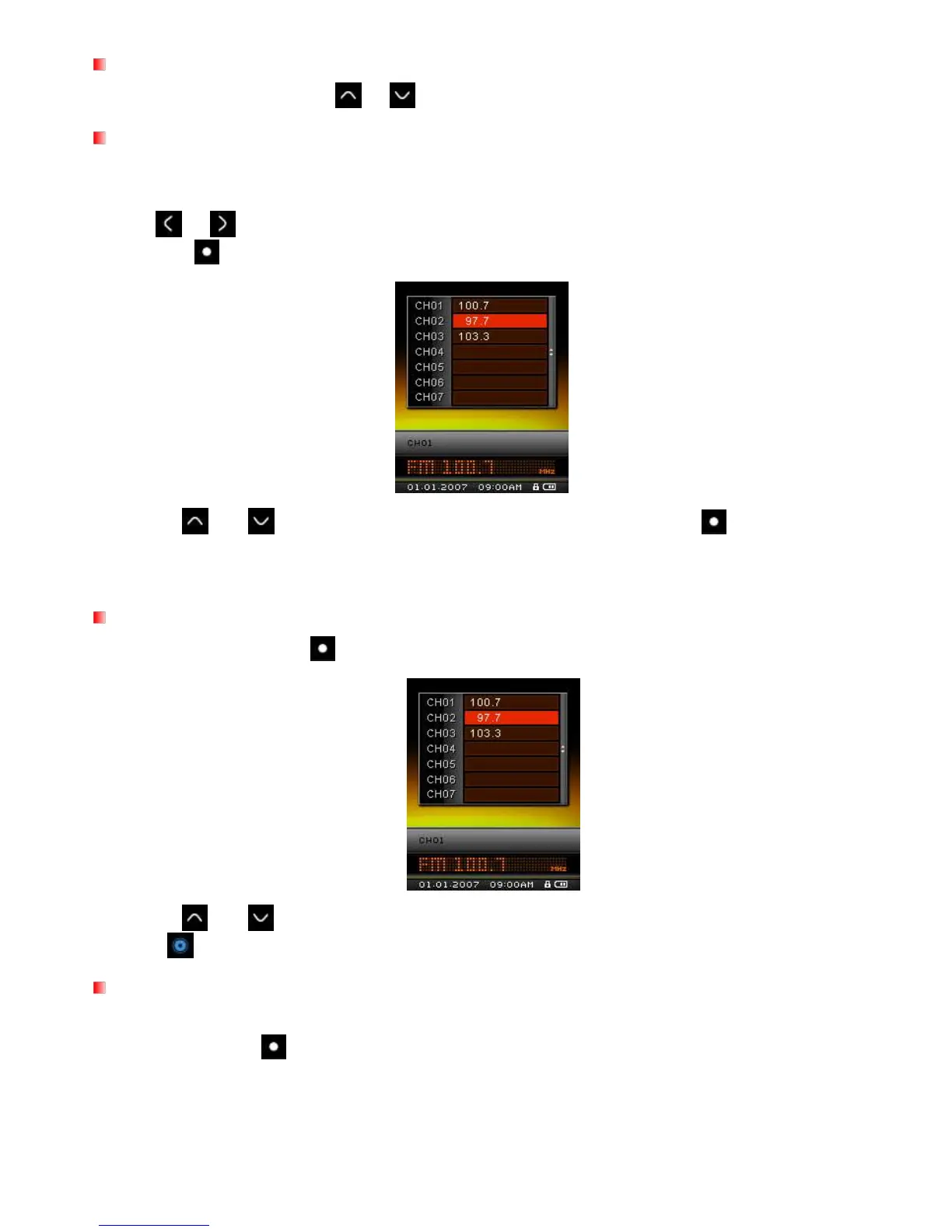
Saving a Radio Station
The MP850 lets you save (preset) your 20 favorite radio stations (CH01 to CH20).
To save a station:
1. Use
or
to select the radio station (FM frequency) that you want to save.
2. Press the button to bring up the saved channel list.
3. Use the
and
buttons to select your desired channel number, and press again to save the
current radio station to that channel.
Recalling a Saved Station
1. In the RADIO mode press to display your saved stations (CH01 to CH20).
2. Use the
and
buttons to select a channel number.
3. Press to listen to the selected channel.
Recording the Radio
1. Select a radio station that you want to record.
2. Press and hold the
button for 2 seconds to begin recording the station.
3. An automatically generated file name for your recording will appear at the top of the screen.



 To Next Page