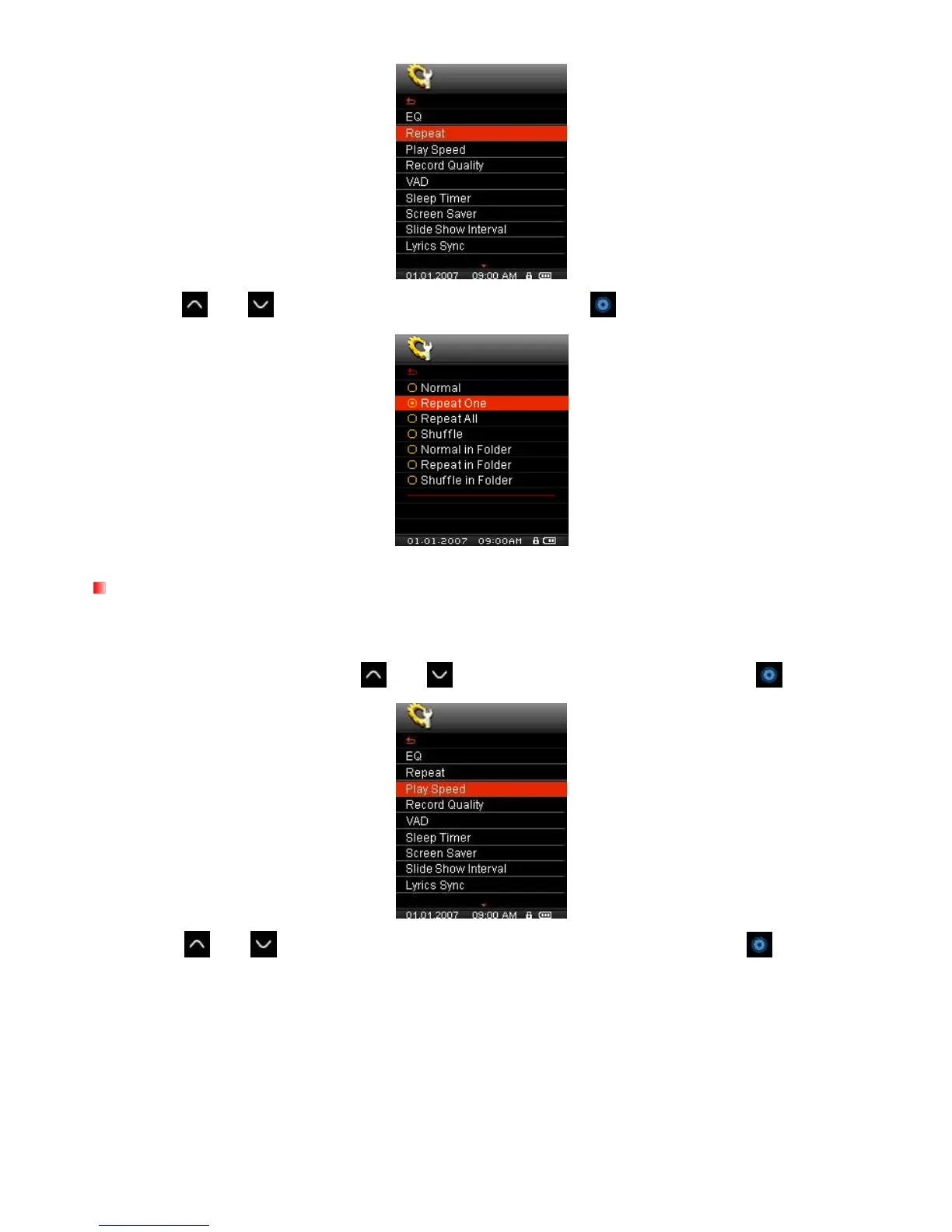
2. Use the and
buttons to select a repeat mode and press
to confirm.
Play Speed
The speed at which an audio file is played can be increased or decreased. Playback speeds can be set to:
0.67X (very slow), 0.80X (slow), 1.00X (normal), 1.14X (fast), 1.33X (very fast).
1. In the SETTINGS menu, Use the
and buttons to select “Play Speed” and press .
2. Use the and
buttons to select one of the five playback speeds and press
to confirm.
Default is 1.0x (normal speed)



 To Next Page