Playlists
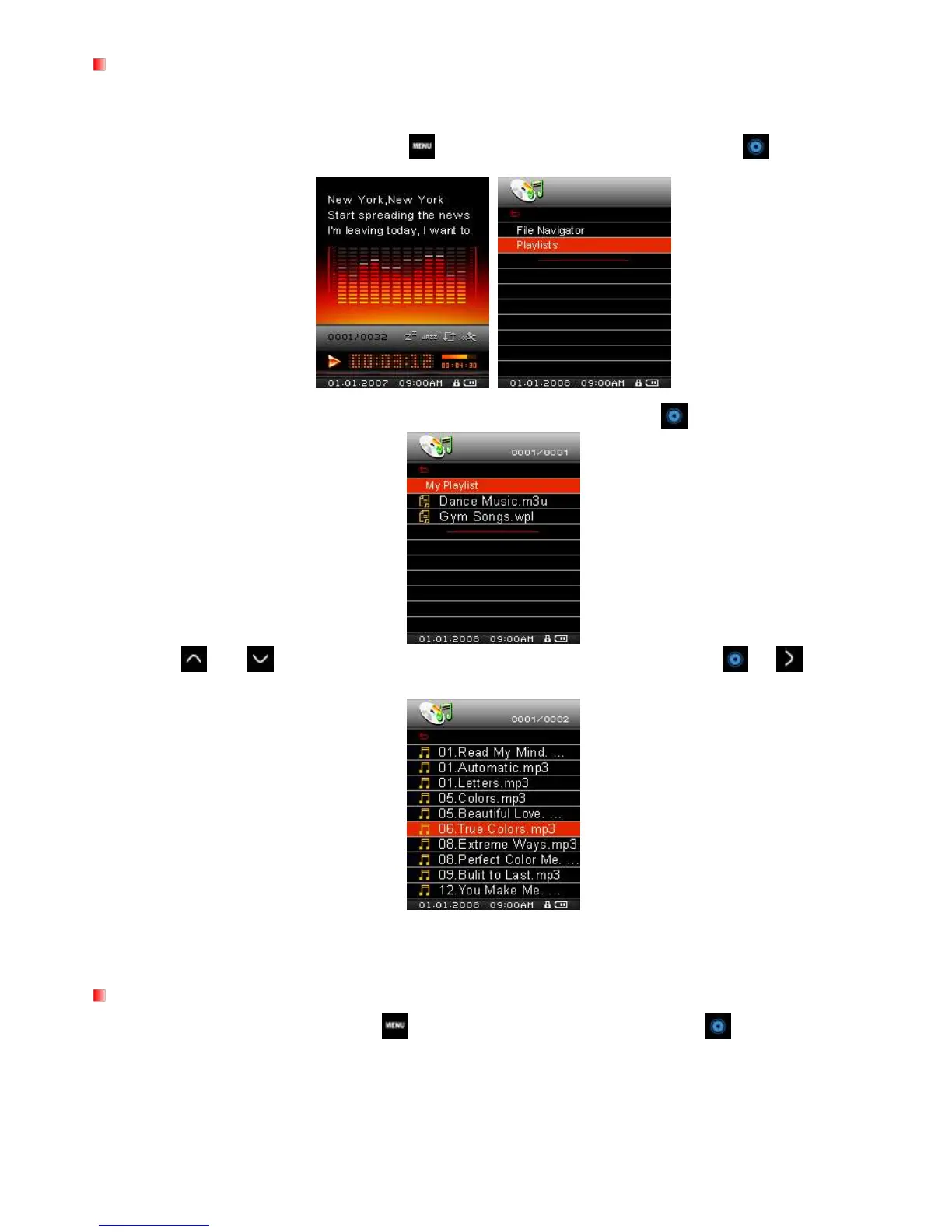
For quick and easy playback of your favorite songs, the MP850 supports, M3U, PLA, and WPL playlist
formats, and also includes a built-in user editable playlist (My Playlist).
1. In the MUSIC mode, press and hold the button, then highlight Playlists and press .
2. Select either “My Playlist” or an imported playlist file (if available) and press .
3. Use the and buttons to move up and down the list of available songs. Press or to play the
highlighted song. When the song ends, the rest of the files in the playlist will then be played.
4. To exit playlist playback, simply select a new music file from the File Navigator.
Adding a Song to My Playlist
1. In the MUSIC mode, press and hold , then highlight File Navigator and press .



 To Next Page