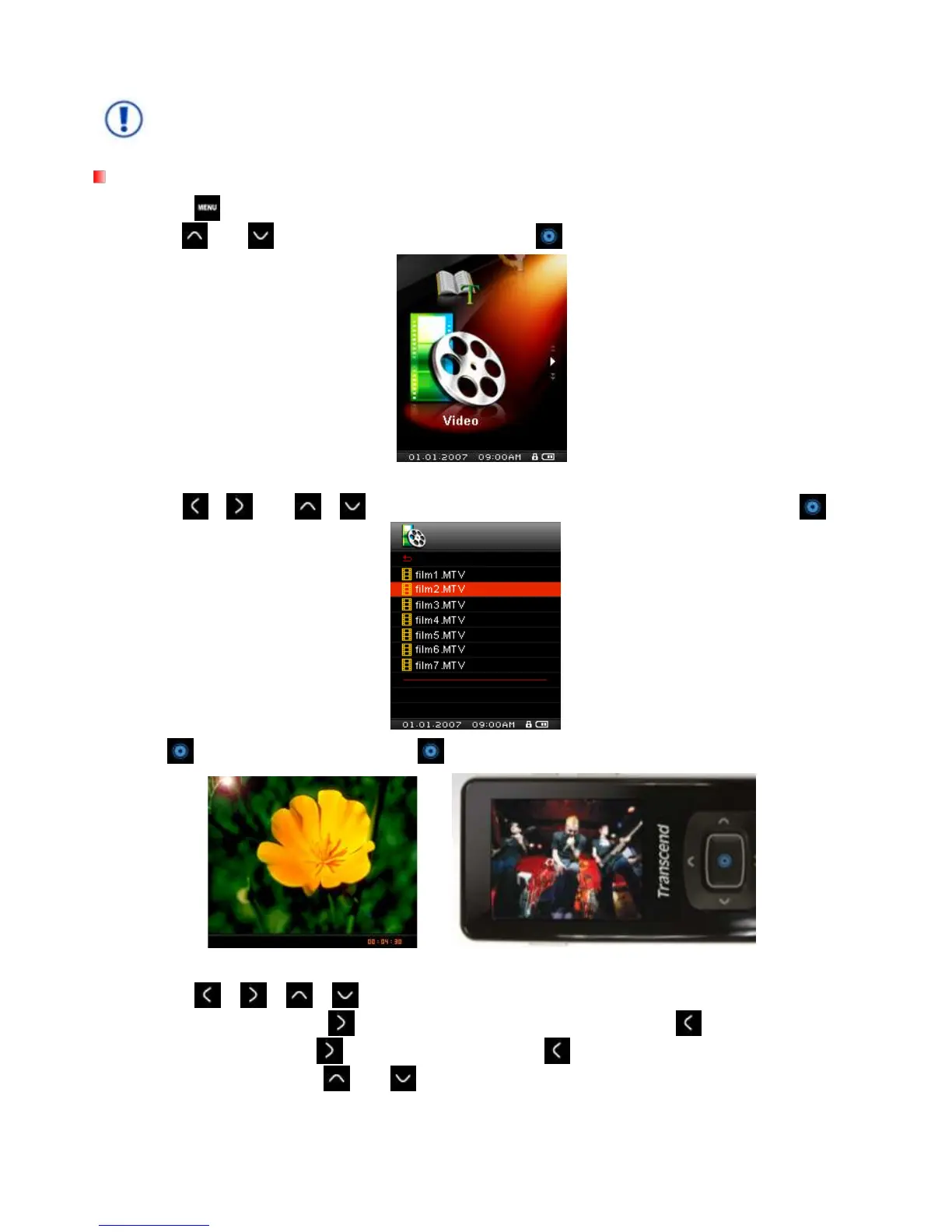
Playing MTV Files
1. Press the
button to enter the Main Menu.
2. Use the
and buttons to select “Video” and press .
3. The File Navigator will open, and a list of available .MTV files will be shown.
4. Use the /
and /
buttons to navigate to the video you want to play and press .
5. Press to pause the video, and press again to resume.
In order to maximize the screen’s resolution, video playback is displayed horizontally.
The /
/ /
directional controls will be adjusted to function horizontally.
6. During video playback press to go to the next available video, and press
to go back.
7. To fast forward, press hold . To rewind, press and hold .
8. To adjust the volume, press
and
MP850 only supports “.mtv” video files. You must use the “Transcend MTV Converter” Software to
convert “.MPEG4,” “.DivX,” “.AVI” and “.xVID” video files to the “.mtv” format.



 To Next Page