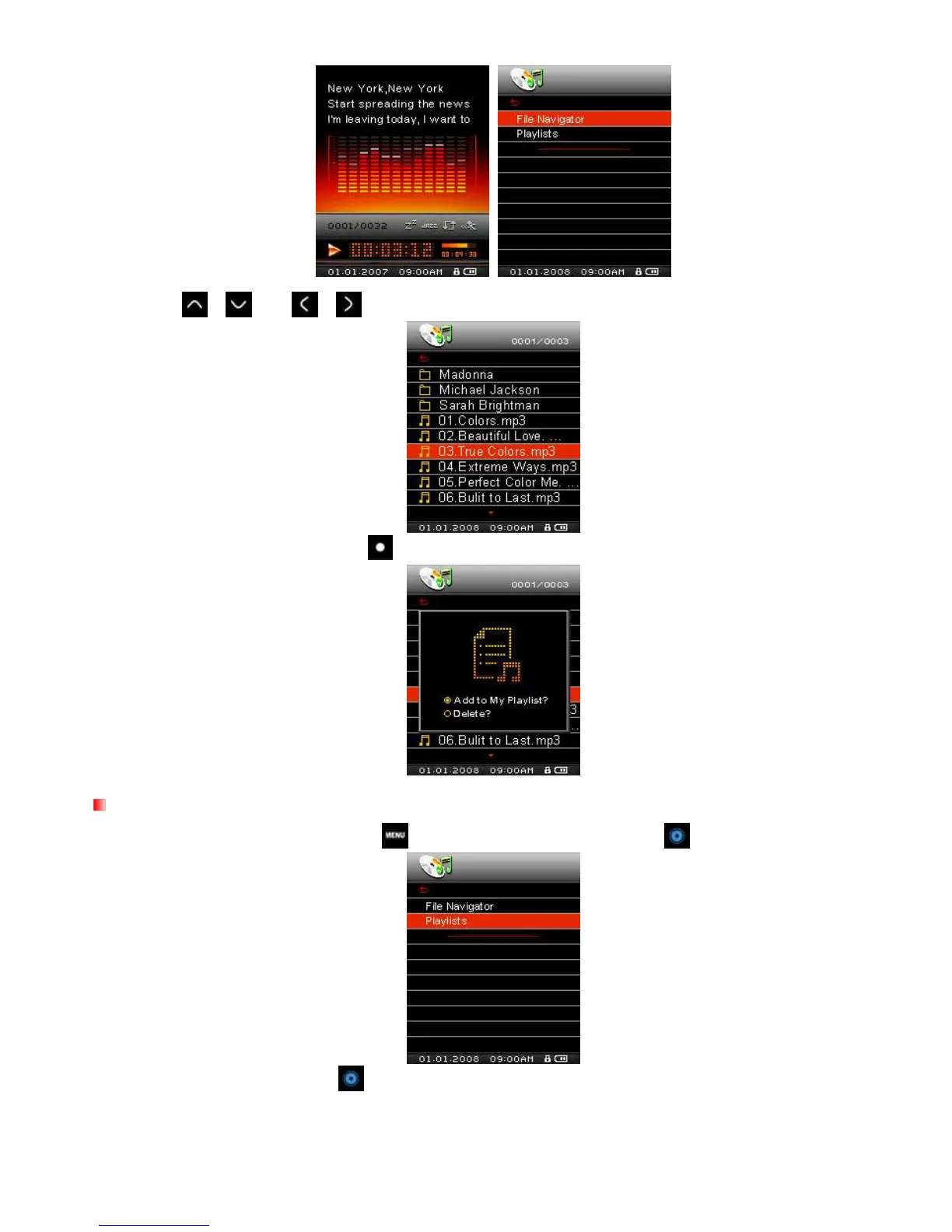
2. Use the /
and
/
buttons to navigate to the song you want to add.
3. With the file highlighted, press the button and select “Add to My Playlist.”
Removing a Song from My Playlist
1. In the MUSIC mode, press and hold , then highlight Playlists and press .
2. Select “My Playlist” and press .



 To Next Page