Bridge Mode
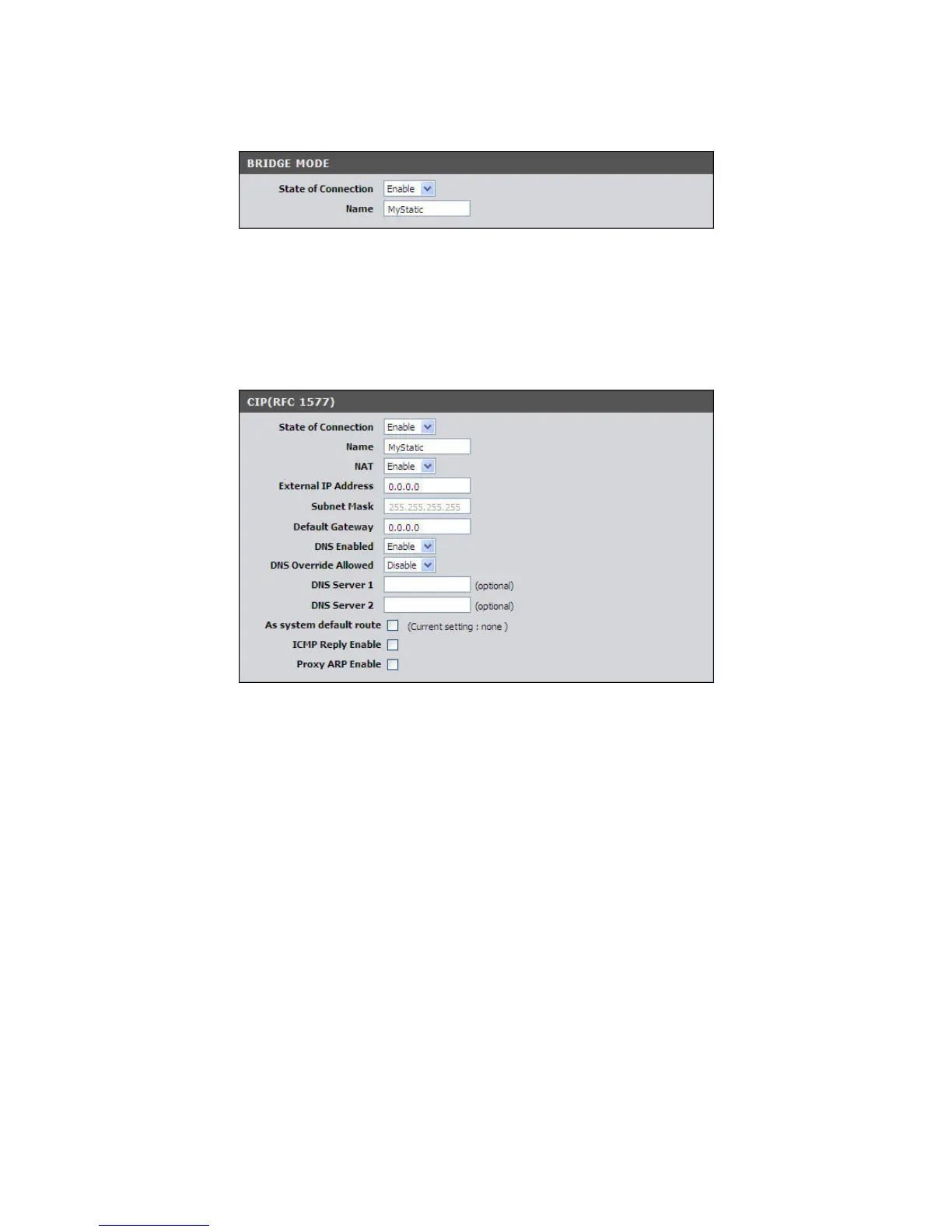
If you select Bridge mode (RFC-1483 Bridged), the screen below is displayed.
State of Connection — Select whether to enable or disable this connection.
Name — Enter your desired connection name.
CIP (RFC-1577)
If you select CIP (RFC-1577 Classic RP/ARP over ATM), the screen below is displayed.
State of Connection — Select whether to enable or disable this connection.
Name — Enter your desired connection name.
NAT — Select whether to enable or disable NAT (Network Address Translation).
Enable this setting to share one WAN IP address with multiple computers on your
network.
External IP Address — Enter the IP address provided by your ISP.
Subnet Mask — Enter the subnet mask provided by your ISP.
Default Gateway — Enter the default gateway provided by your ISP.
DNS Enabled — Select whether to enable or disable DNS (Domain Name System).
DNS Override Allowed — Select whether to enable or disable DNS override.
DNS Server 1 and DNS Server 2 — If provided by your ISP, enter the DNS server.
Otherwise, leave these fields blank.
As system default route — Check this box to set the current setting as the default
route.



 To Next Page