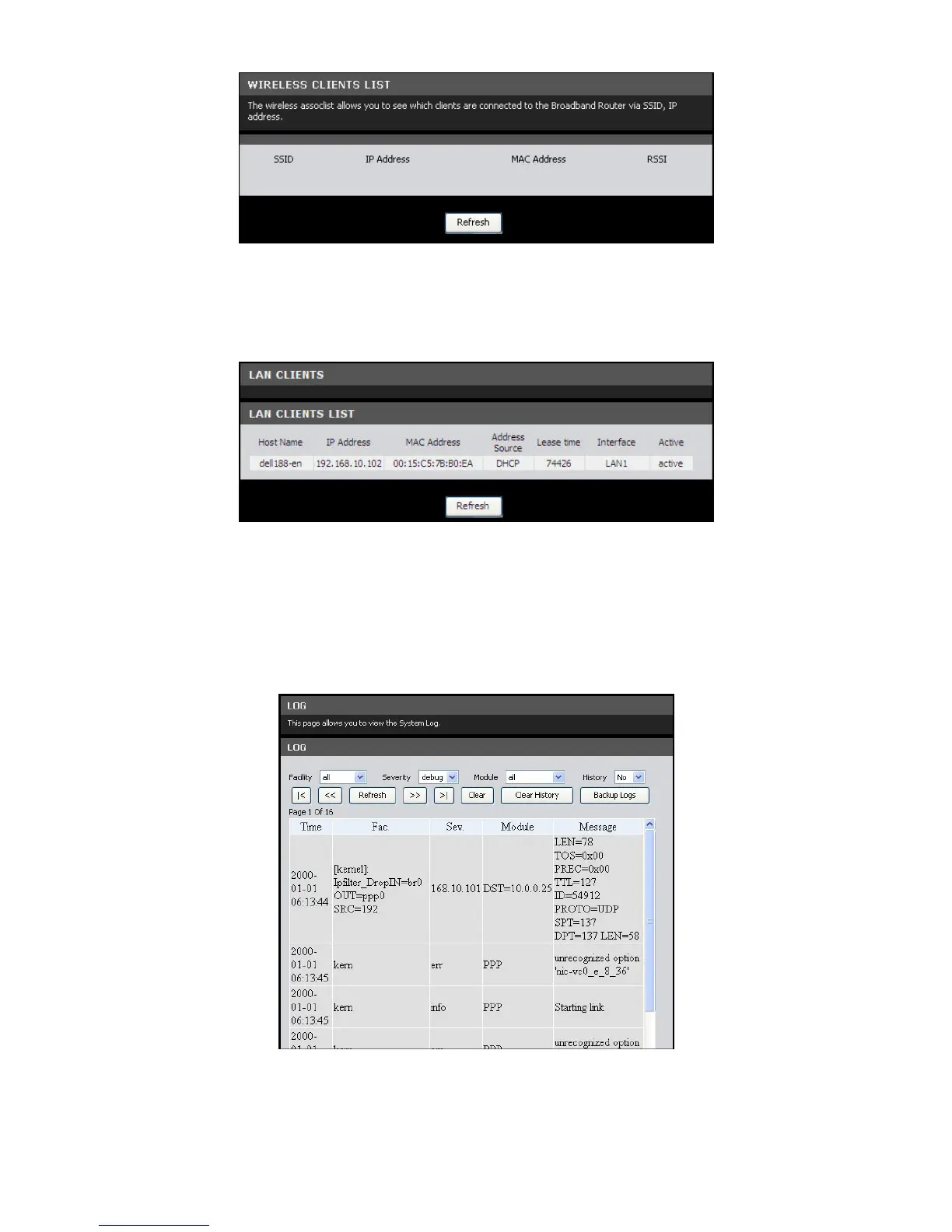
Click the Refresh button to refresh the information.LAN Clients
This page displays the clients connected on your network.
To access the LAN Clients page, click STATUS > LAN Clients.
Click the Refresh button to refresh the information.
Logs
This page allows you to view, clear, and backup system logs.
To access the Logs page, click STATUS > Logs.
You can filter the list by selecting a particular Facility, Severity, Module, or History
from the drop-down lists.



 To Next Page