48. Click the Browse button.
49. Browse for the file, then click the Open button.
50. Click the Import Script button.
To show the scripts on your computer, click the Show Start/End Script button.
To delete the scripts on your computer, click the Delete button.
SysLog
This page allows you to enable and configure system logs such as device status,
events, and activities. Logs can be sent to the network administrator via e-mail.
To access the SysLog page, click MAINTENANCE > SysLog.
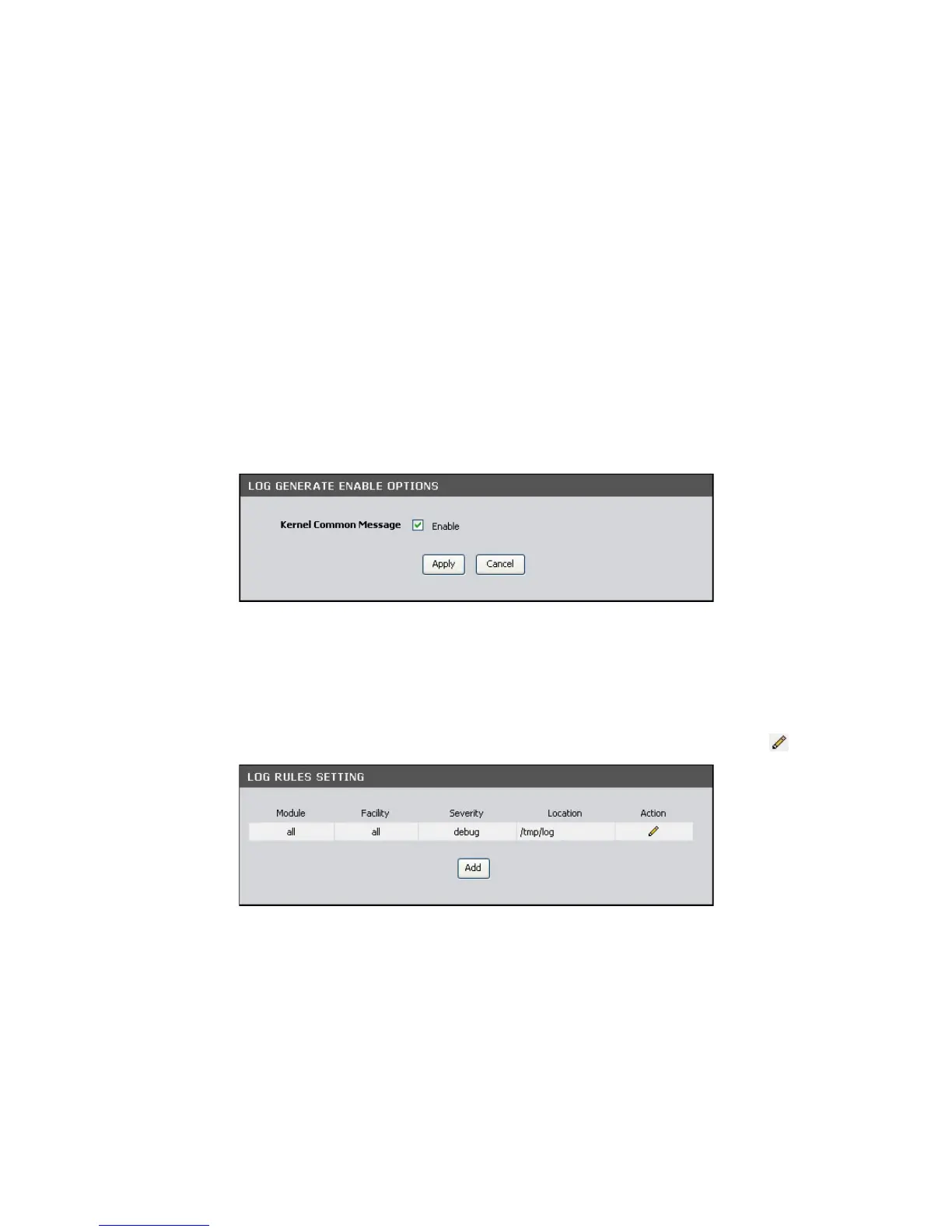
Log Generate Enable Options
Kernel Common Message — Check this box to generate logs. Click the Apply button
to save and apply the setting.
Log Rules Setting
The table displays current log rules. To edit an entry, click the corresponding icon.
To create log rules, click the Add button. The screen below is displayed.



 To Next Page