32. Select the time to implement the URL filter or click the New Time Schedule
button to create a new schedule.
33. Click the Add button of the Add Keyword Rule. The entry is listed on the URL
LIST table.
To delete an entry, click the corresponding button.
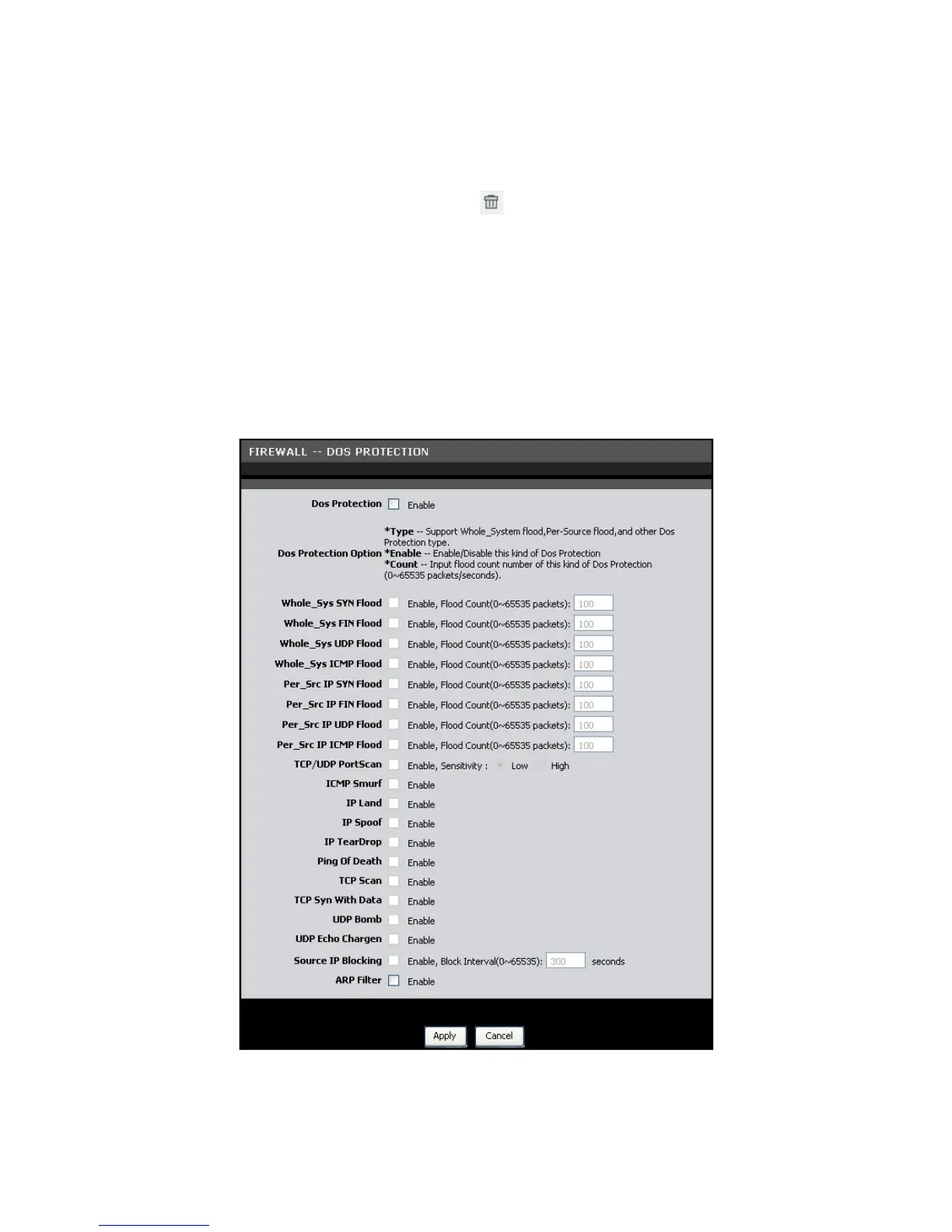
DOS Protection
This page allows you to protect your network from hackers to run Denial of Service
(DoS) attacks.
To access the DOS Protection page, click ADVANCED > Firewall > DOS Protection or
click the DOS Protection button.
Dos Protection — Check this box to enable DoS protection.



 To Next Page