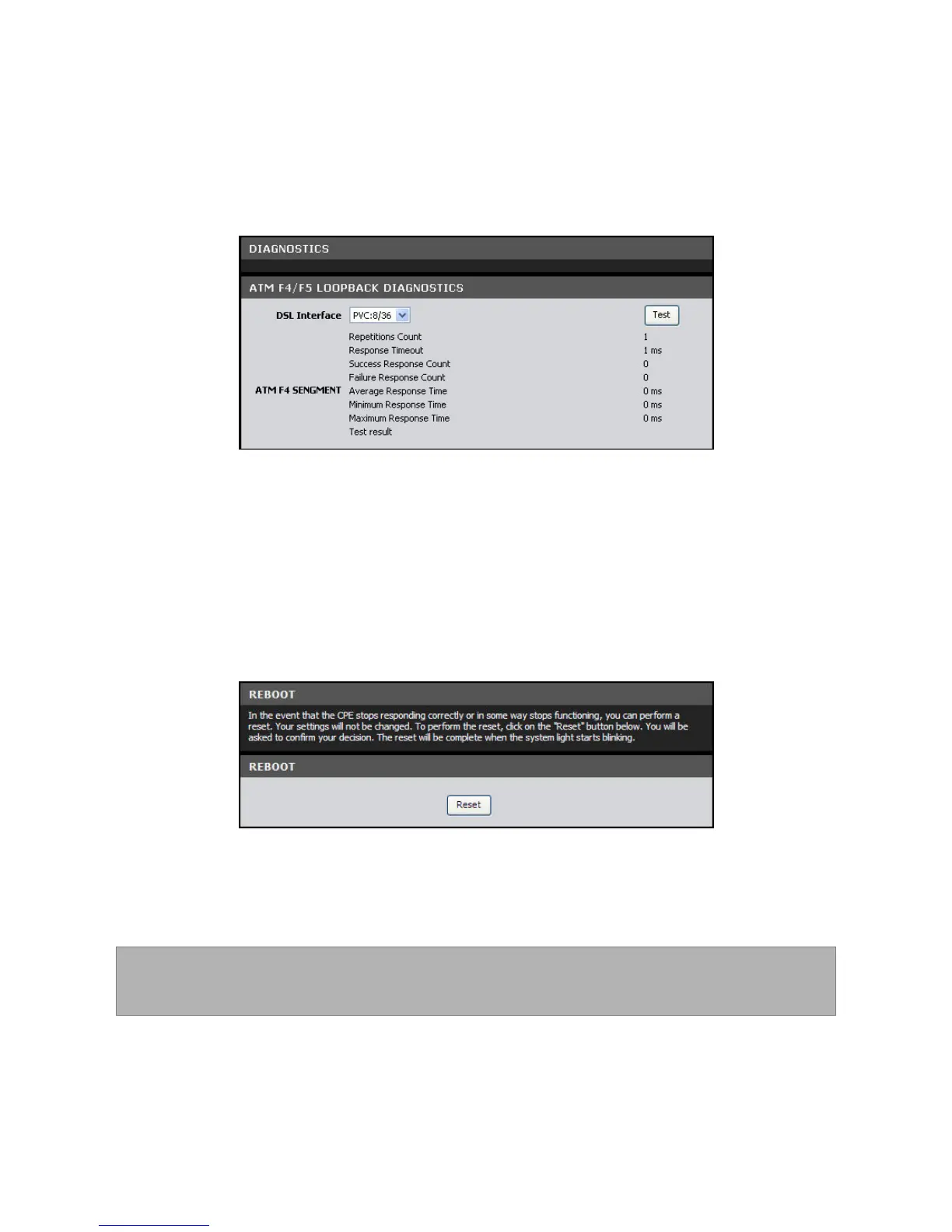
Diagnostics
This page allows you to test the connectivity of the physical and protocol layers on
the WAN side.
To access the Diagnostics page, click MAINTENANCE > Diagnostics.
To start the test, select the DSL Interface from the drop-down list, and then click the
Test button.
Reboot Device
In the event that your device does not respond correctly or stops responding, reset
your device. All your settings will be retained.
70. Click the Reset button.
71. Click OK to confirm.
72. When prompted, click OK.
NOTE: Resetting your Modem Router may take some time. Do not turn off
the power until the reset is completed.



 To Next Page