Click the Clear History button to delete old logs.
Click the Backup Logs button to save a backup of the logs.
Click the |< << >> >| buttons to scroll through the logs.
Click the Refresh button to refresh the information.
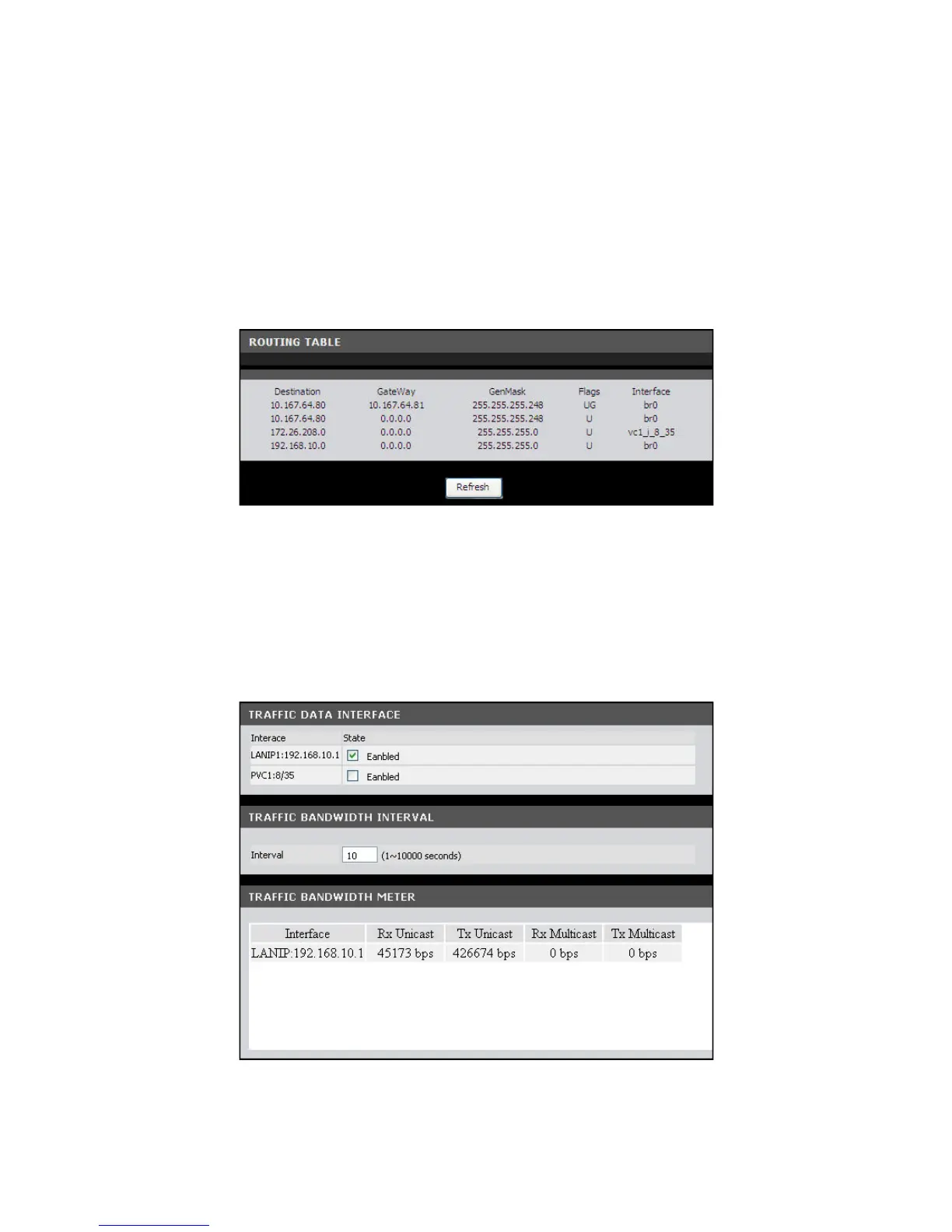
Routing Table
This page displays the destination routes commonly accessed by your network.
To access the Routing Table page, click STATUS > Routing Tables.
Click the Refresh button to refresh the information.
Traffic Meter
This page displays the transmission and reception statistics of packets that pass
through the specified interface.
To access the Traffic Meter page, click STATUS > Traffic Meter.



 To Next Page