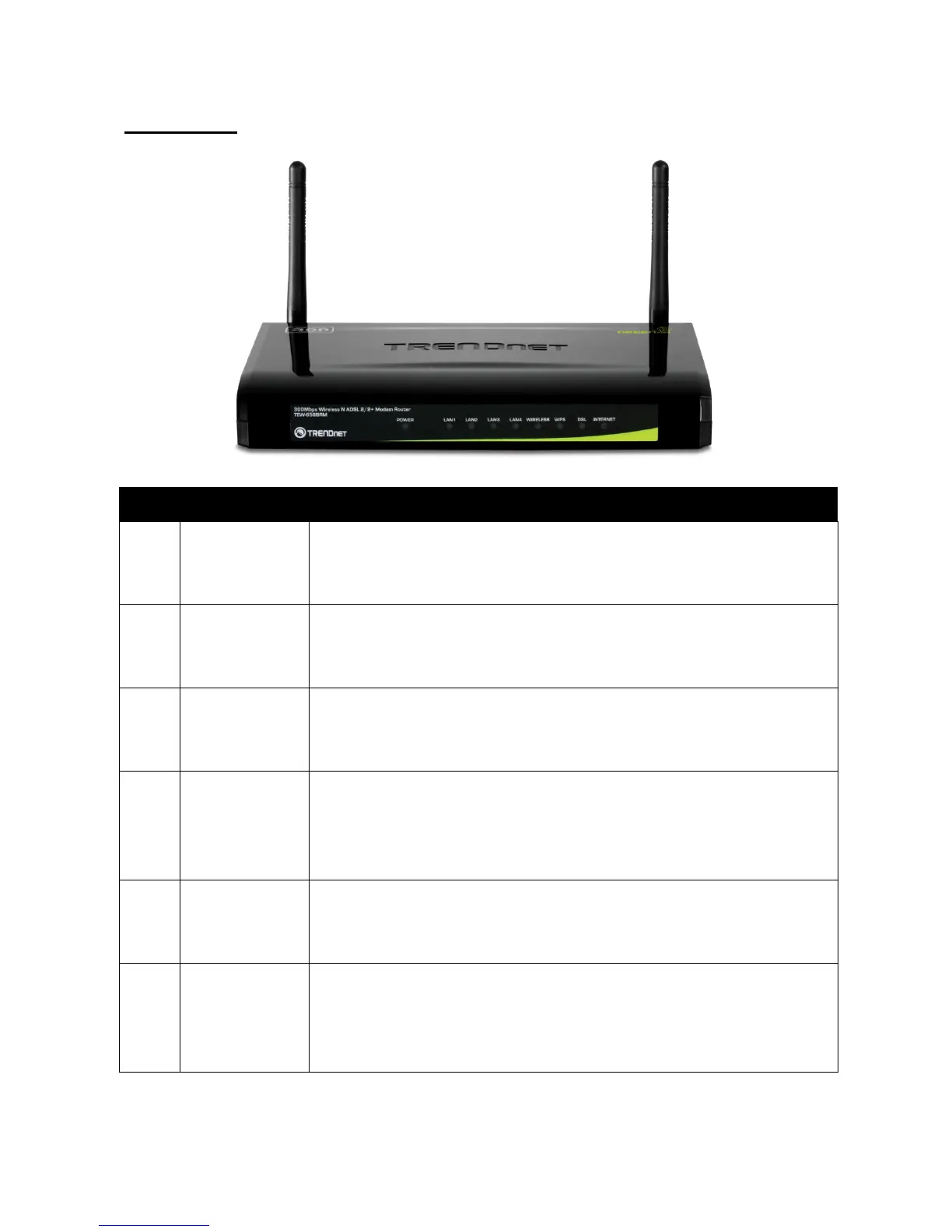
Hardware Overview
Front Panel
No. LED Description
1 Power LED
• Solid GREEN – Indicates normal operation.
• Solid RED – Indicates malfunction.
• Off – The device is powered off.
2 LAN 1, 2, 3, 4
• Solid GREEN – Connected but no activity.
• Flashing GREEN – Data transmission is in progress.
• Off – No computer is connected.
3 Wireless
• Solid GREEN – Connected but no activity.
• Flashing GREEN – Data transmission is in progress.
•
Off – Wireless connection is disabled.
4 WPS
• Solid GREEN – WPS-enabled device is connected.
• Flashing GREEN – Searching for WPS-enabled devices.
• Solid RED – No WPS-enabled device is connected.
• Off – WPS is disabled.
5 DSL
• Flashing GREEN – Attempts to synchronize with DSL line.
• Solid GREEN – DSL line is synchronized.
• Off – DSL connection is not present.
6 Internet
• Solid GREEN – Internet is connected but no activity.
• Flashing GREEN – Data transmission is in progress.
• Solid RED – Internet connection failed.
•
Off – No internet connection.



 To Next Page