Traffic Data Interface
The table lists the available interfaces on your network. Check the State box of the
interface to view its traffic. You may check more than one interface.
Traffic Bandwidth Interval
Interval — Enter the interval of refreshing the traffic bandwidth.
Traffic Bandwidth Meter
This table lists the current traffic.
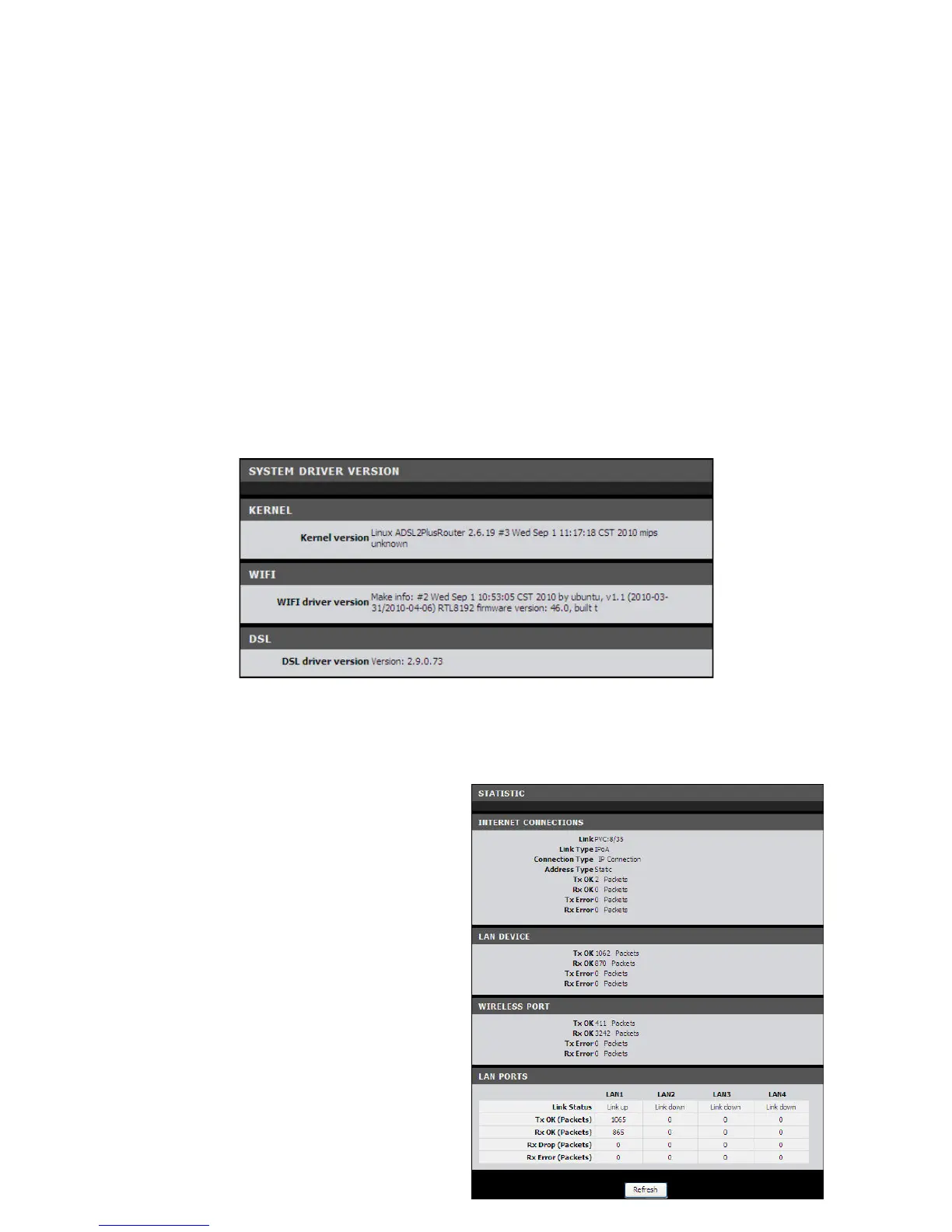
Driver Version
This page displays the current kernel, Wi-Fi, and DSL driver versions.
To access the Driver Version page, click STATUS > Driver Version.
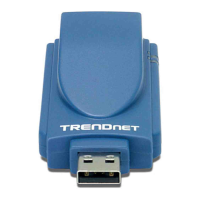
Statistics
Basic Statistics
This page displays the transmission and
reception statistics of the Internet
connection, LAN device, wireless port,
and the LAN ports.
To access the Basic Statistics page, click
STATUS > Statistics > Basic Statistics or
click the Basic Statistics button.
Click the Refresh button to refresh the
information.


 To Next Page