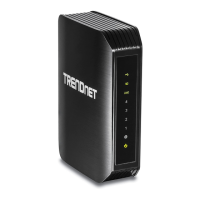
TEW-823DRU
6
© Copyright 2014 TRENDnet. All Rights Reserved.
Wireless Consideraons
Connecon Performance
A number of factors aect the performance of wireless connecon. Consider the following
guidelines to ensure high-range and stable connecvity.
9 Keep the router and other wireless devices away from obstrucons, such as walls or
buildings. Each obstrucon can reduce the range of a wireless device.
9 Keep the router and other wireless devices away from devices that produce radio
frequency (RF) noise, such as microwave ovens or radios.
9 Keep the router and other wireless devices away from any device operang on the
2.4GHz frequency, such as cordless phones or remote controls.
9 Antenna orientaon aects the wireless signal. Determine the best orientaon and
adjust the antenna posion of your device.
Security Checklist
Wireless networks are easy to install and convenient to use. However, wireless network
signals can also be intercepted easily. To prevent unauthorized users from connecng to
your wireless network, follow the guidelines below.
9 Change the default wireless network name.
Your device has a default Service Set Idener (SSID) which is the wireless network
name. Change the SSID with a unique name to idenfy your network. The SSID can be
up to 32 characters in length.
9 Change the default password.
Your device has a default password. You have to enter this password to change your
network sengs. Change the password to prevent unauthorized user from intruding
into your network and changing the sengs.
9 Enable MAC address ltering.
Your device supports Media Access Control (MAC) address ltering. You can assign a
MAC address on each computer that you want to connect to your wireless network.
When MAC address ltering is enabled, only the computers with the specied MAC
addresses are allowed access.
9 Enable encrypon
Your device supports Wired Equivalent Privacy (WEP), and Wi-Fi Protected Access
(WAP/WPA2) encrypon. To ensure a high level of security, enable the highest
security encrypon and use strong passphrases, avoid using words that can be found
in the diconary.
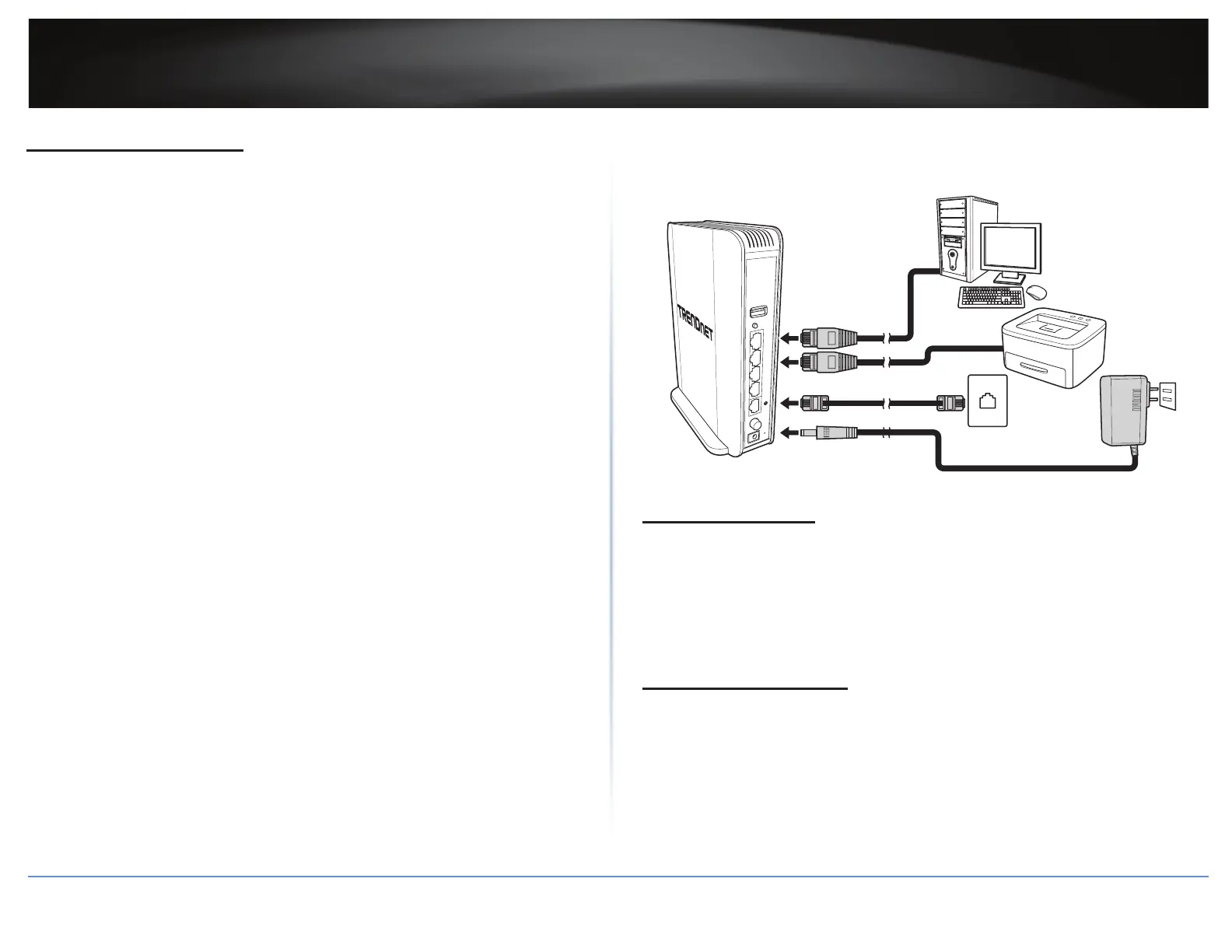
Installaon
Make sure that all devices are powered o before starng installaon.
POWER
4
3
2
1
USB
WPS
TEW-823DRU
12V
2A
Connect the Power
1 Connect the power adapter to the power port of your router.
2 Plug the power adapter to a power outlet.
3 Push the Power buon to turn your router on.
ÍNote: Use only the supplied power adapter. Using other power adapters may cause
damage to the device.
Connect the Computer
1 Connect one end of the RJ-45 cable to the LAN port of your router.
2 Connect the other end of the RJ-45 cable to the LAN port of the computer.





 To Next Page