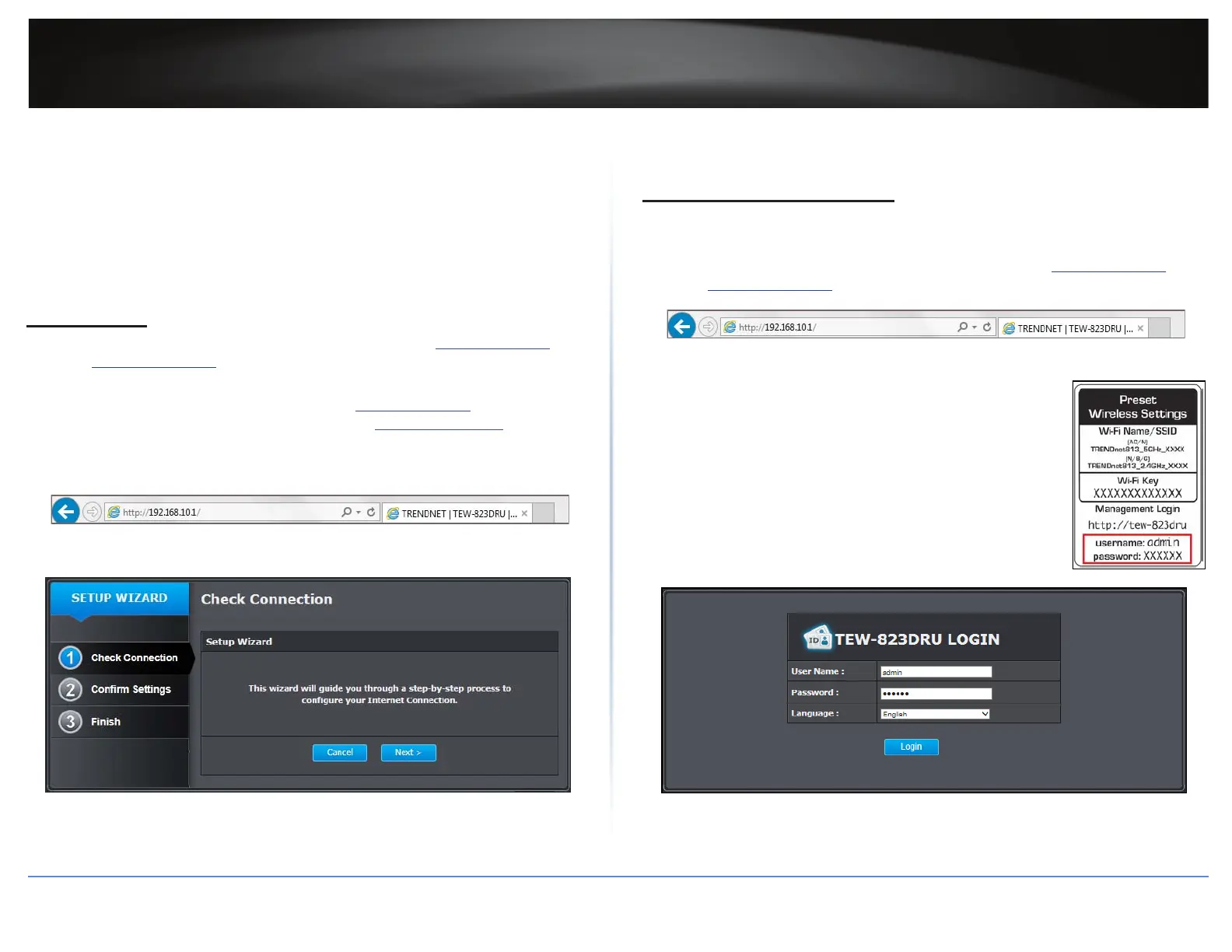
TEW-823DRU
8
© Copyright 2014 TRENDnet. All Rights Reserved.
5 Congure TCP/IP to use DHCP. Do one of the following:
In MAC 10.4, from the Congure IPv4, drop-down list, select Using DHCP and click
the Apply Now buon.
In MAC 10.5, from the Congure drop-down list, select Using DHCP and click the
Apply buon.
6 Restart your computer.
ÍNote: If you are experiencing dicules, please contact your computer or operang
system manufacturer for assistance.
Setup Wizard
1 Open your web browser and enter the URL/domain name hp://tew-823dru or IP
address hp://192.168.10.1. The wizard will automacally appear.
ÍNote: If you have already congured your router before, the wizard will no longer
appear automacally. In your web browser, enter hp://tew-823dru or you can access
the router management using the default IP address hp://192.168.10.1. Your router
will prompt you for a user name and password. Enter your user name and password
and click Advanced > Setup > Wizard.
2 Follow the on-screen instrucons to congure your Internet Connecon.
Basic Router Sengs
Log in to Management Page
ÍNote: You can access your through the use of your Internet web browser, such as
Internet Explorer®, Firefox®, Chrome™, Safari®, Opera™.
1 Open your web browser and enter the URL/domain name hp://tew-823dru or IP
address hp://192.168.10.1.
2 Enter the user name, password, and select your preferred language.
ÍNote:
ͳ The default user name is “admin”.
ͳ For security purposes, the router is precongured with a
unique password. You can nd the Password on a scker on
the side of the router and on the label on the boom of the
router.
ͳ User name and password are case sensive.
3 Click Login.















 To Next Page