© Copyright 2020 TRENDnet. All Rights Reserved.
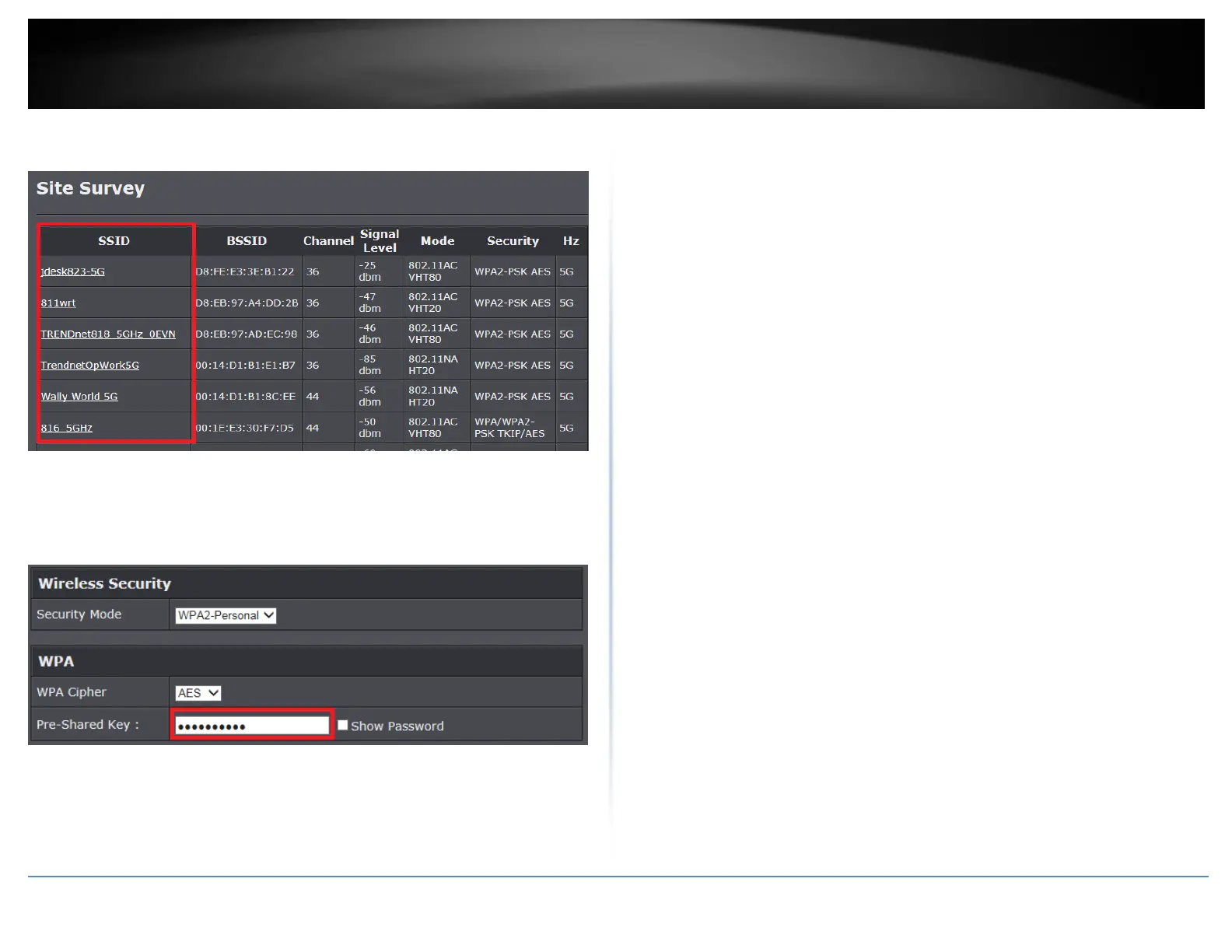
5. Select the network you would like to connect to in the list by clicking on the wireless
network name or SSID.
6. If the network selected requires a WiFi password/key, enter the key under Wireless
Security.
Note: You can choose to enable MU-MIMO if the router/AP you are connecting to
supports this feature.
7. To save changes to this section, click Save when finished. Commit your changes to the
router by clicking on Apply/Discard Changes in the left-hand menu, and click Apply &
Reboot. After applying changes, you can check the connection status under Status >
Connection Status.















 To Next Page