© Copyright 2020 TRENDnet. All Rights Reserved.
3. Review the IPv6 Internet Connection settings and enter information settings specified
by your ISP. To save changes to this section, click Save when finished. Commit your
changes to the router by clicking on Apply/Discard Changes in the left-hand menu, and
click Apply & Reboot.
Note: Please contact your ISP for IPv6 service availability.
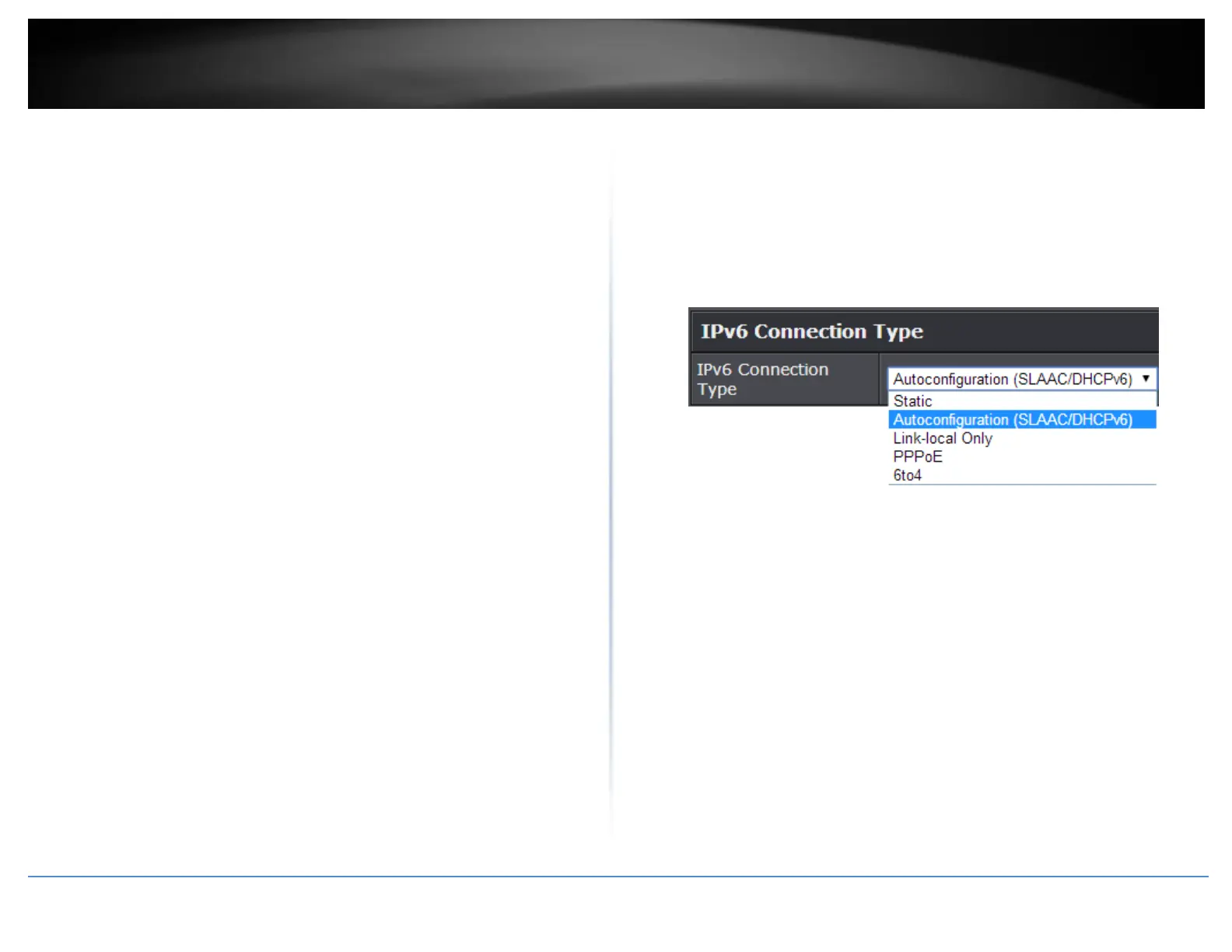
Select the IPv6 connection type provided by your ISP.
Static IPv6
Auto-configuration (SLAAC/DHCPv6)
PPPoE
6to4
Link-Local Only















 To Next Page