© Copyright 2020 TRENDnet. All Rights Reserved.
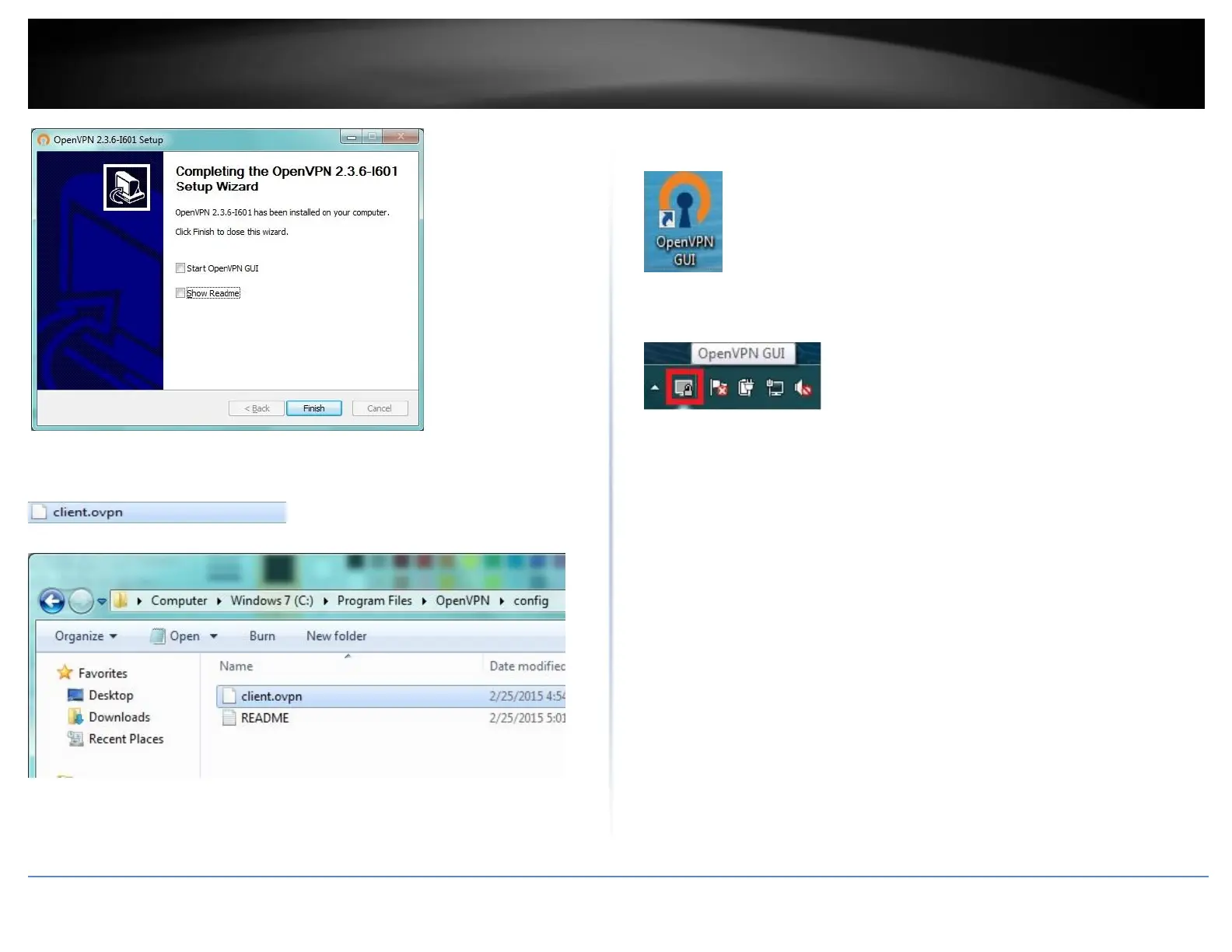
12. Copy the client configuration file(s) (client.ovpn) downloaded from the router to the
following path without any sub-folders.
C:\Program Files\OpenVPN\config
13. Double-click on the OpenVPN GUI shortcut on your desktop to start the OpenVPN
Client software.
14. The OpenVPN system tray icon will appear in the bottom right corner. Right-click the
icon to display the configuration menu.















 To Next Page