48
General Information
Pass Button
Note:
• The pass button will only operate
when the engine is running.
When the pass button is pressed, the
headlight main beam will be switched on. It
will remain on as long as the button is held in
and will turn off as soon as the button is
released.
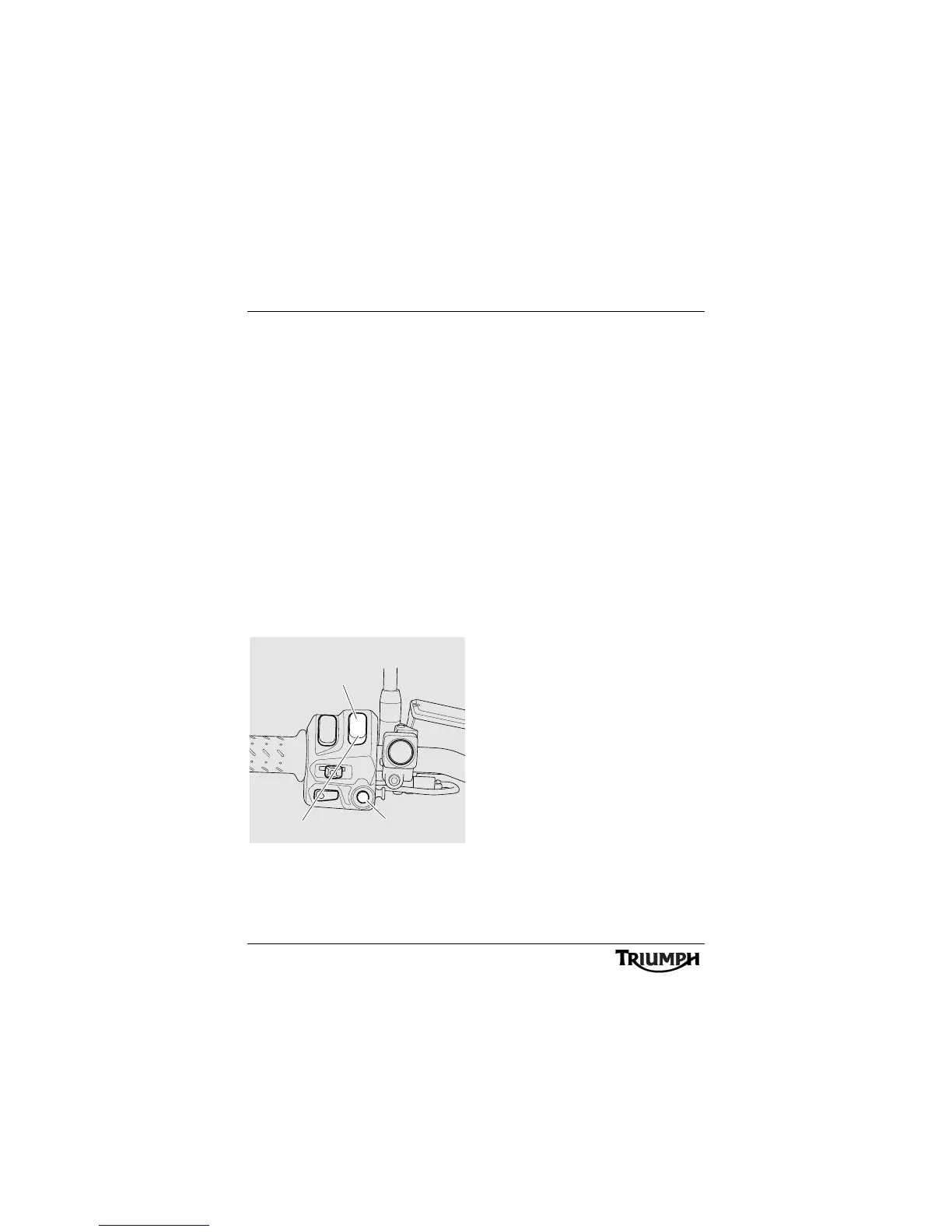
Instrument Scroll Button
When the scroll button is pressed and
released it will scroll through the menu visible
in the instrument's display screen.
Instrument Set Button
When the set button is pressed it will select
the menu visible in the instrument's display
screen.
1. Set button
2. Scroll button, up
3. Scroll button, down
Front Fog Lights Switch, if fitted
Note:
• The front fog lights switch will only
operate when the headlights are on.
When the front fog light button is pressed,
with the engine running, the front fog lights
will illuminate. To turn off the front fog lights,
press the switch.
1
2
3
chdb_3










 To Next Page